General / Presentation talking points
A guide to glance at
while you present.
From script to talking points.
Just paste the script and ask for key points in speaking order. The main messages come back as short bullet points.
Try it in Prompt Flow StudioScript provided
This is the script for next week's presentation. I want to keep it at hand, so please turn the main messages into short bullet points in the order I will speak.
[Presentation script (internal process improvement report)]
Hello, everyone. Today I'll report on the improvements to inquiry handling we've worked on over the past six months. To start with the conclusion, we cut the average time to our first reply to customers from 8 hours to 2 hours. It began when we found that 40% of inquiries were similar questions. So we prepared 30 sample answers to common questions so that any staff member could reply right away. We also made it a rule to send an acknowledgment within 15 minutes of receiving an inquiry. Some issues remain. Specialized questions are still concentrated on certain staff members. Going forward, we plan to review the sample answers every month and hold study sessions on specialized questions. Finally, thank you to everyone in each department who helped.
Key points returned
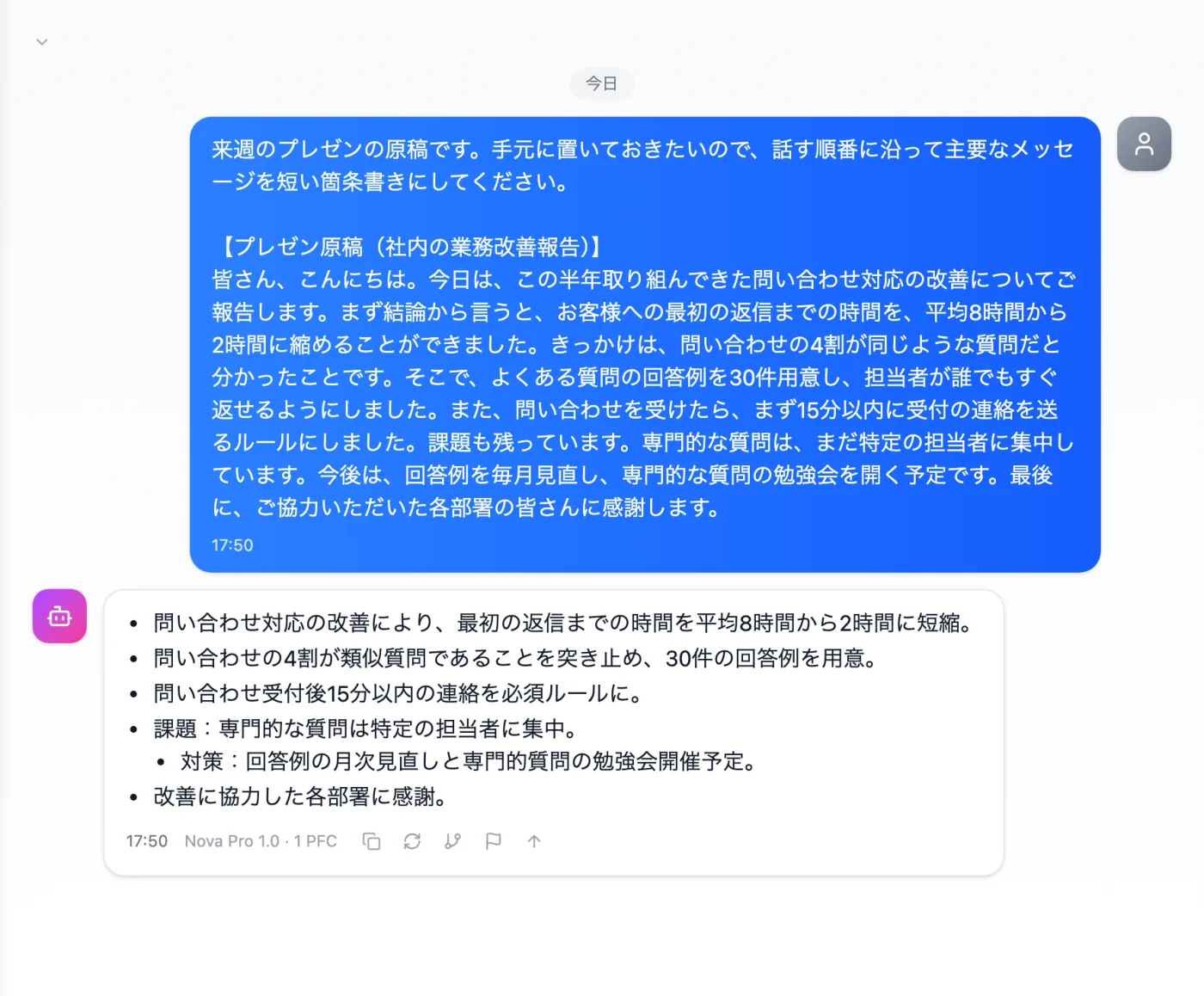
Actual screen (using the "Bullet-point summary" output style) (an example of use)View larger image
Just 3 steps
Paste the script
Paste the script you plan to deliver, from start to finish.
Choose a style
Select "Bullet-point summary" from "Presets" in the input area.
Review in speaking order
Read it aloud to check that the order and numbers match the script.
Other uses work the same way
If you are unsure about the wording, you can also have another AI write it and compare.
Your next presentation starts with talking points.
Try it in Prompt Flow Studio