
See the debate before you settle on one answer.
Put GPT, Claude, and Gemini in the same workspace — compare them side by side, let them argue, and switch models mid-conversation.
Start free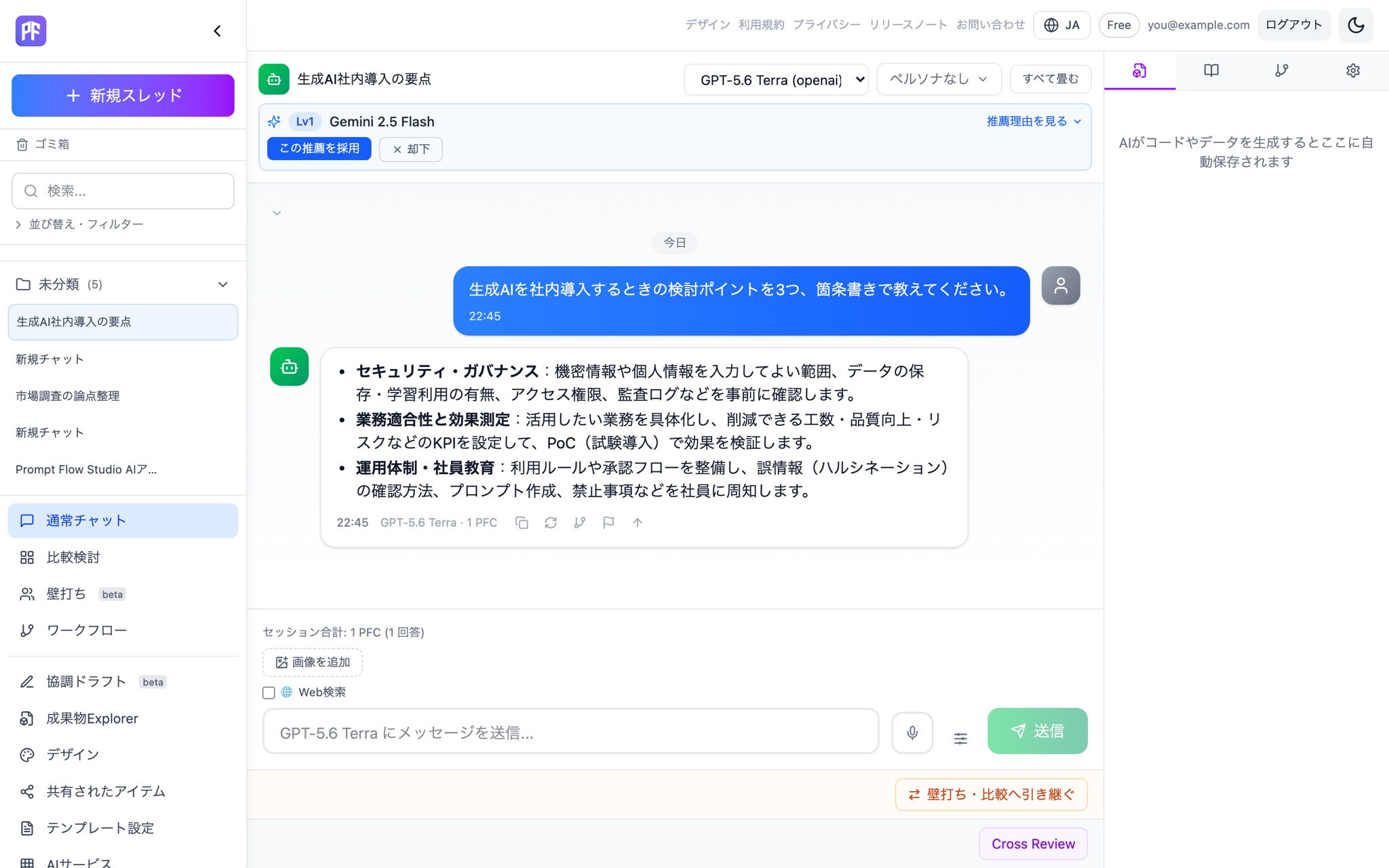
Enterprise-ready at the core.
Protect privacy without reading content, trace with audit logs when it matters, and keep company data inside — with Security Filter, which detects and masks data before it's sent and restores it in the response, standard.
See Enterprise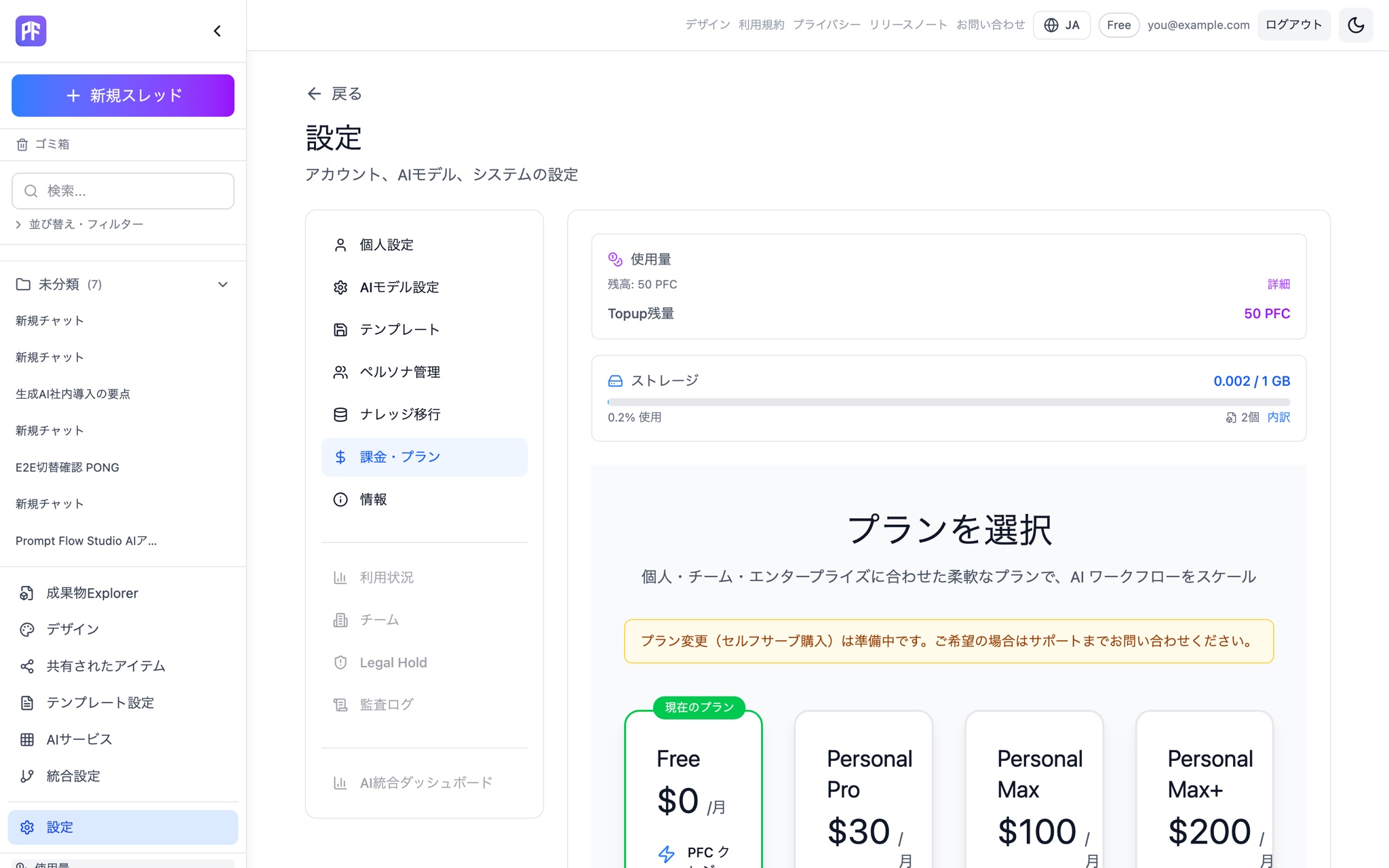
Ask once, hear from every model.
Send the same question to multiple models at once and see the cost of each answer as it comes in.
See Compare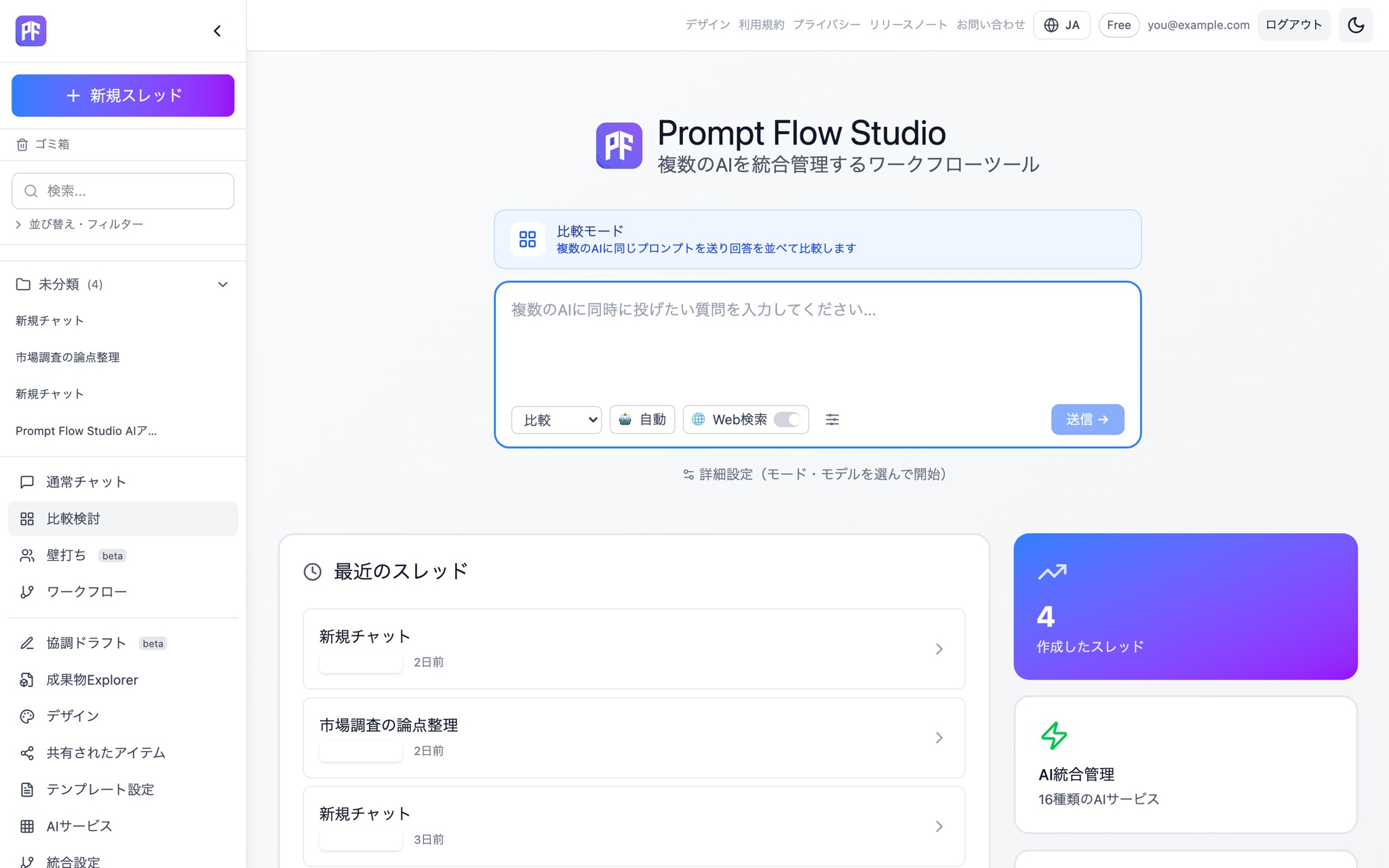
Let AI argue both sides, not just agree.
Assign roles for and against across several models, then let a Red Team stress-test the conclusion.
See Debate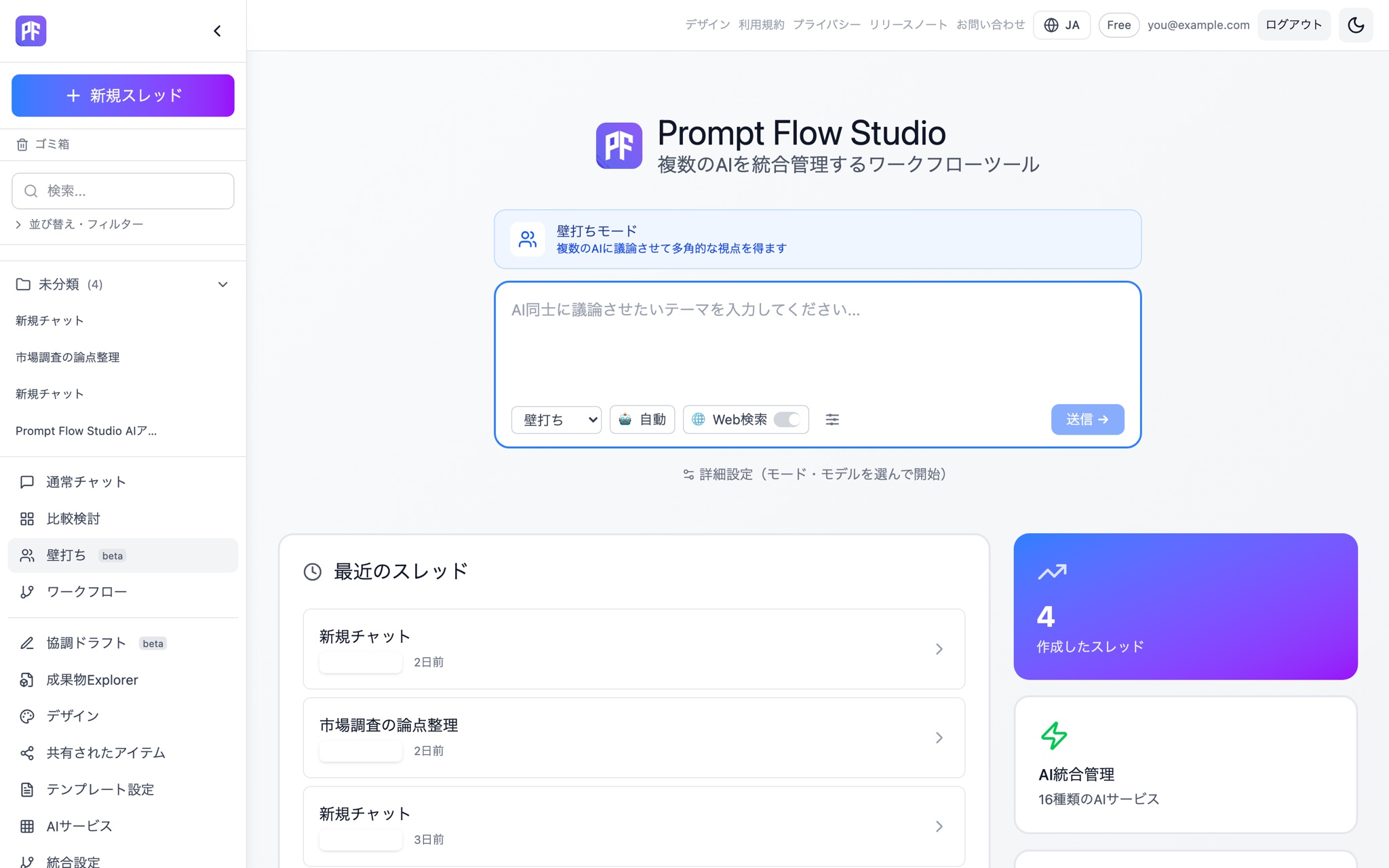
Turn what worked into your team's playbook.
Chain up to 8 steps into a reusable template. Editing a shared template forks your own copy automatically — the original stays intact.
See Workflow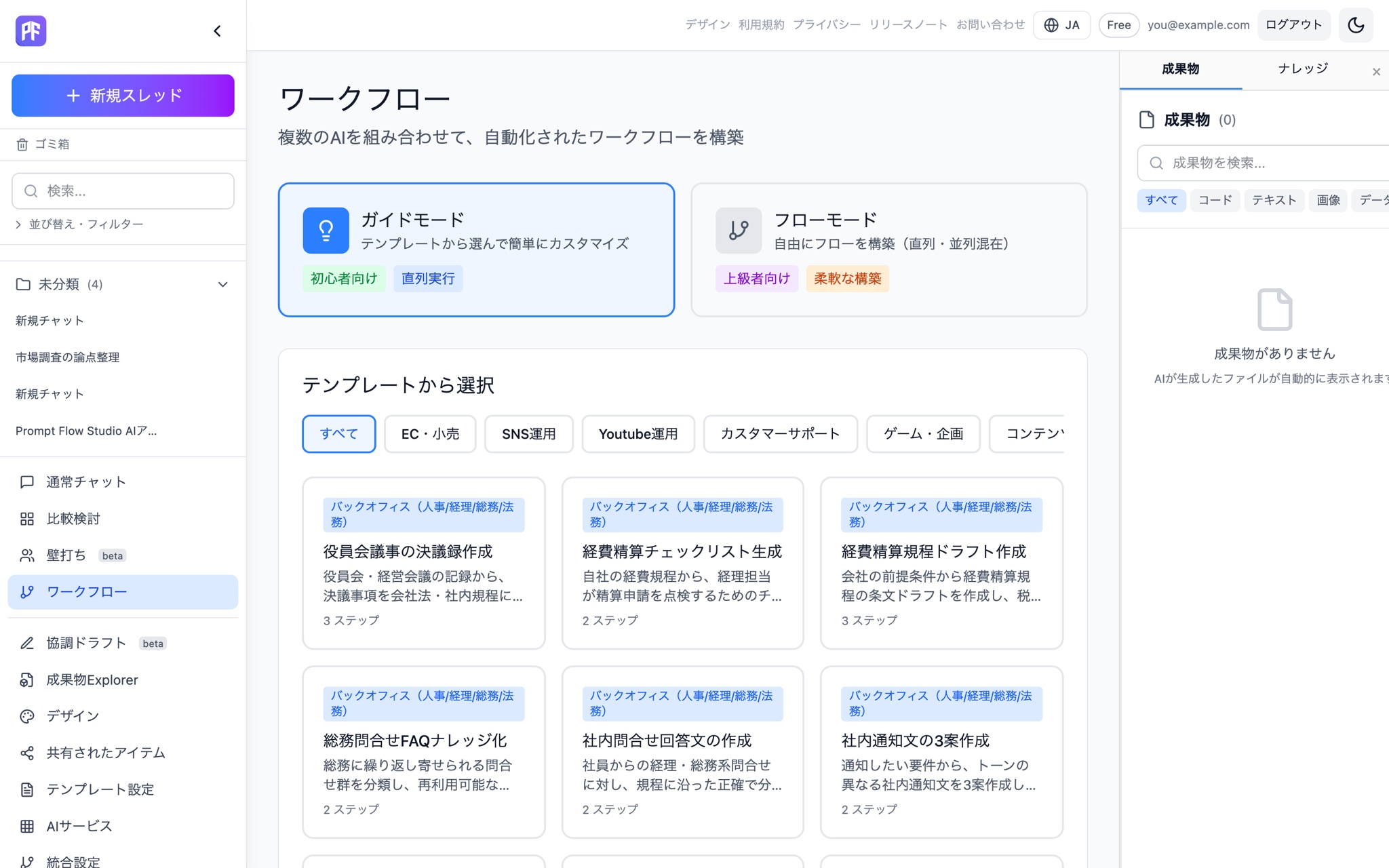
Your AI workspace, in your pocket.
Pick up PC conversations right where you left off, from the iOS app. Now in beta on TestFlight.
See mobile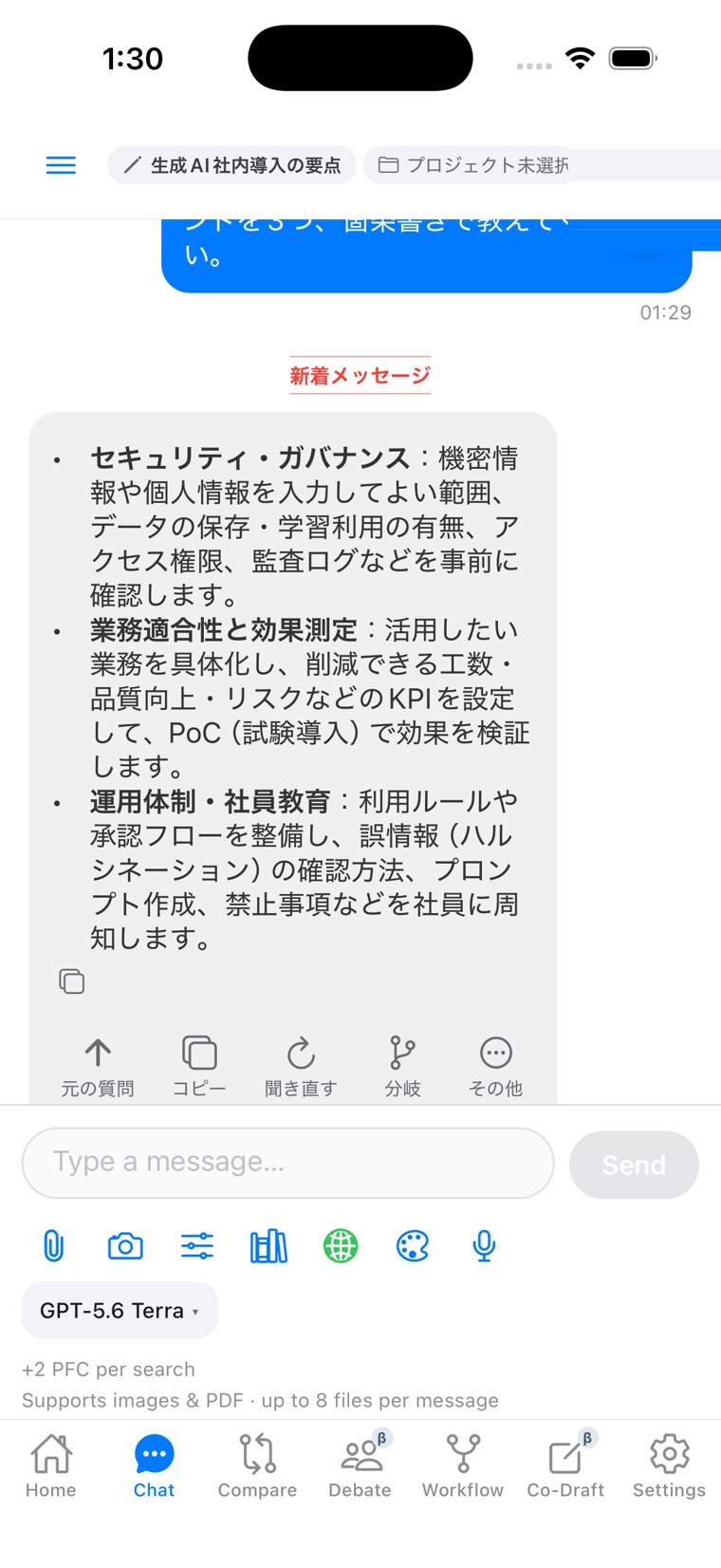
Prompt Flow Studio by the numbers
modes
cross-mode handover paths
debate algorithms
connected AI services
Four modes
Start in any mode. The conversation never breaks.
Chat — one on one
A normal conversation. Responses stream as they're generated, and the PFC actually consumed is logged with every reply. Save your go-to prompts and output formats as templates.
Compare — put answers side by side
Send the same question to several models at once and see the answers next to each other, with cost broken out per candidate. Pick the one you like and keep the conversation going.
Debate — argue it out, then stress-test it
Assign models to argue for, against, critique, and adjudicate, then run a structured debate. A Red Team pass challenges the conclusion at the end, scored across 7 metrics.
Workflow (Beta) — run a repeatable process
Build a process as up to 8 steps and run it end to end. Edit a shared template and it forks into your own copy automatically — the original stays untouched.
See what each mode can do on its own page.
What side-by-side comparison alone doesn't solve
Switch models, keep the thread
Move research you started in GPT over to Claude and the context doesn't reset. Every handover between models is logged.
Switch modes, keep the thread
Turn a Compare result into the next Chat message. Turn a Debate conclusion into a fresh Compare. Feed a Workflow result into a debate. All 9 handover paths work.
Ground answers in your own documents
Upload documents and have answers grounded in them. Available from Chat, Compare, and Debate alike, with storage measured in GB — file-count limits aren't the wall we build the product around.
See what you spent, as you spend it
The PFC (Prompt Flow Credit) actually consumed is shown after every response, and we stop before the balance runs out. We don't advertise "unlimited" and throttle quietly behind the scenes.
One subscription instead of three
Subscribing to GPT, Claude, and Gemini separately means separate bills and separate accounts to manage. Personal Pro gives you one subscription with access to the major models.
Trace who used which AI, and when
A single-vendor tool can't produce a cross-model log by design. Ours can — records are queryable and exportable via API, with an in-app viewer too.
Switch modes, keep the thread
9 handover paths across Chat, Compare, Debate, and Workflow (Beta) — all context-preserving.
Compare → Chat / Debate / Workflow (Beta)
Turn a comparison result into the next message, a debate starting point, or a step in a process.
Debate → Chat / Compare
Take a debate's conclusion back into a normal conversation, or lay it out again in Compare.
Workflow (Beta) → Debate / Chat
Turn a workflow's output into a debate starting point or the next chat message.
Ground Chat, Compare, and Debate in your own knowledge
Upload documents and have every mode answer with them as grounding.
Upload documents as grounding
AI answers are grounded in what you upload, available from Chat, Compare, and Debate alike.
Choose a chunking strategy
Pick how documents are split to fit your use case. Each file is capped at 100MB.
Storage measured in GB
File-count limits aren't the wall we build the product around.
39 AI services, plus Auto
Can't decide on a model? Let Auto pick one.
39 AI services in one place
OpenAI, Anthropic, Google Gemini, xAI (Grok), Mistral, DeepSeek, Groq, Cohere, and more.
Auto model selection
Auto picks the best model for what you typed and shows why, with manual override always available.
Manage your organization's model catalog
Control which models your organization can use.
How teams use it
Research & planning
Send the same research question to several models via Compare, then use Debate to surface what each one might be missing.
Engineering
Debate a design decision, then hand the agreed direction to Chat to move straight into code generation.
Marketing & writing
Lock the voice with an output template, generate several drafts side by side in Compare, then pick one to finish.
Leadership & decisions
Run a Debate through a Red Team rebuttal so you see the conclusion and its risks before deciding.
Legal & operations
Register internal policies and templates as knowledge, then have multiple models cross-check them for gaps.
Customer support
Automate routine first responses with Workflow templates and reserve Chat for cases that need judgment.
There's more by role. See the full breakdown on the use cases page.
Your AI workspace, right in your pocket.
Pick up a conversation or project you started on PC, right from the iOS app. Check your PFC balance on the go, too.
The iOS app is in beta on TestFlight.
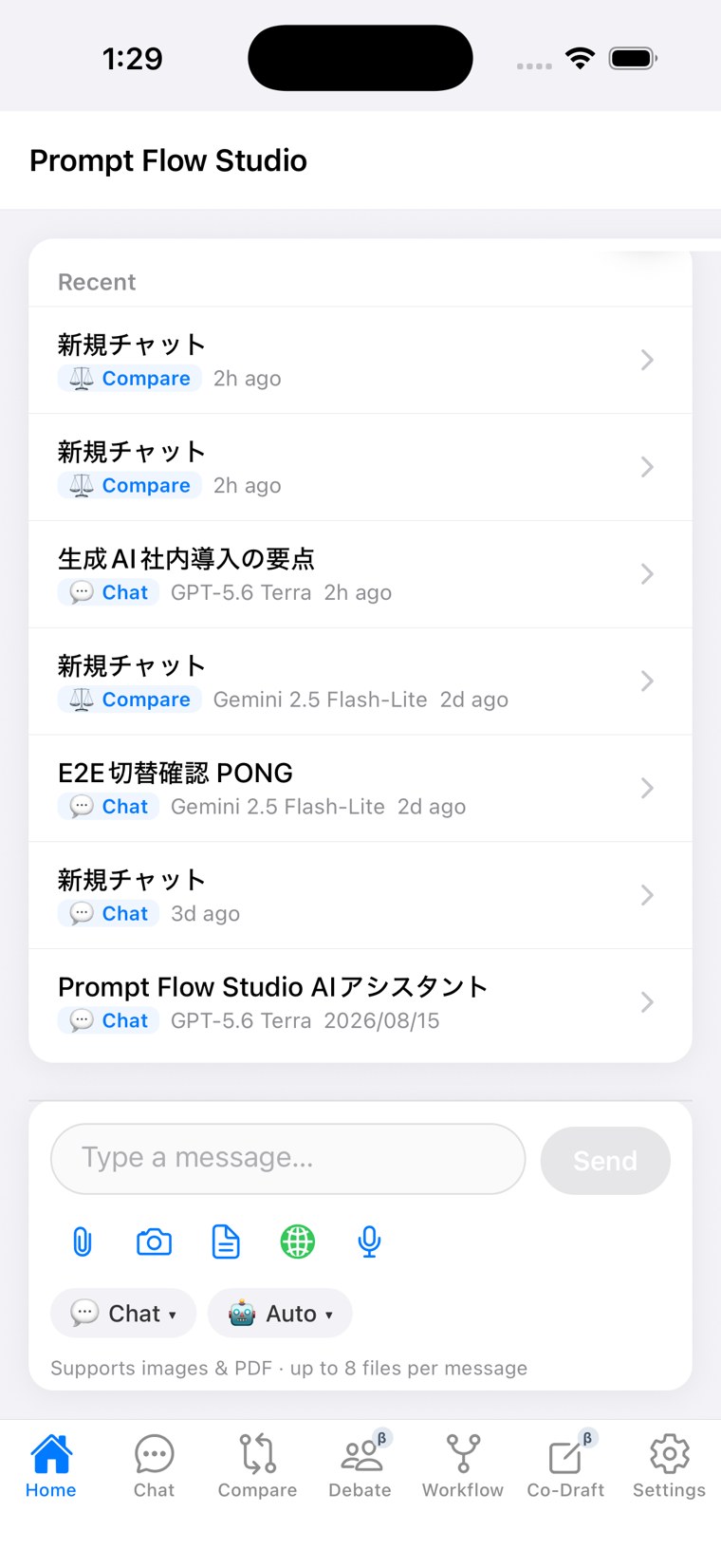
See what you spend. Use it with confidence.
We don't turn AI costs into a black box. Every response shows the actual PFC it cost, right where you see it, and the usage dashboard always has your balance and storage use.
Running it as a team
What you need once you roll this out across an organization.
- Team sharing
Share threads and personas across a team.
- SAML SSO
IdP-connected single sign-on (Business and above).
- SCIM provisioning
Automatic user lifecycle management tied to joiners/leavers (Business+ and above).
- Audit log recording & lookup
Query who did what and when via API, export as CSV/JSONL, and browse it in an in-app viewer.
- Security Filter
Detects personal data and masks it, with restore when needed (Team gets detection alerts; Business and above get automatic mask-and-restore).
- Model catalog governance
Control which models your organization can use.
See the full picture of team and business features on the business page, and how we handle data on the security page.
We don't advertise "unlimited" and throttle quietly behind the scenes. What you use is shown right where you use it. That's the design principle behind Prompt Flow Studio.
Try three modes — Chat, Compare, and Debate — for yourself.
Chat, Compare, and run a Debate — the free plan gets you started right away. Want more detail first? See pricing, getting started, or the FAQ.
Try three modes — Chat, Compare, and Debate — for free on the Free plan.
Start free