
See what you've spent, right where you spent it.
We don't advertise "unlimited" and throttle you behind the scenes. Every response shows its actual PFC cost, and you're blocked before sending if your balance won't cover it.
How PFC works
Actual PFC shown per response
Every response shows exactly how much it cost, right when it comes back.
Balance guard
If your balance can't cover a request, it's blocked before sending — no surprise depletion.
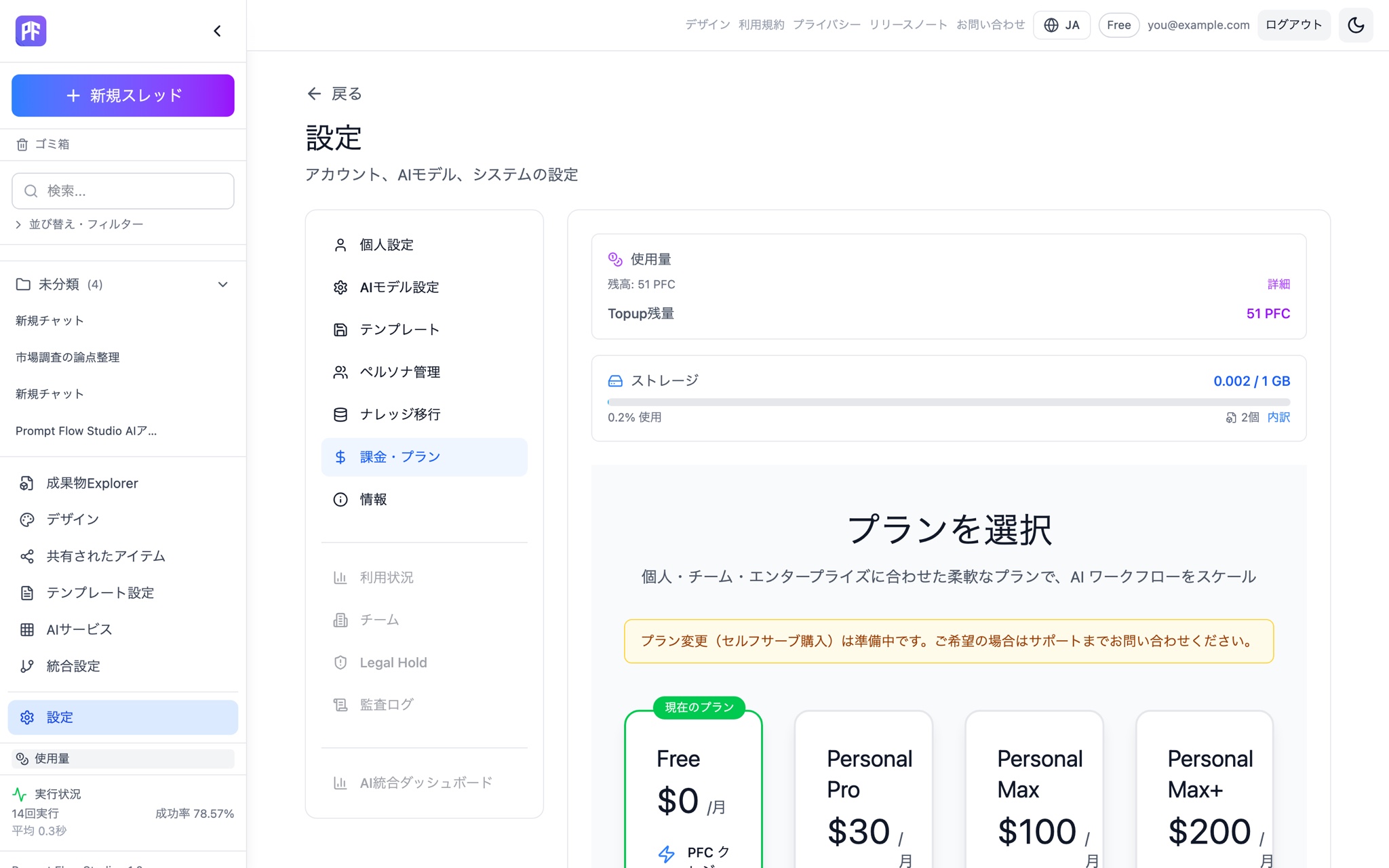
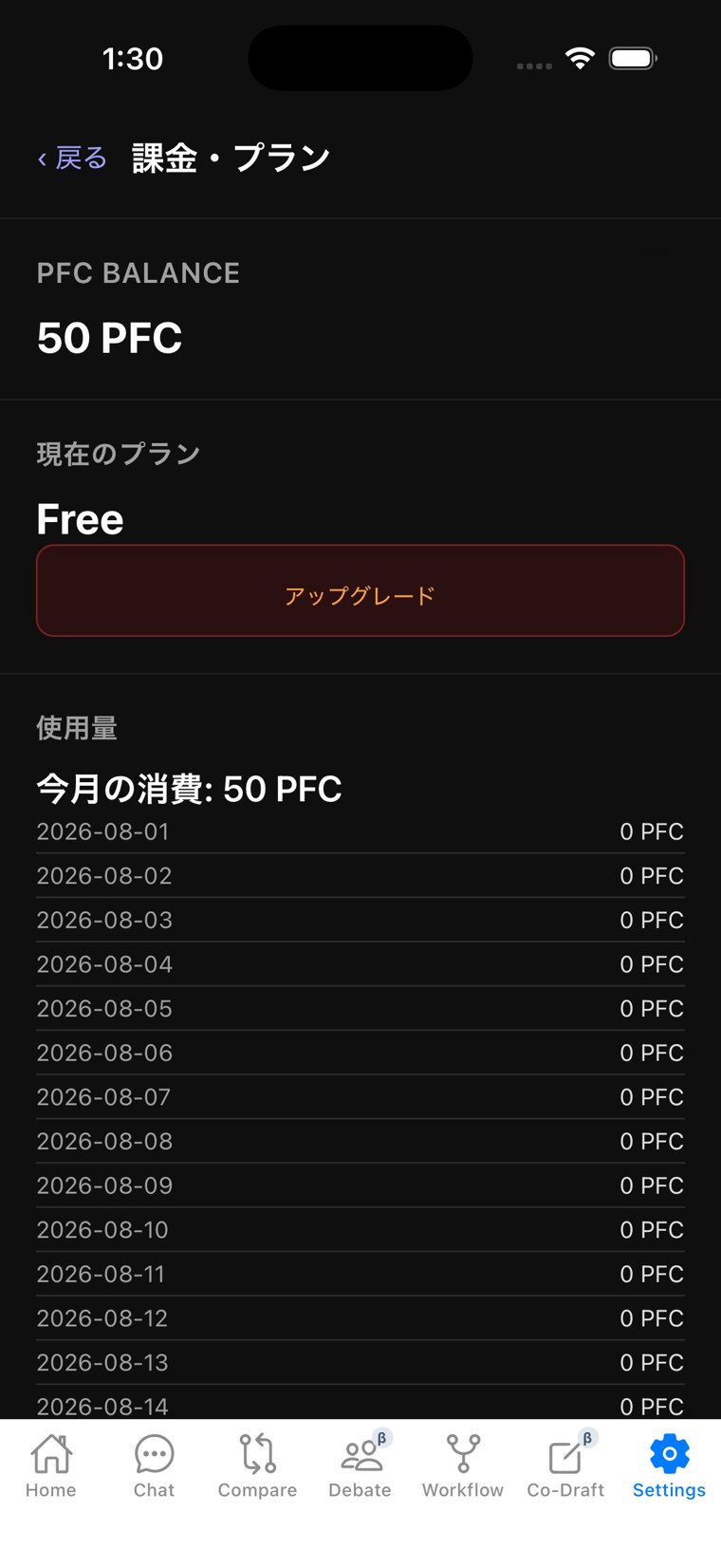
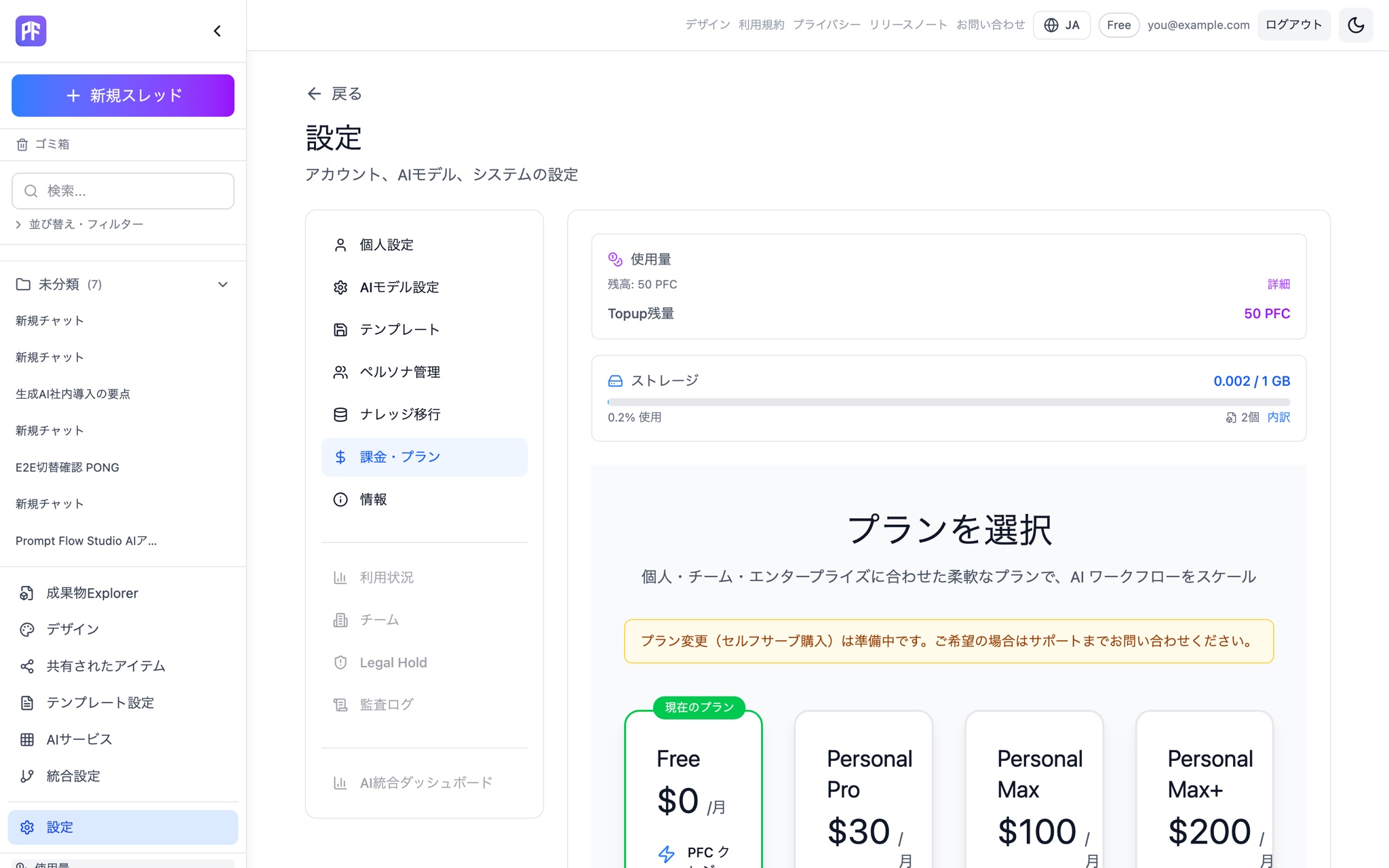
Usage dashboard
Check your balance and storage usage any time from the settings screen.
Monthly PFC by plan
Each plan grants a fixed amount of PFC every month. Annual billing gets you 2 months free.
About buying more
Need more PFC? Get in touch with us and we'll take care of it.
Hit the limit, and it stops right there.
Instead of letting usage keep running past the limit, we stop new executions before they start. We don't turn AI costs into a black box. That's the design principle behind PFC.
What is PFC (Prompt Flow Credit)?
PFC is the internal currency used to run AI requests. Consumption varies by model and mode, and the actual amount used is shown every time a response comes back. Each plan grants a fixed monthly amount, and under the current signup campaign the Free plan grants 300 PFC once at signup.
Which models you can use and how much PFC you get each month depends on your plan. See the pricing page for details.
Under the current signup campaign, you get 300 PFC at signup — try it for yourself.
Start free