
Multiple AIs, one shared workspace.
Mix ChatGPT, Claude, and Gemini as the task calls for — compare, debate, share, and turn workflows into templates. What used to live in one person's head becomes a shared way of working.
Talk to us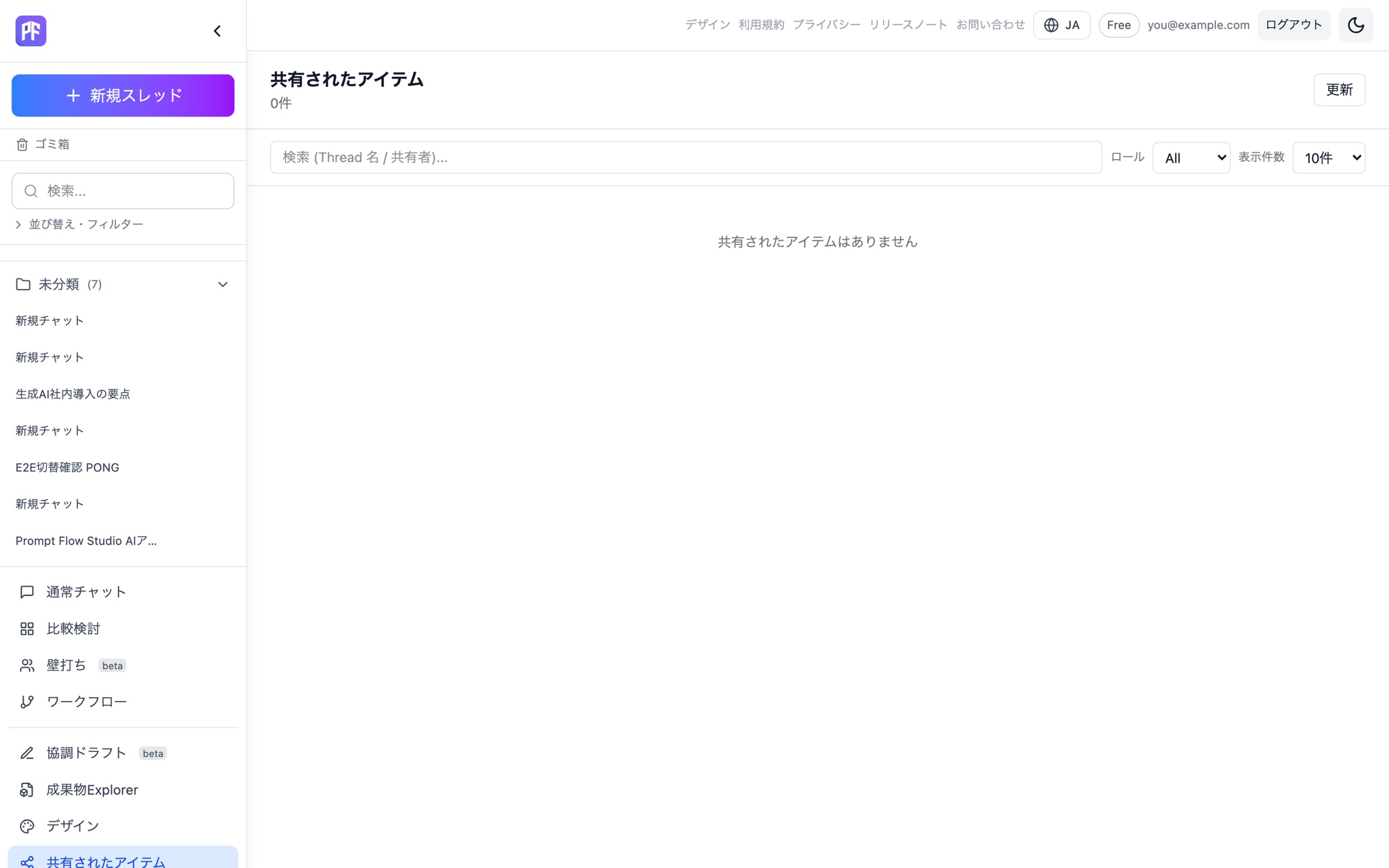
Turn individual AI habits into team assets.
Share → review → branch → adopt. Pass along the actual conversation and steps, not just a verbal tip.
See team management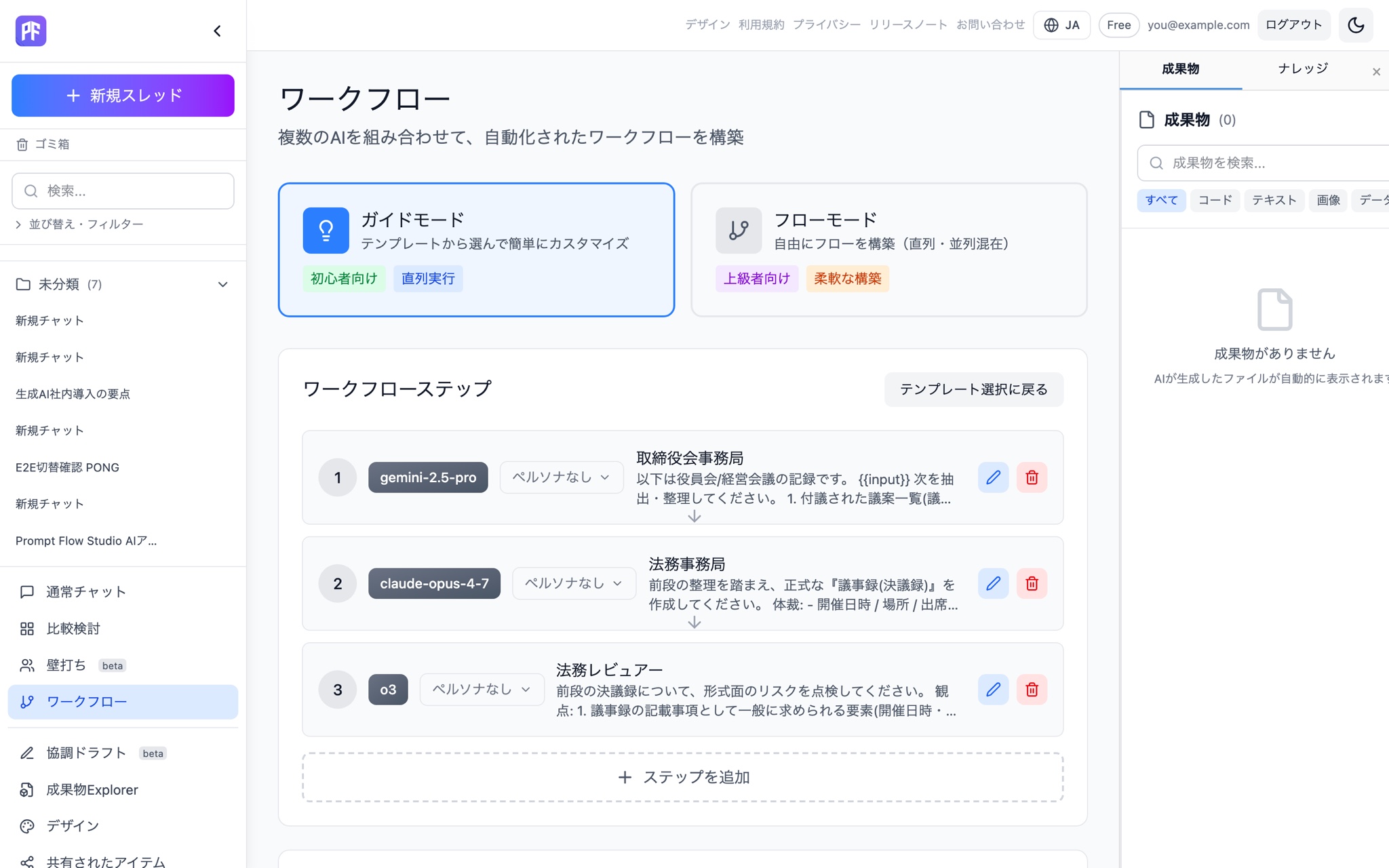
Costs stay visible, even at team scale.
See PFC usage per response and team-wide spend. When a limit is hit, new runs stop instead of quietly continuing.
See billing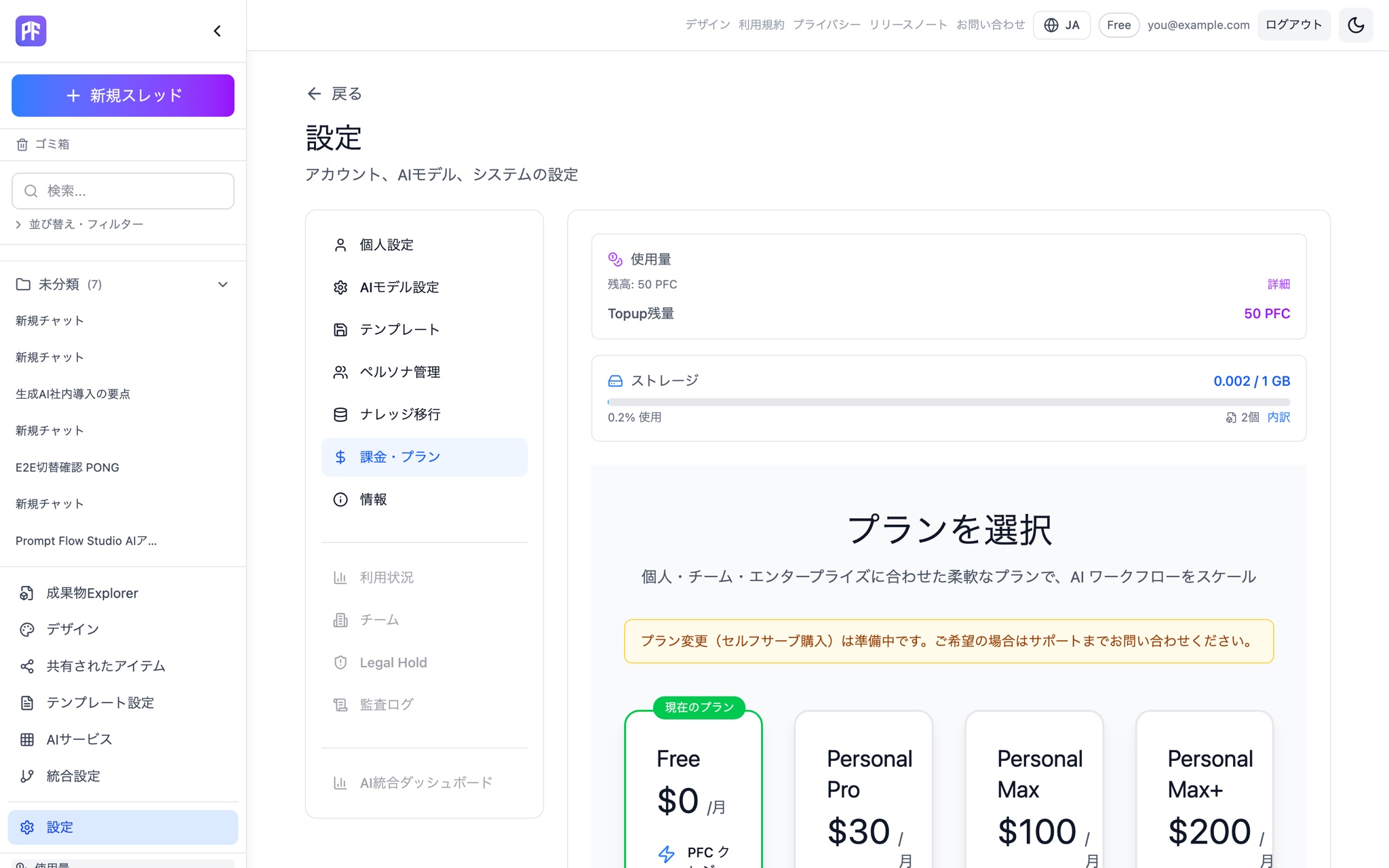
Protected, without being watched.
Day to day, nobody looks at individual conversations. Audit logs let you trace back only when you need to. Security Filter, which detects and masks data before it's sent, comes standard too.
See security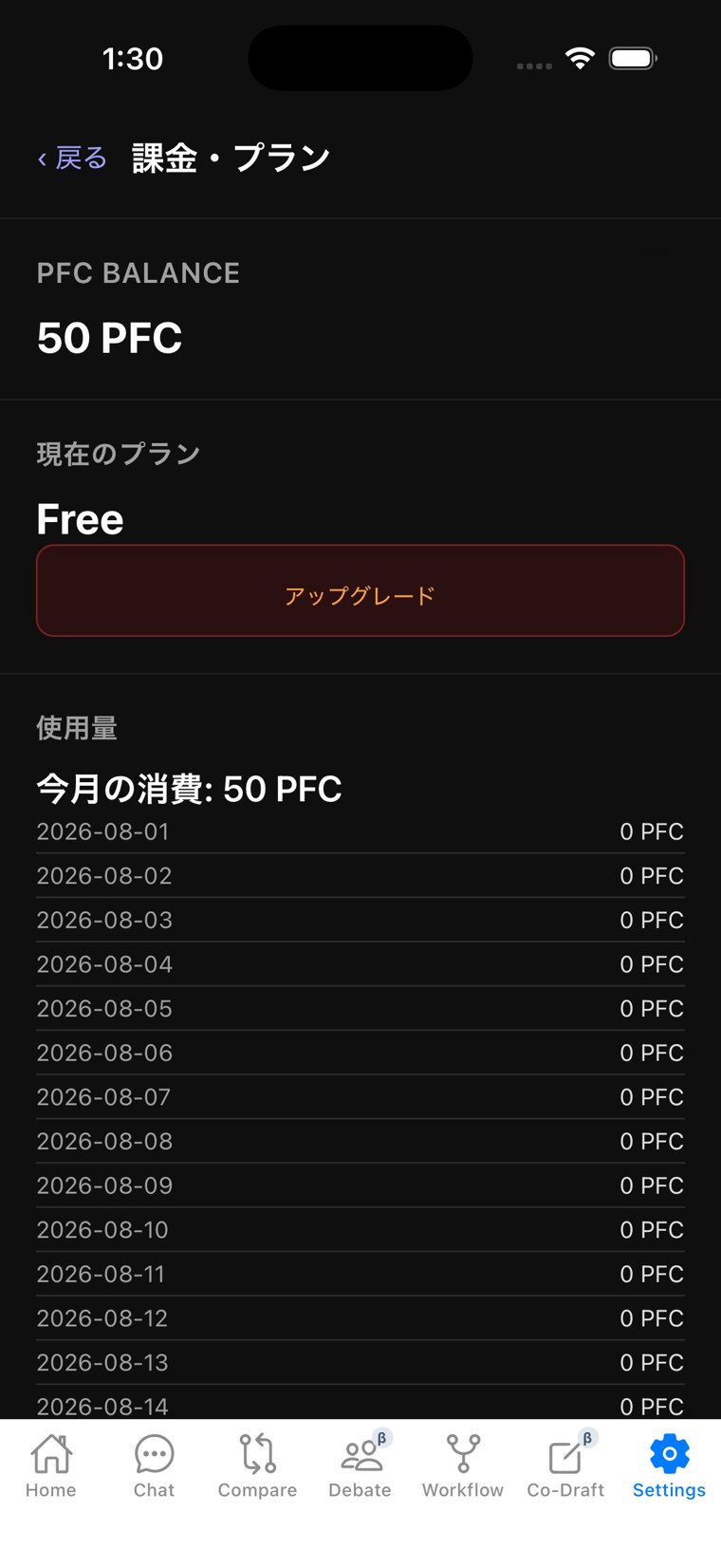
Prompt Flow Studio, built for teams.
Turn AI use that used to live in one person's head into a shared, reusable asset, through share, review, and adopt. Everything in Individual, plus sharing.
More people are using AI. How they work with it is still all over the place.
One person uses ChatGPT, another uses Claude. Even a good way of using it stays inside that one person's chat history.
Teams repeat the same research separately, and good answers — and good processes — rarely make it back to the team.
Prompt Flow Studio isn't just about bringing multiple AIs together. It turns the work you do with AI into something your team can share and reuse.
From individual AI use to a team asset.
- One AI, per person
- One chat history, per person
- One deliverable, per person
- Compare, debate, and share across models
- Workflow
- Team deliverable
How each mode changes the way your team works.
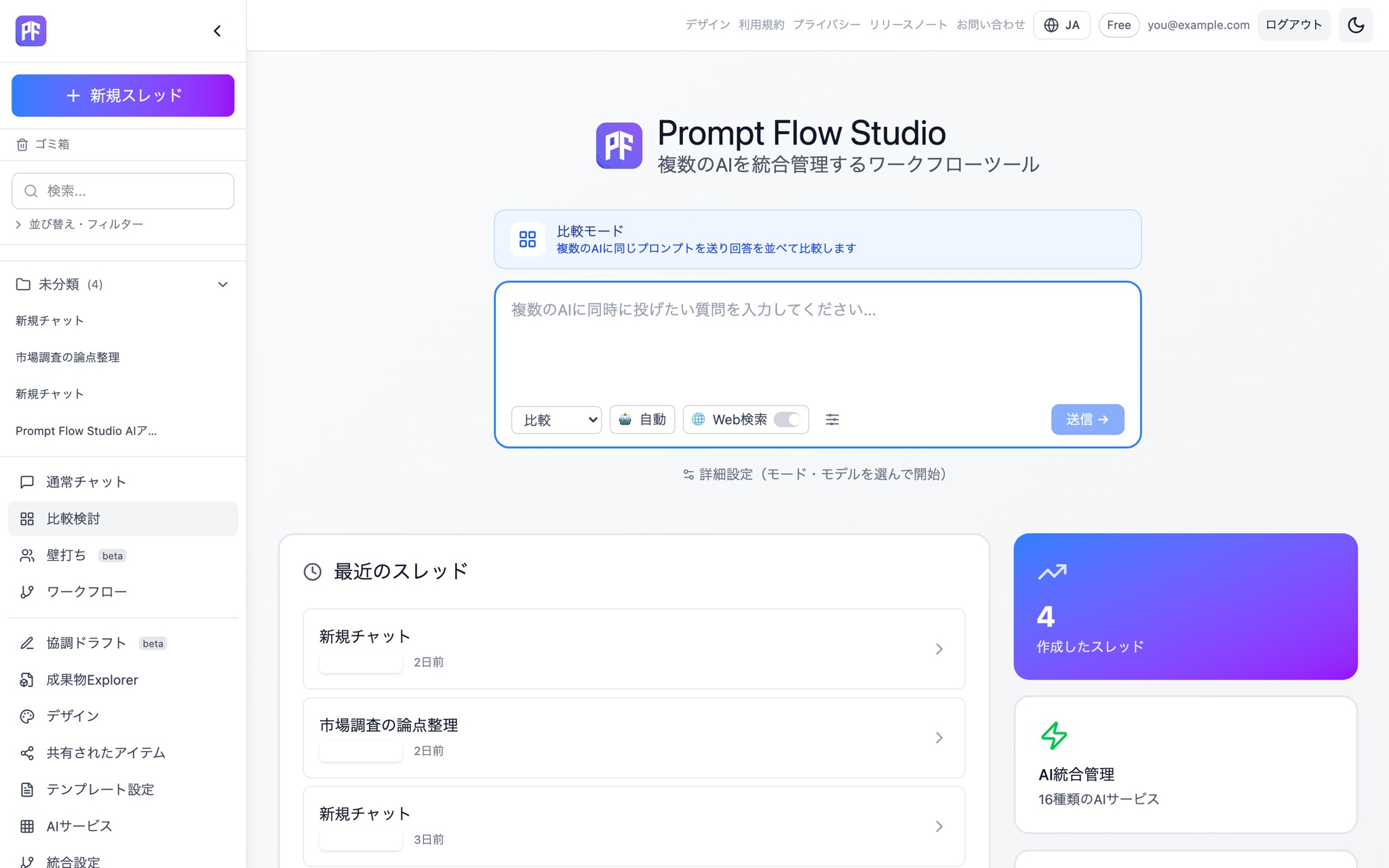
Compare
The same question, to every AI at once.
Line up each model's answer and its PFC cost, so the team can pick the best one together.
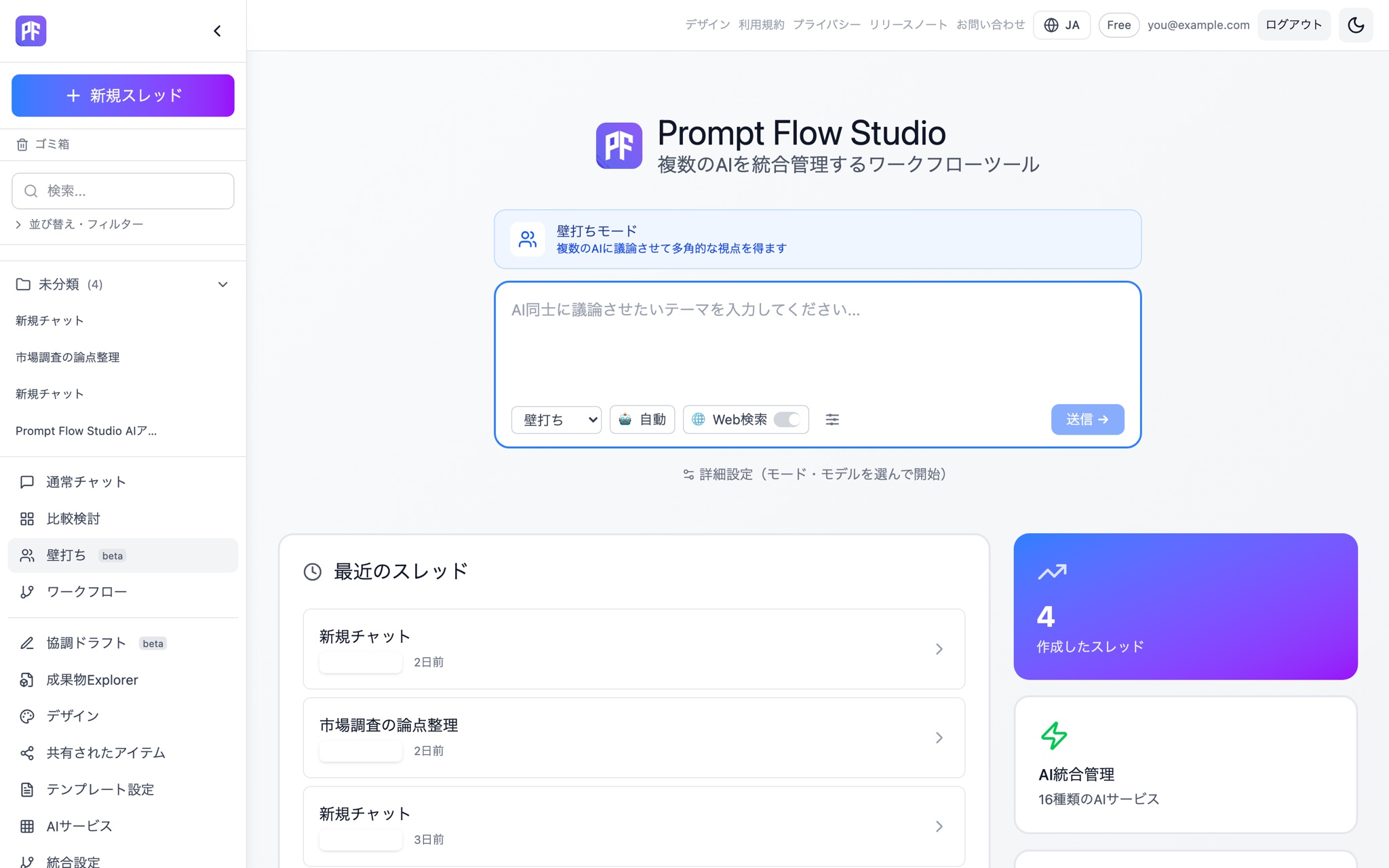
Debate
Make the AI argue the other side, too.
Assign roles — for, against, critique — and let a Red Team challenge the conclusion at the end.
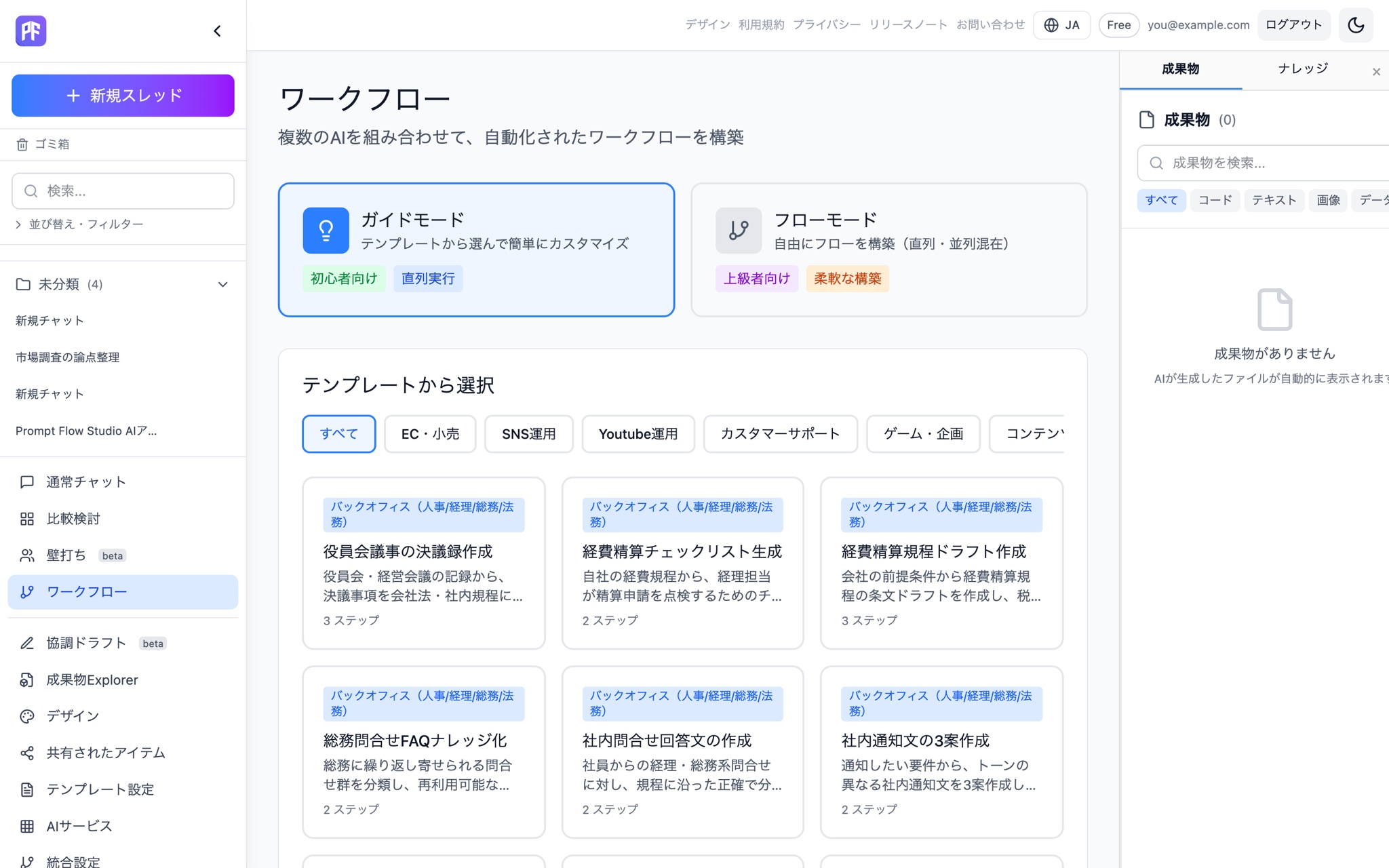
Workflow (Beta)
Turn a good way of using AI into your team's standard.
Anyone on the team can follow the same steps, even if they weren't the one who built it.
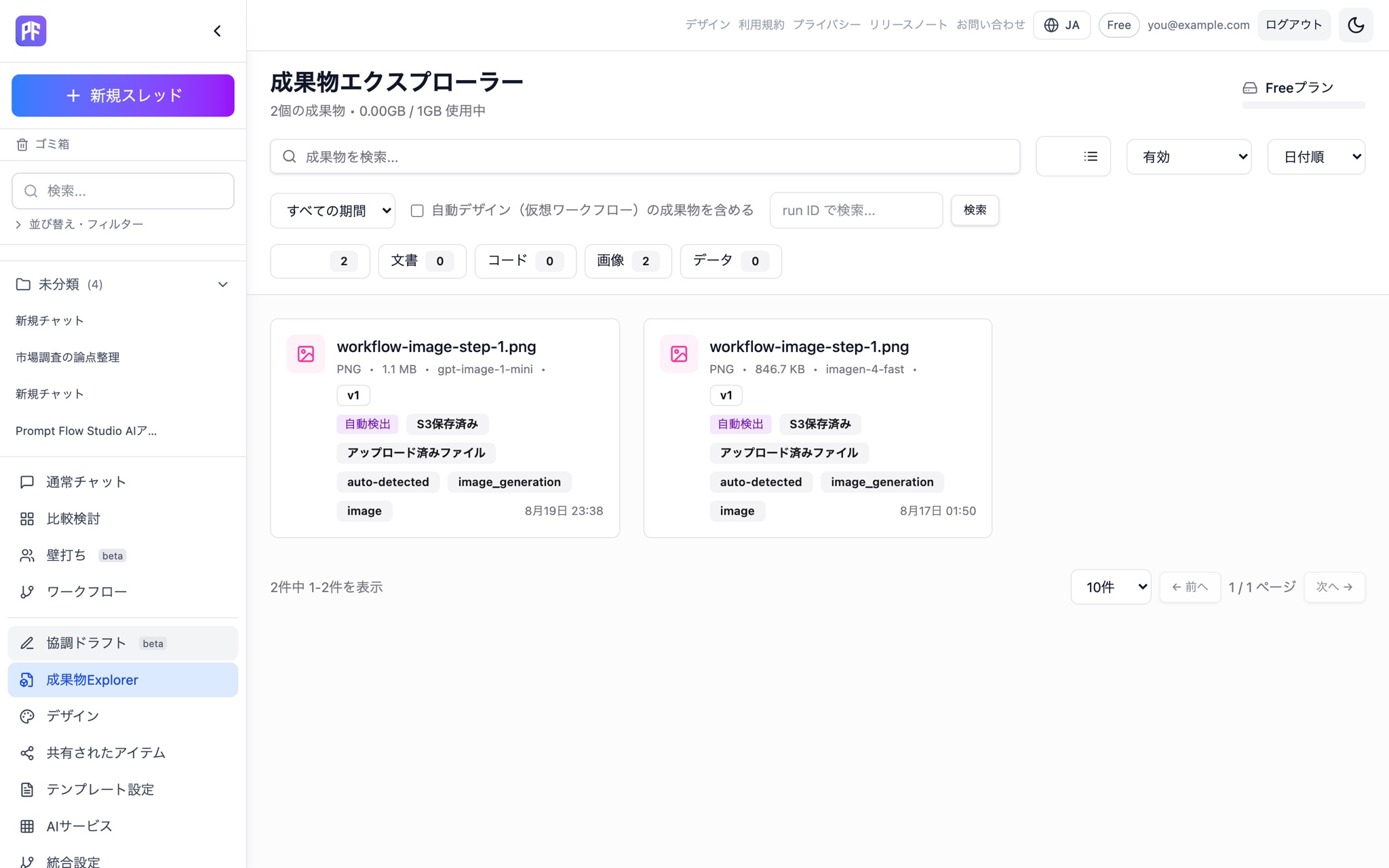
Artifact
Don't let good output get buried in a chat log.
Turn conversations with AI into assets your team can actually reuse.
Hand off what worked, as-is, to the team.
Instead of saying “this worked well for me,” share the actual conversation, the steps, and the output.
Share
Share threads and artifacts with your team.
Review
Assign a role and review the content.
Branch
Keep the original conversation and try a different approach.
Adopt
Keep what worked as your team's standard.
How teams use it
New initiatives
Compare ideas from multiple AIs, and weigh them for support, opposition, and practicality.
Technical evaluation
Evaluate the same requirements across multiple models, and widen your evidence base with cross-review.
Marketing
Compare copy drafts, then switch personas to check them from the customer's point of view.
Internal reports
Turn the process from research to review into a repeatable workflow.
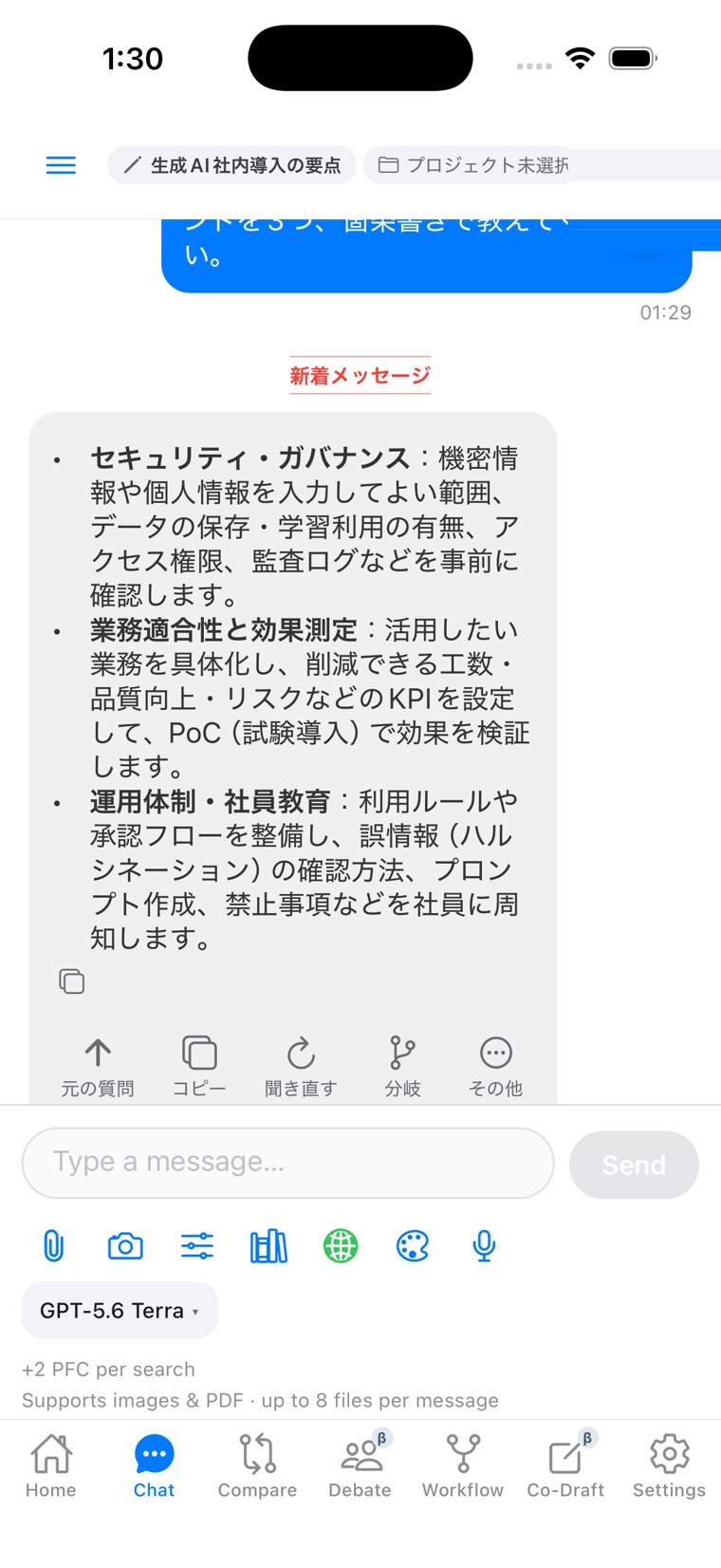
Your team's AI workspace, in your pocket, on the move.
Pick up right where you left off on desktop — same threads, same projects — from the mobile app. You can check your PFC balance too, so your team's cost discipline holds even when people are away from their desk.
The iOS app is available in beta through TestFlight.
See what you spend, so teams can use it with confidence.
Check PFC consumption per response, running totals per thread, and overall usage. When you hit the limit, the system stops new runs instead of quietly letting usage continue.
AI cost, without the black box.
Individual ⊂ Team ⊂ Business. Every tier includes everything below it.
Individual
- 4 modes (Chat/Compare/Debate/Workflow (Beta))
- Transparent PFC & balance guard
- Knowledge, artifacts, mobile
Team
- Everything in Individual
- Share, review, branch & adopt
- Team usage reporting
Business
- Everything in Team
- SSO & audit log
- Security Filter
Team plans include everything in Individual.
What's included in Team — $60/seat (5-seat minimum, $50 annual)
- All 4 modes, every model
Chat, Compare, Debate and Workflow (Beta), with access to every model.
- Team sharing
Share threads and personas with your team.
- Branch adoption & review
Adopt and share Cross Review results across the team.
- Team usage dashboard
See PFC consumption and storage use per seat.
- Security Filter (detect & warn)
Detects sensitive and personal data before it's sent, and warns you.
- Audit event log & query API
Every action is recorded and queryable via API.
- RAG (15GB+)
Ground responses in your team's own knowledge.
- Mobile
The iOS app covers the 4 core modes.
Compare plans on the pricing page. SAML SSO and Security Filter auto-mask are available on Business and above; SCIM on Business+ and above — see the business page for organizations.
Questions about rolling out to a team
It's available today. Team gets detection alerts, and Business adds automatic mask-and-restore.
Thinking about rolling this out?
Contact us with your seat count and timeline. If you need SSO or audit logging, also check the Business page.
Start by sharing one thing with your team.
Start free