
39 AI services, under a single contract.
Manage OpenAI, Anthropic, Google, xAI, Mistral, and more in one place.
Start free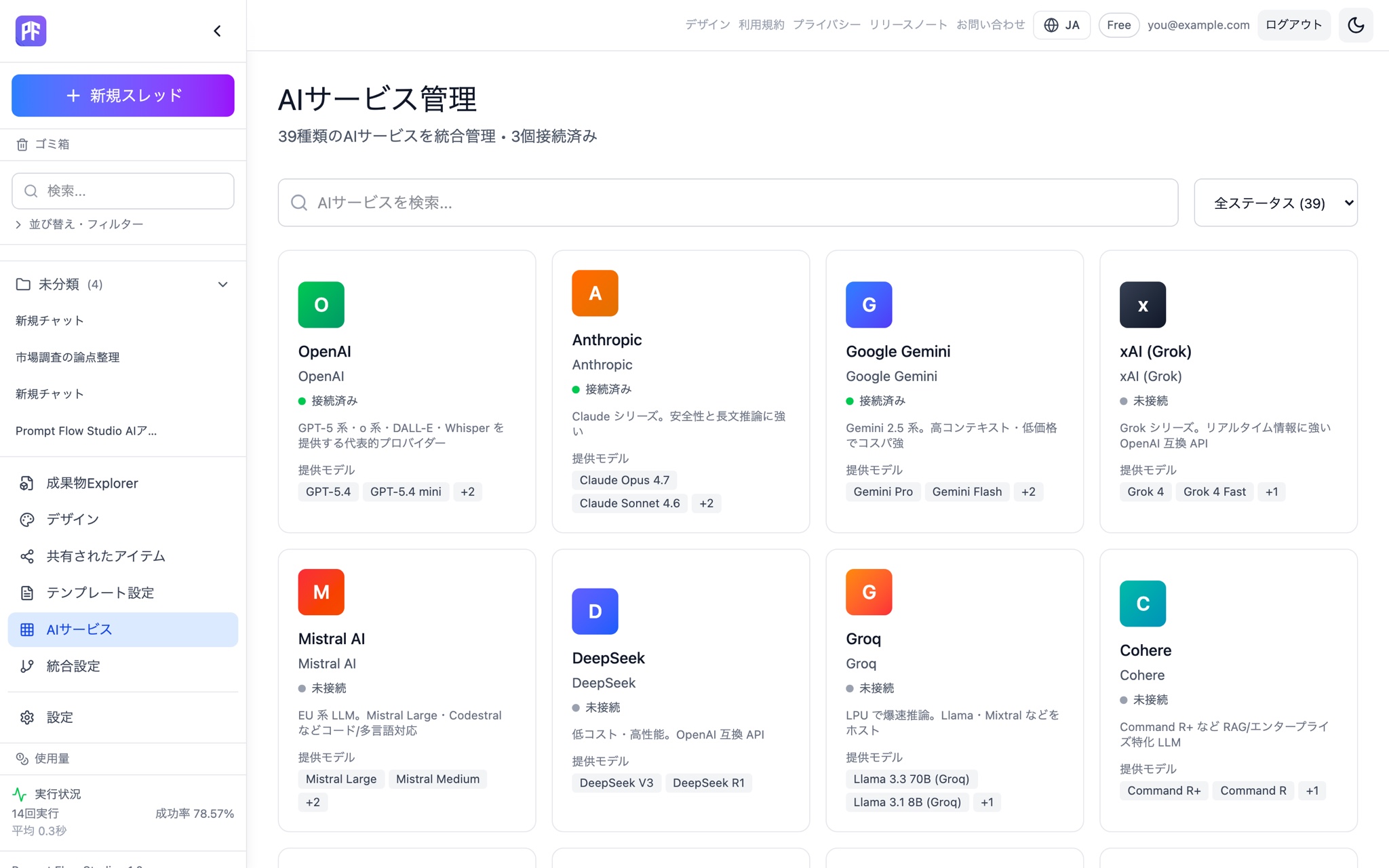
Not sure which model? Auto decides — and shows its reasoning.
Auto picks the best mode and model from your input. You can always override it manually.
Get started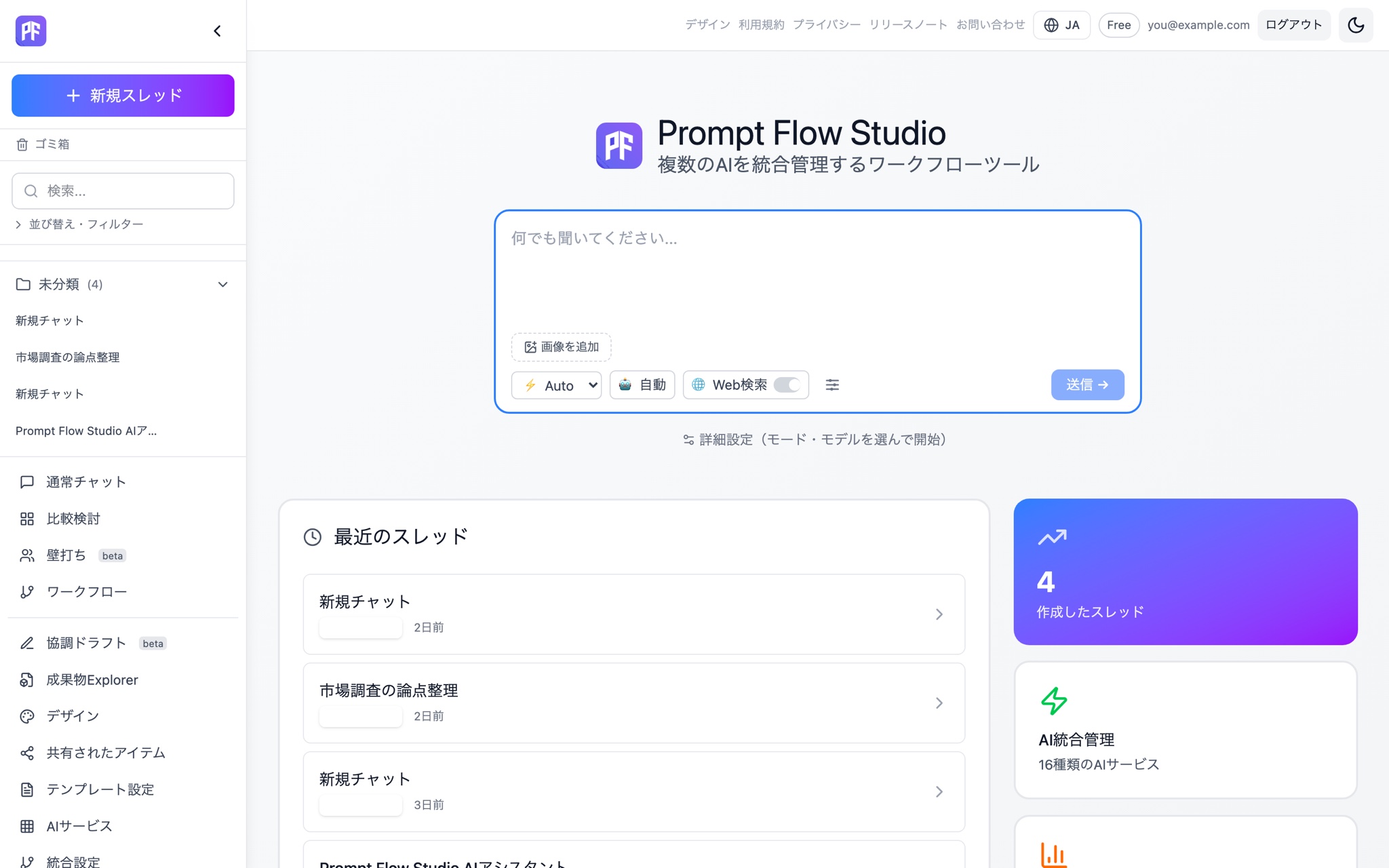
Model suggestions — accept or dismiss with one tap.
Switch mid-conversation to a cheaper or a stronger model.
See Chat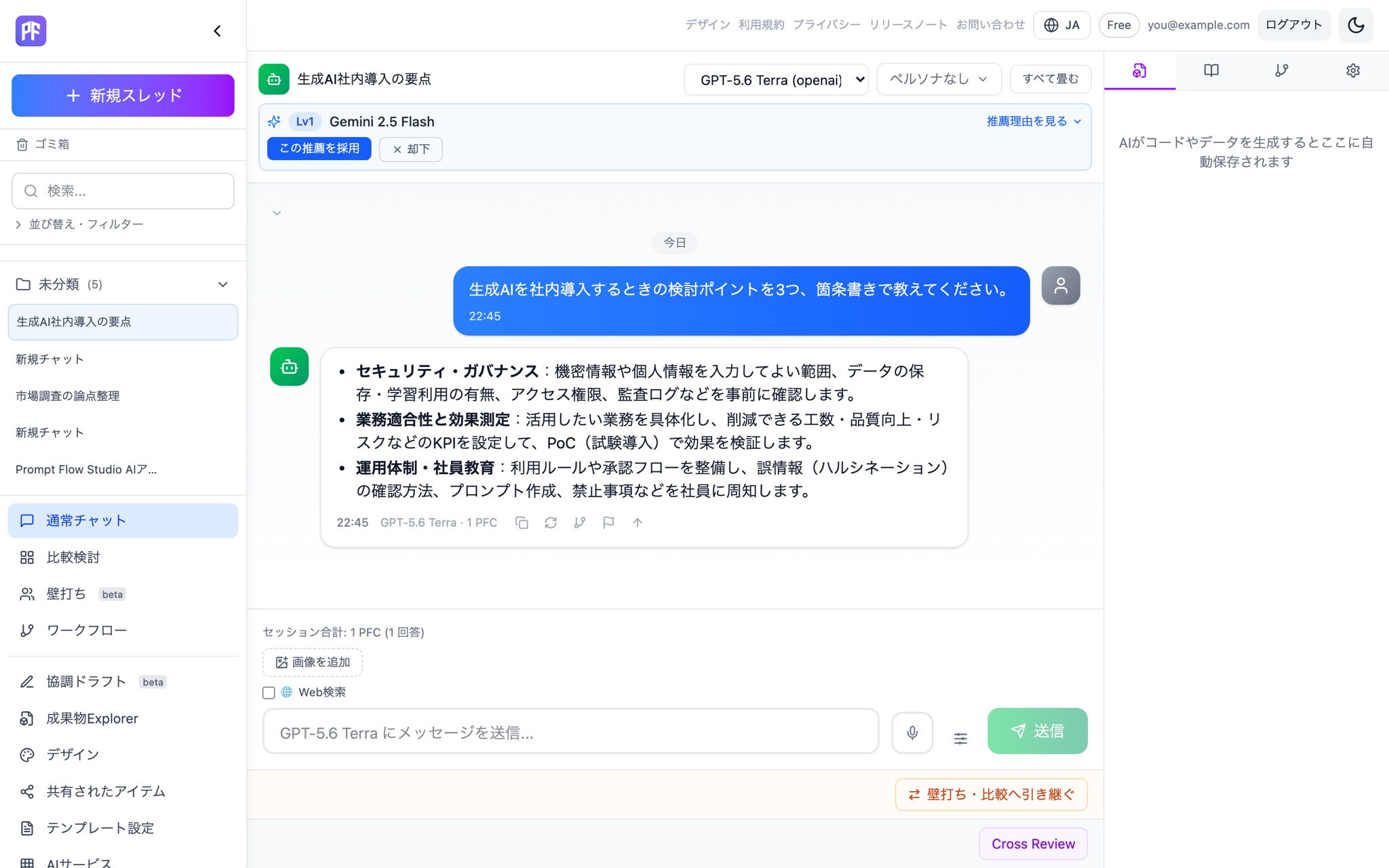
Which models are available — governed at the org level.
Model catalog governance lets admins control which models are available.
See for business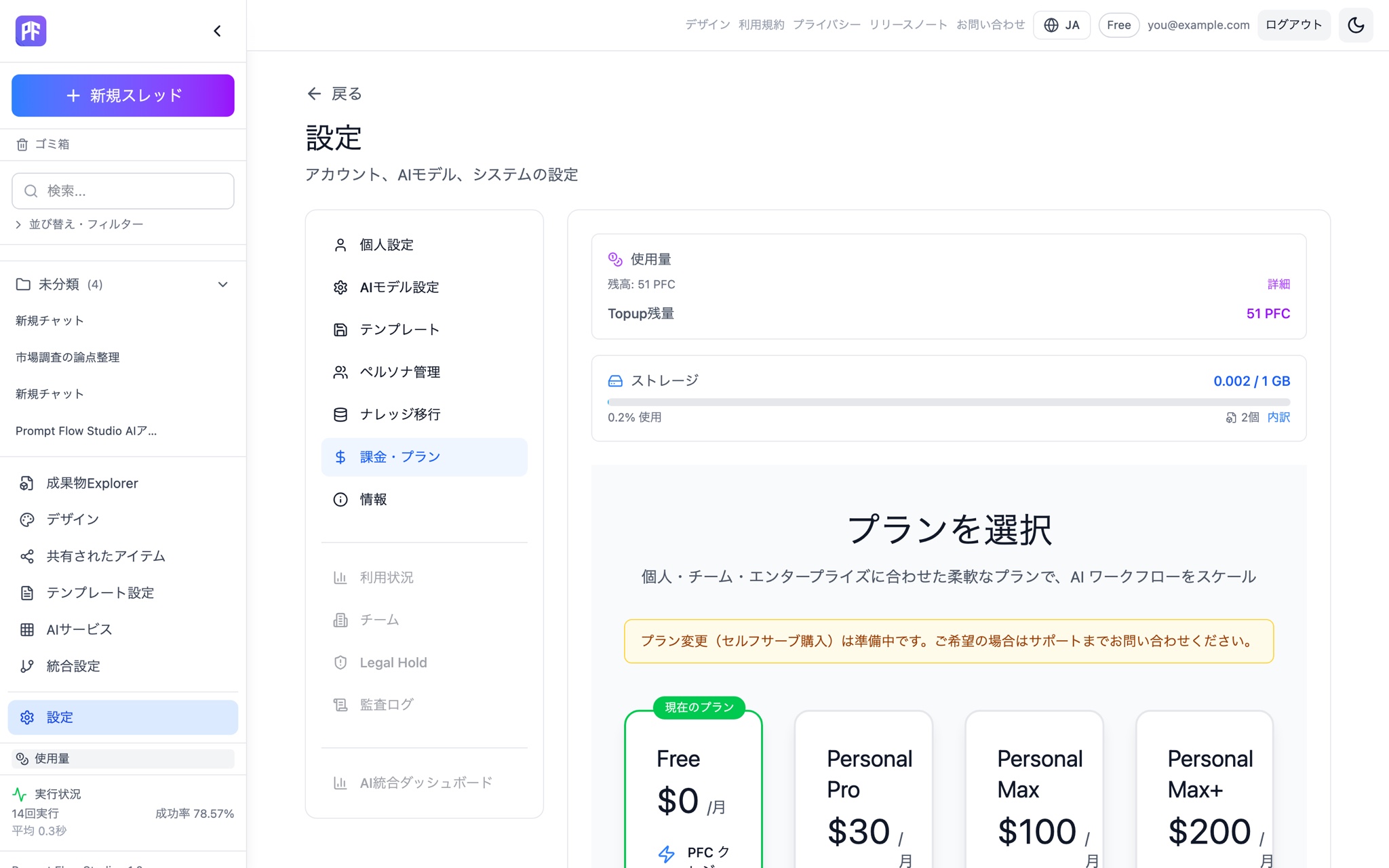
39 AI services, one screen.
OpenAI, Anthropic, Google Gemini, xAI, Mistral, DeepSeek, Groq, Cohere, and more, all managed in one place. Swap the model mid-conversation without starting over.
Connected providers
Example models: GPT-5.4 / GPT-5.5, Claude Opus 4.7 / Claude Sonnet 4.6, Gemini Pro / Gemini Flash, Grok 4, and more.
Major connected providers
Also supported
Example models
A representative sample of models per connected provider. The lineup is updated regularly.
| Provider | Example models |
|---|---|
| OpenAI | GPT-5.4 / GPT-5.5 |
| Anthropic | Claude Opus 4.7 / Claude Sonnet 4.6 |
| Google Gemini | Gemini Pro / Gemini Flash |
| xAI | Grok 4 |
Picking a model shouldn't be guesswork
Auto model selection
The best mode and model are picked automatically from what you type, with a stated reason and a manual override.
Model recommendations
A model suited to the task is suggested with a reason, shown as a level. Accept it or dismiss it on the spot.
Mid-chat model switching
Swap the model answering while the conversation keeps going.
Model catalog governance
Admins can control which models an organization is allowed to use.
Access by plan
Free is limited to lightweight models; Personal Pro and above unlock every model.
How Auto model selection works
Your input is analyzed to decide whether Chat, Compare, or Debate fits best, and the session starts there automatically. The reason for that choice is shown right away, and you can switch mode or model manually if it doesn't match your intent. Workflow (Beta) is excluded from auto-detection and always starts explicitly.
How model recommendations work
A model suited to the task is suggested, shown as a level, with a stated reason. Accept it on the spot, or dismiss it and keep the model you were using. Recommendations are never forced.
Model catalog governance
Admins can manage which models an organization is allowed to use as a catalog, so only approved models are available company-wide.
Model access on the free plan
Free is limited to lightweight models. Upgrade to Personal Pro or above to unlock every model.
Model FAQ
Free gives you lightweight models only. Upgrade to Personal Pro or above to use every model.
See how each mode uses these models on the features page, or check plan differences on the pricing page.
Start on the free plan and try the lightweight models first.
Start free