
In the first 5 minutes, ask it one thing.
Create a free account and type into the box. Auto decides the mode for you.
Start free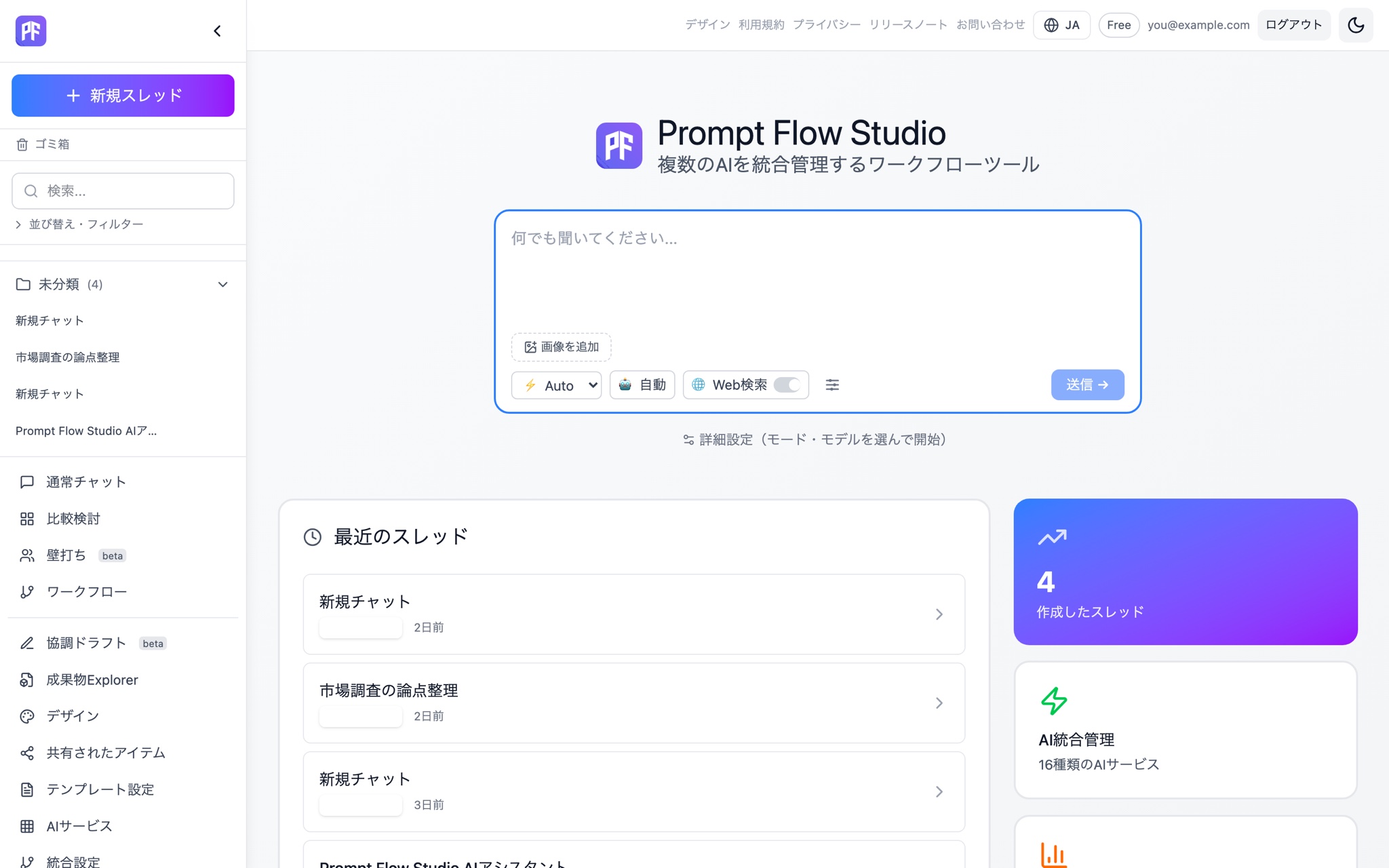
Day 2: try comparing.
Send the same question to multiple models. Once you see the difference, you start choosing deliberately.
See Compare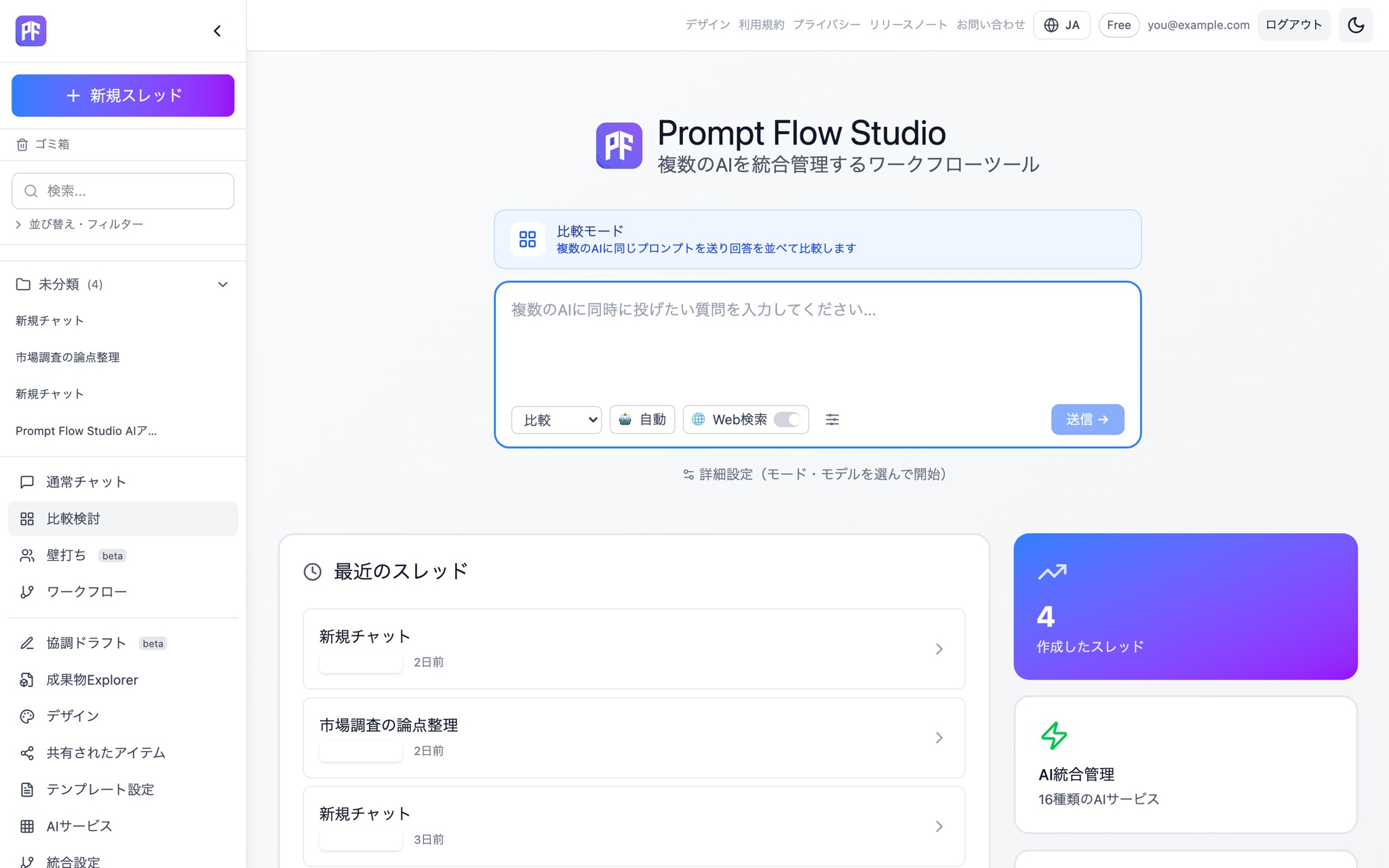
Within a week, it becomes a pattern.
Save the steps that worked as a workflow. Next time, it's one click.
See Workflow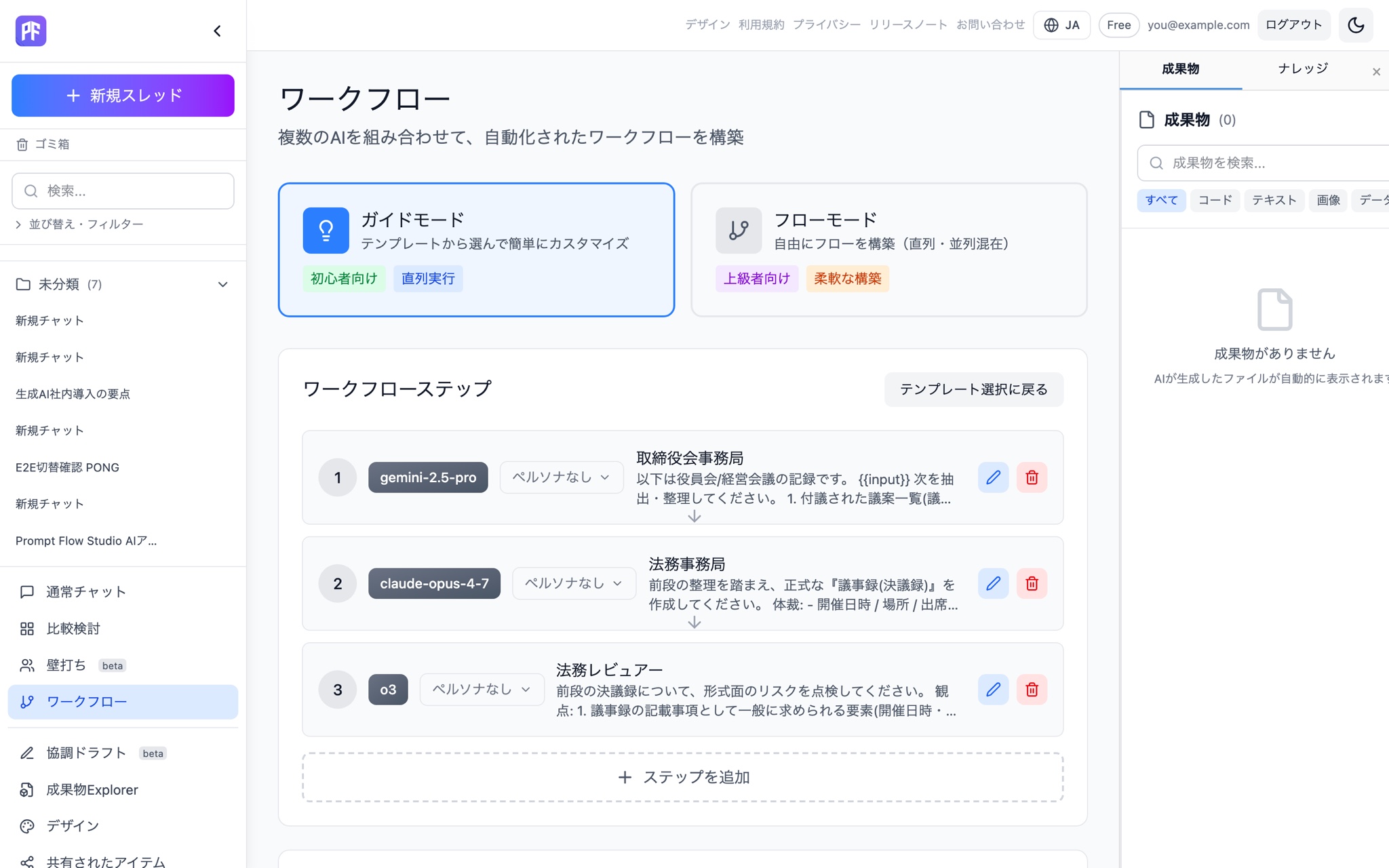
Five steps to get going.
From creating an account to sharing with a team. No complicated setup.
Getting started
Create a free account
Sign up instantly through Onion SSO. Under the current signup campaign, you'll get 300 PFC once at signup.
Just start typing
Auto detects the best mode from what you write. You can also pick a mode manually.
Hand it off to Compare or Debate
Not satisfied with one answer? Carry it straight into a comparison or a debate — context is preserved.
Register documents as knowledge
Upload documents and have answers grounded in them from Chat, Compare, or Debate.
Share with your team
Share threads and personas across a team (Team plan and above).
Your first week
You don't need to master everything on day one. Here's a pace that works well.
Days 1–2: get comfortable with Chat
Just start typing — Auto picks the best mode, so you don't have to think about which one to choose. Try it with everyday questions or drafts you're already working on.
Days 3–4: try Compare and Debate
When one answer isn't enough to decide, hand it off to Compare or Debate. Context is preserved, so you can compare multiple models' answers or have them argue it out to test a conclusion.
Day 5: register documents as knowledge
Upload the documents you reference regularly and have answers grounded in them — available from Chat, Compare, or Debate.
Days 6–7: bring in your team (Team plan and above)
Once you've found a rhythm, try sharing threads and personas with your team.
Starter tips by mode
Chat
Start here. Just type in the compose box and Auto picks the best mode. When in doubt, Chat is the easiest place to get a feel for things.
Compare
For when one answer isn't enough. Send the same prompt to multiple models and see the answers side by side.
Debate
For when you want to stress-test a conclusion. Models are assigned to argue for, against, critique, and adjudicate, with a Red Team rebuttal at the end.
Workflow (Beta)
For repeating the same routine. Run up to 8 steps directly from a template.
Before you start
Under the current signup campaign, you get 300 PFC once at signup. Storage is capped at 1GB and only lightweight models are available.
Common sticking points
Mode switching doesn't carry context over automatically — you hand it off explicitly using the "hand off" action on the results screen. Check whether you used that action.
See the full feature list on the features page, pricing on the pricing page, or example workflows on the use cases page.
300 PFC at signup (campaign offer). Get started right now.
Start free