
Four modes, all to yourself.
Chat, Compare, Debate, Workflow — just type into the box, and Auto picks the mode for you.
Start free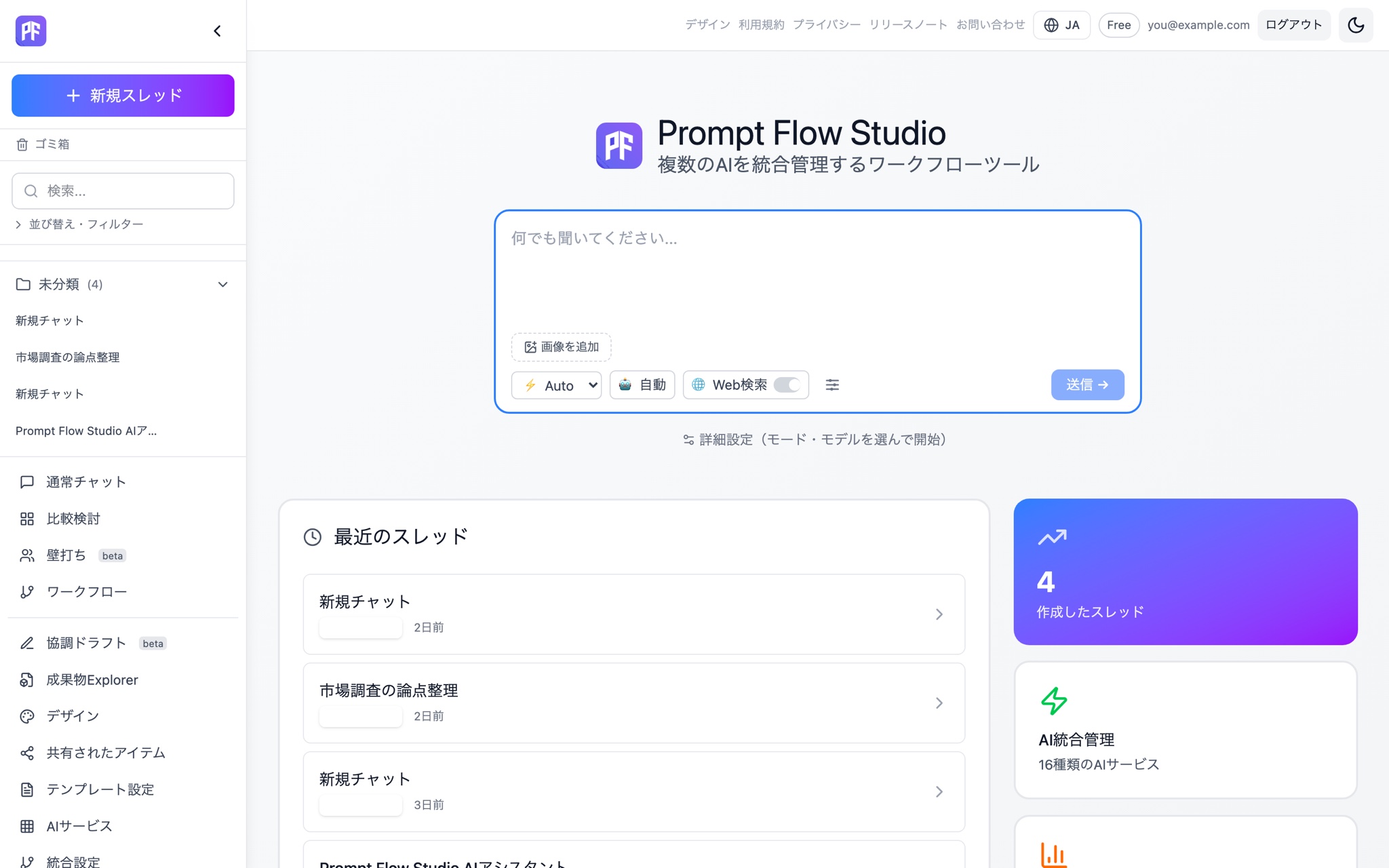
See exactly what every response costs.
Actual PFC usage is shown each time — and it stops before your balance runs out.
See pricing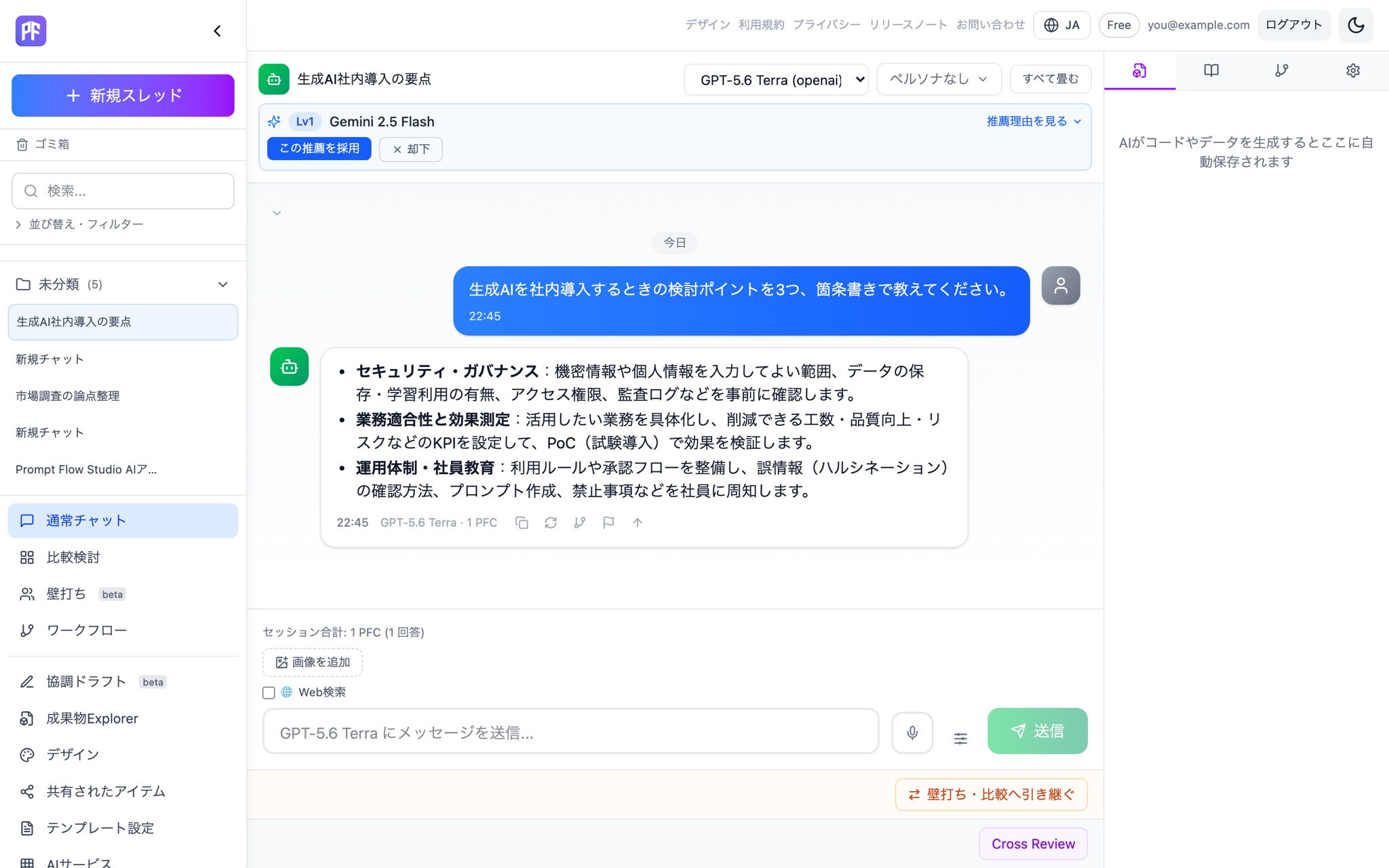
Your documents ground every mode.
Knowledge (RAG) grounds Compare and Debate in your own documents, too.
See Knowledge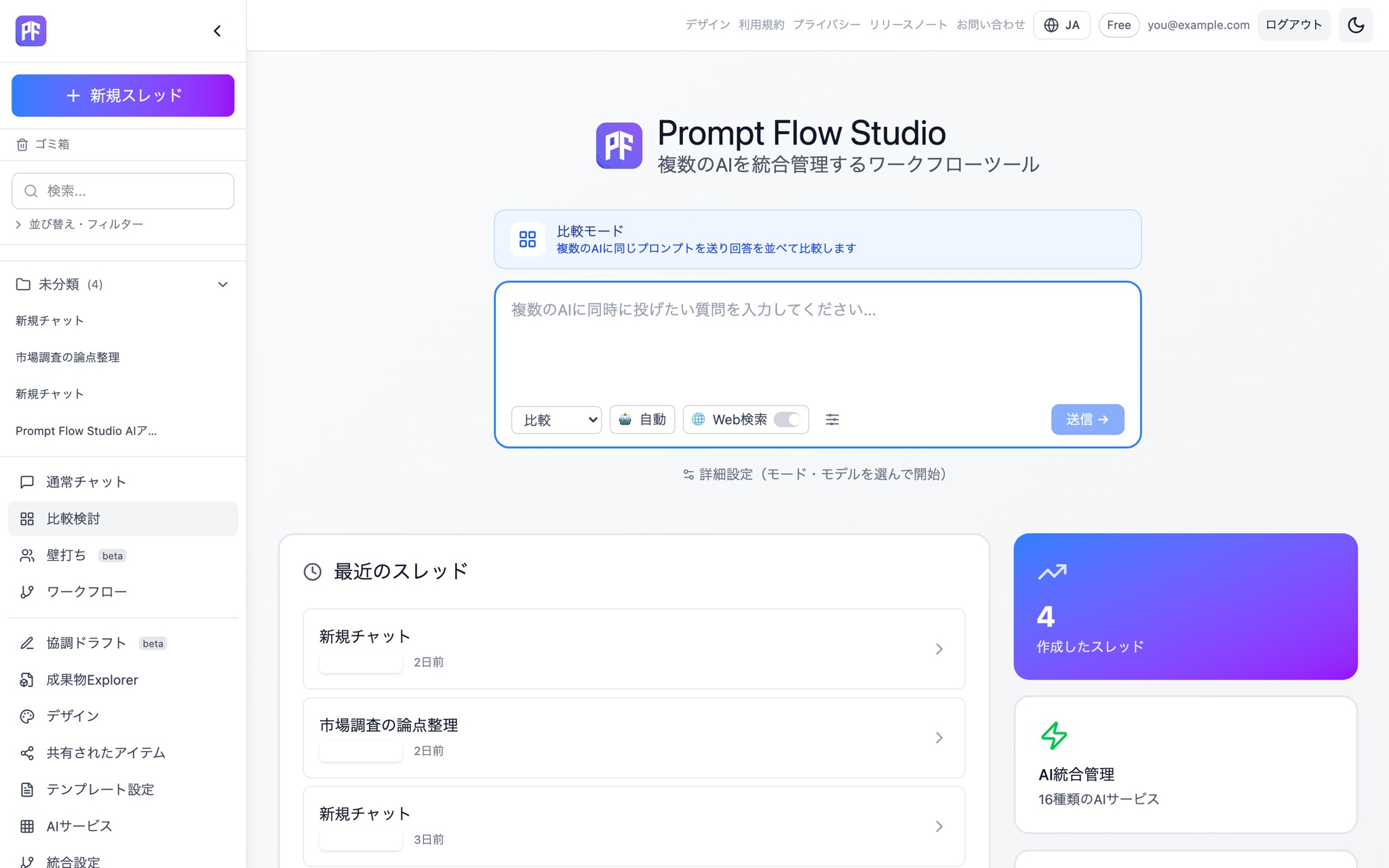
Pick up right where you left off — in your pocket.
The iOS app (beta on TestFlight) gives you the same conversations you had on PC.
See mobile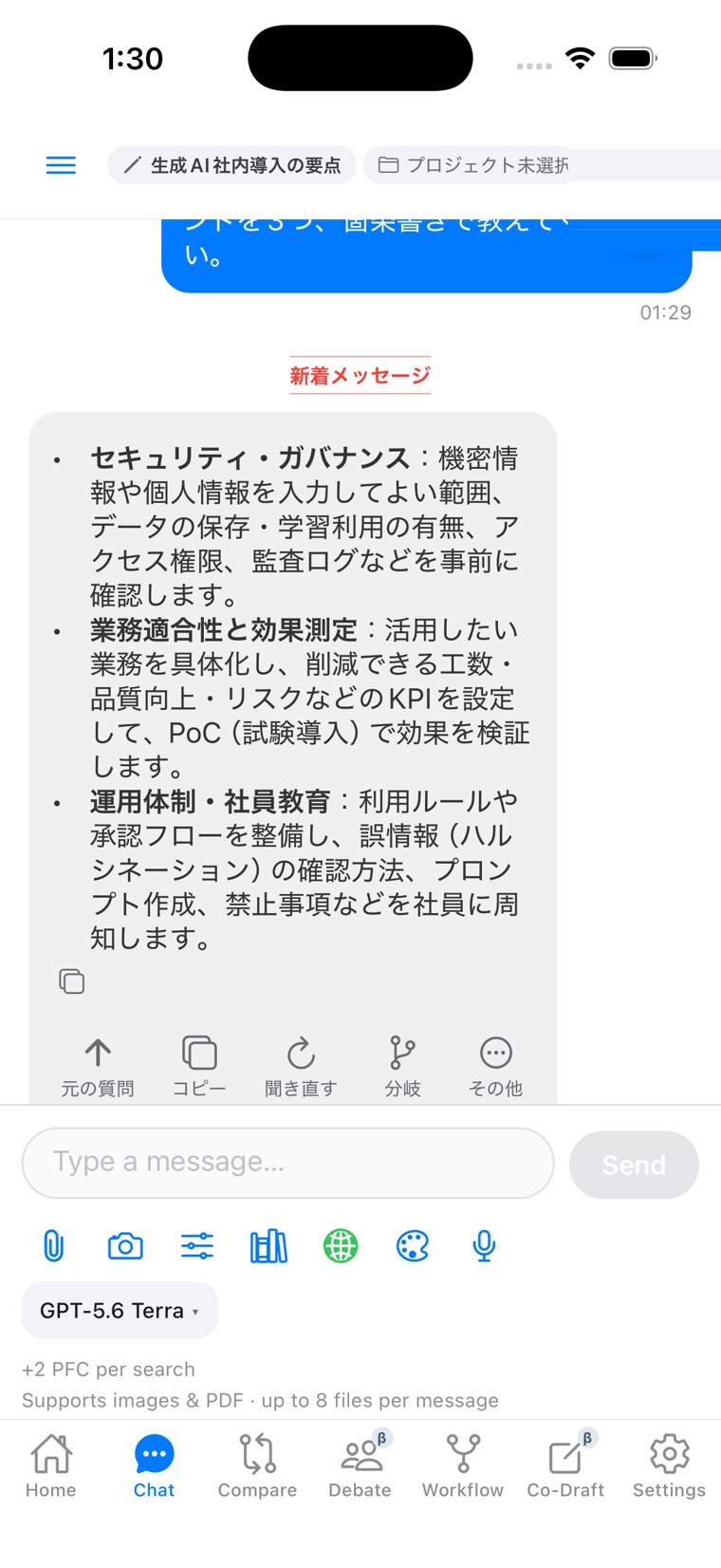
Prompt Flow Studio, built for how you actually work.
Chat, Compare, Debate, and Workflow (Beta) in one workspace. See the PFC cost of every response, and keep your knowledge and output as reusable assets.
Four modes + Co-Draft
Start from any of them.
Chat
One-on-one conversation. Actual PFC cost shown with every response.
Compare
Send one question to several models at once and view the answers side by side.
Debate
For/against/critic/adjudicator roles, plus a Red Team rebuttal pass.
Workflow (Beta)
Run a repeatable process as a template, up to 8 steps.
Co-Draft
Co-edit the same draft with AI.
Built for individual use
Auto model selection
Picks the best mode and model from what you type, shows why, and you can always override it.
Transparent PFC
See the actual PFC cost with every response. Sends are blocked before they'd overdraw your balance.
Knowledge (RAG)
Upload documents to ground answers in Chat, Compare, and Debate. Choose your own chunking strategy.
Auto-saved artifacts
AI output is detected and saved to S3 automatically, with series/version numbering and cross-search.
Templates & personas
Combine input/output templates with your own personas to build a repeatable style.
Voice input & web search
Dictate straight into the input box, and toggle provider-native web search on when you need it.
How people use it
対象者
Freelancers & solo operators
Compare proposal drafts across models, then turn your usual process into a Workflow (Beta) template.
対象者
Engineers
Weigh the pros and cons of an approach in Debate before you start building.
対象者
Research
Ground answers in your own documents instead of starting from a blank page.
対象者
On the go
Pick up where you left off on desktop from the mobile app, PFC balance included.
Individual ⊂ Team ⊂ Business. Every tier includes everything below it.
Individual
- 4 modes (Chat/Compare/Debate/Workflow (Beta))
- Transparent PFC & balance guard
- Knowledge, artifacts, mobile
Team
- Everything in Individual
- Share, review, branch & adopt
- Team usage reporting
Business
- Everything in Team
- SSO, SCIM, audit log
- Security Filter
Free, Pro, Max & Max+ compared
Anything not listed here is the same across every plan.
| 項目 | Free | Pro | Max | Max+ |
|---|---|---|---|---|
| Monthly | $0 | $30 | $100 | $200 |
| Annual (per month) | — | $25 | $83 | $167 |
| Monthly PFC | 0 (300 granted once, at signup — campaign offer) | 3,000 | 10,000 | 22,000 |
| Storage | 1GB | 10GB | 50GB | 100GB |
| Model access | Lightweight models only | All models | All models | All models |
| Modes available | Chat, Compare & Debate (lightweight models) | Chat, Compare, Debate & Workflow (Beta) | Chat, Compare, Debate & Workflow (Beta) | Chat, Compare, Debate & Workflow (Beta) |
Start on Free, move to Personal Pro when you need more.
Free gives you 300 PFC at signup (campaign offer) and lightweight models across 3 modes (Chat, Compare & Debate). Personal Pro starts at $30/month for every model and mode. See full pricing.
Using it with a team?
Team plans include everything in Individual, plus sharing, review, branch-and-adopt, and team usage reporting. See the team page.
Frequently asked questions
Free gives you 300 PFC at signup (campaign offer) and lightweight models across 3 modes (Chat, Compare & Debate). Every model and mode is available from Personal Pro ($30+).
Start with one thing you're already working on.
Start free