Sales / Checking a quote before sending
Before sending a quote,
put what to check
into a checklist.
Just write the quote's contents and past mistakes. A checklist to go through item by item before sending comes back.
Try it in Prompt Flow StudioQuote notes provided
[Notes before sending the quote]
- Recipient: Tanaka, General Affairs Department, Company K (use the official company name, department and full name in the address)
- Items: 8 monitors for meeting rooms, 8 wall-mount brackets, 1 set of installation work
- Unit prices: monitor 68,000 yen, bracket 6,500 yen, installation work 48,000 yen
- Subtotal 644,000 yen, consumption tax (10%) 64,400 yen, total 708,400 yen
- Issue date is Friday, November 13; valid until Friday, December 11
- Last month, with another client, there was a tax calculation error and a quote sent with outdated unit prices
- Approval from Sato, the sales section manager, is required before sending
Could you make this into a checklist to use before sending a quote, so anyone in the sales department can run the same checks?
Checklist returned
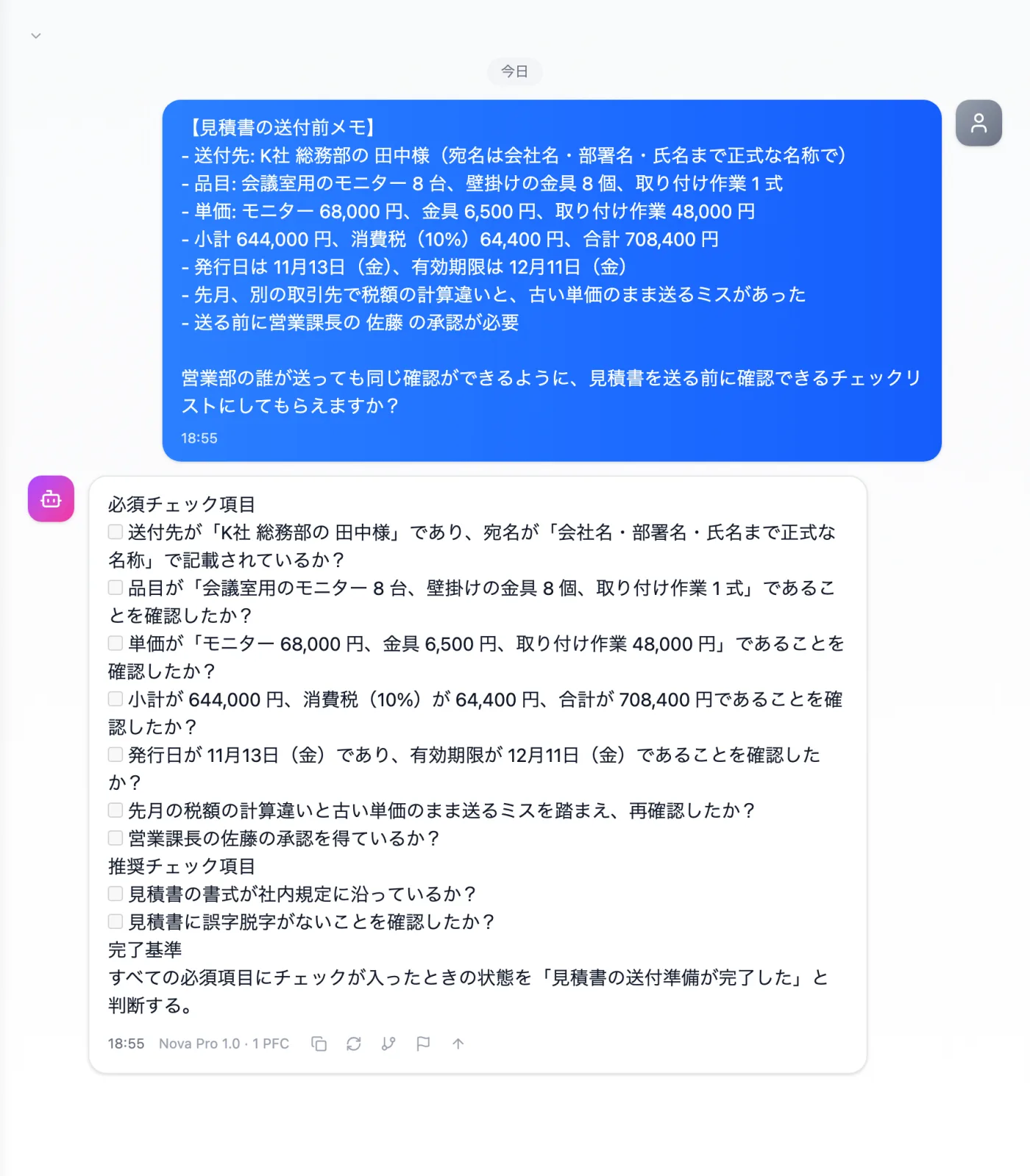
Actual screen (using the "Checklist" output style) (an example of use)View larger image
Just 3 steps
Write the contents
Address, items, unit prices, tax, deadline, approver and past mistakes.
Choose a style
Select "Checklist" from "Presets" in the input area.
Adjust for each deal
Replace amounts and dates with those of the quote you are sending.
Other uses work the same way
If you are unsure about the wording, you can also have another AI write it and compare.
Your next quote starts with the checklist too.
Try it in Prompt Flow Studio