IT and development / Incident retrospectives
Retrospectives that end
with "we'll be careful".
Rethink how you run them.
Just write what happened and what's not working in your retrospectives. A process from records to cause analysis, countermeasures and evaluation comes back.
Try it in Prompt Flow StudioQuestion sent
Last week, our internal ordering system was down for about 2 hours. The cause was that an overnight data update ran longer than expected and overlapped with the start of morning operations. We hold retrospective meetings, but they always end with "we'll be more careful next time." Please tell me how to run them so that cause analysis and recurrence prevention lead to real improvements.
Answer returned
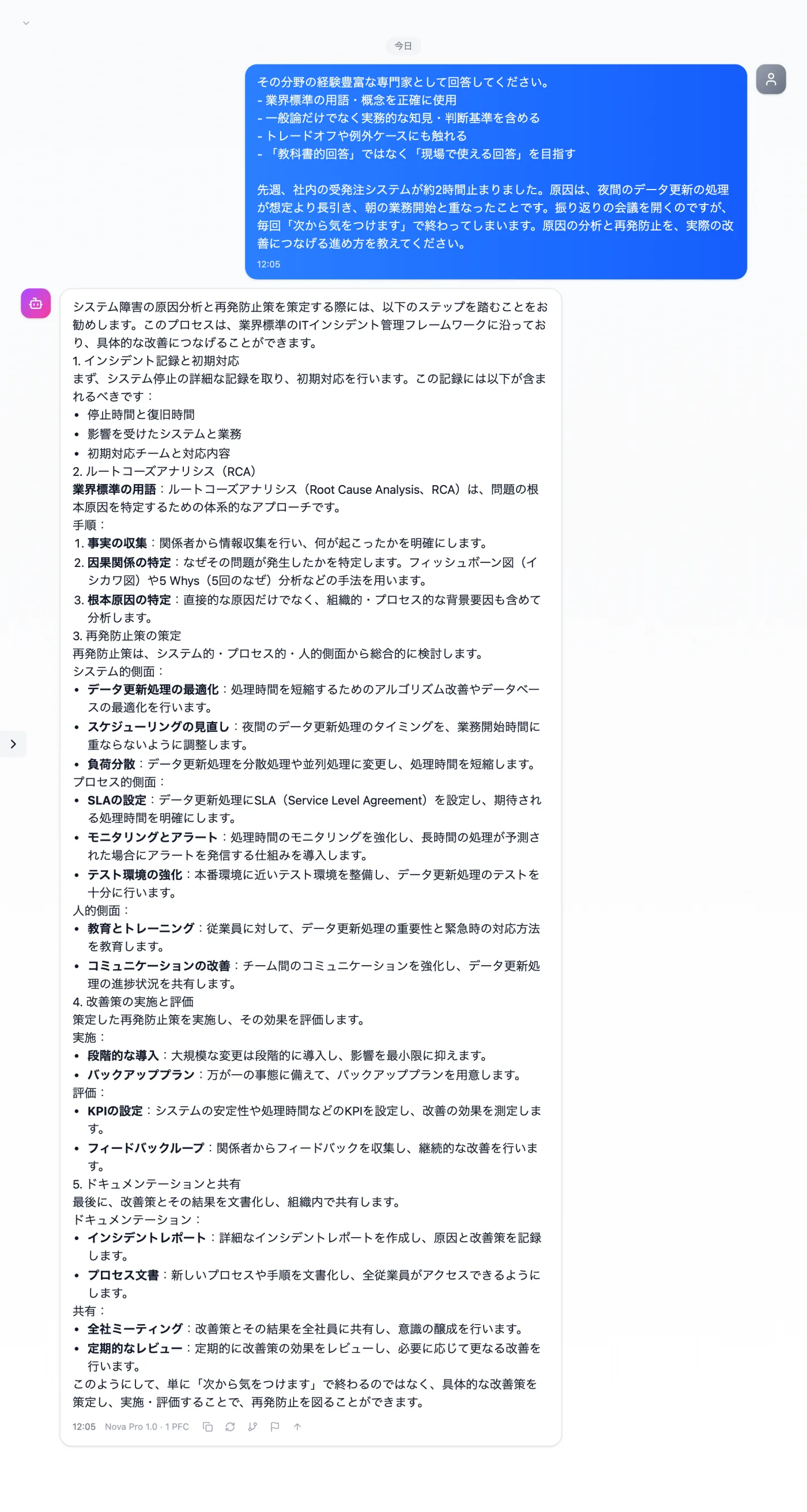
Actual screen (using the "Expert tone mode" input preset) (an example of use)View larger image
Just 3 steps
Describe what happened
Briefly write what happened and what caused it.
Choose "Expert tone mode"
Apply "Expert tone mode" in the "Input presets" tab.
Owners and deadlines
Assign an owner and a deadline to each countermeasure.
Other uses work the same way
If you are unsure about the wording, you can also have another AI write it and compare.
Prevent the next incident with a system, not a promise.
Try it in Prompt Flow Studio