Planning and management / Concept images
Words alone don't get it across.
Turn your concept
into an image with AI.
Just write the colors, objects, setting and what to leave out. A reference image showing the project's direction comes back.
Try it in Prompt Flow StudioRequest sent
Please generate an image. It's for sharing internally the direction of "Seaside Stationery Series", a project for a fictional homeware brand. Make a three-dimensional image of blue and sand-colored notebooks, pens and masking tape laid out on a white desk. Please don't include any product text or logos.
Image generated
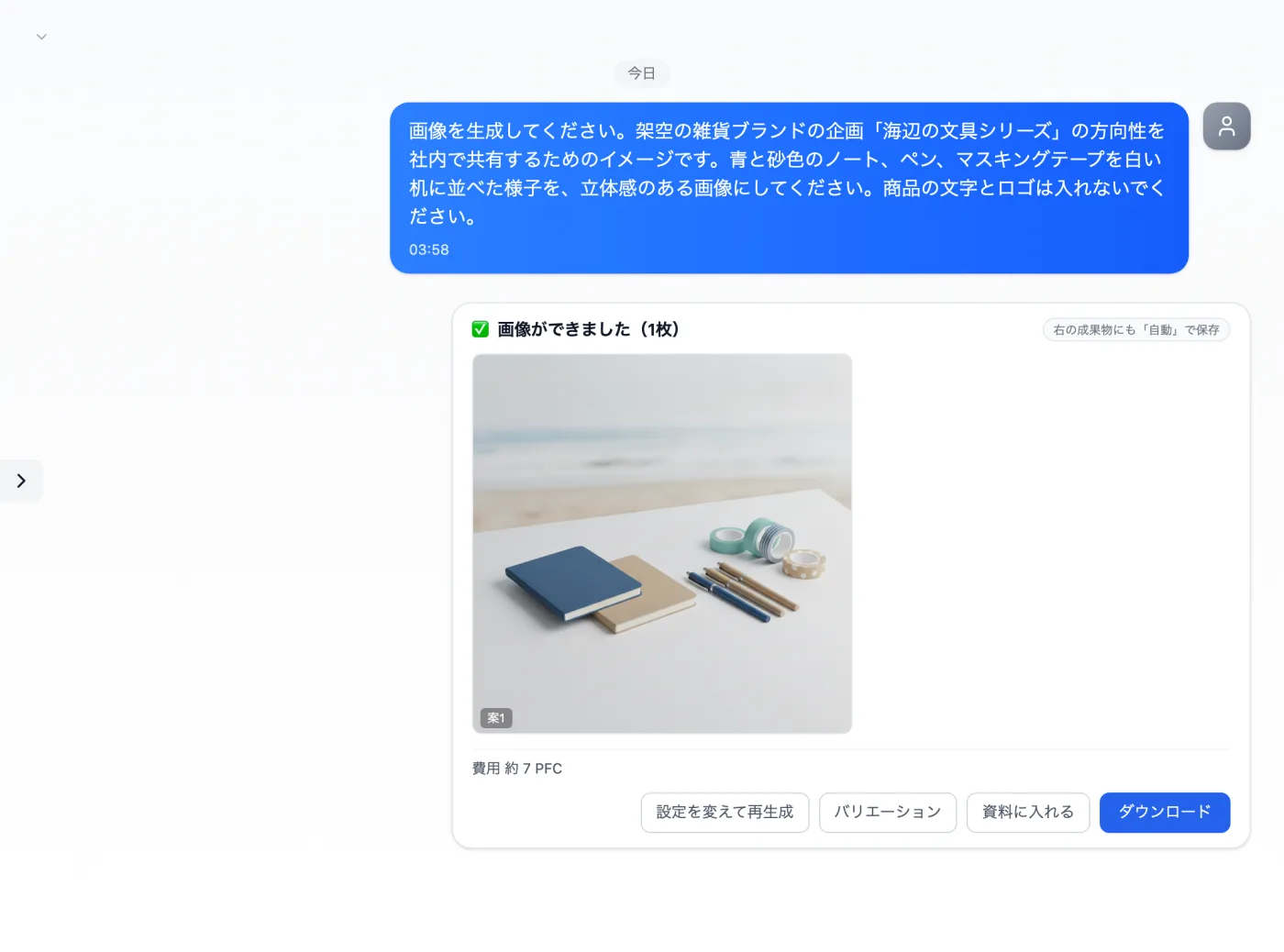
Actual screen (using the Nano Banana image model) (an example of use)View larger image
Just 3 steps
Choose an image model
Select an image model in regular chat and write your request.
Put the conditions into words
Write the colors, objects and setting, plus any text or logos to leave out.
Check the image
Check the dimensions and that nothing appears that you didn't ask for.
Other uses work the same way
If you are unsure about the wording, you can also have another AI write it and compare.
Start your next project with an image draft.
Try it in Prompt Flow Studio