IT & development / Isolating a bug
Only 5 people can't clock in.
What should you check next?
Isolate it step by step.
Just write the symptoms, where it happens and what has been checked. What to check next comes back, in order.
Try it in Prompt Flow StudioSituation provided
We received reports that on the company's attendance system, nothing happens for some people when they press the "Clock in" button.
- It is happening to 5 people, all in the sales department
- People in other departments can use it without problems
- All 5 use it from a browser on their PCs. They can clock in from their smartphones
- The browser cache has been cleared. The PCs were also restarted, but nothing changed
- Until yesterday, these 5 people could also clock in without problems
The company manual says "update the browser to the latest version" and "try a different browser." Please tell me what to check next, in order.
Steps that came back
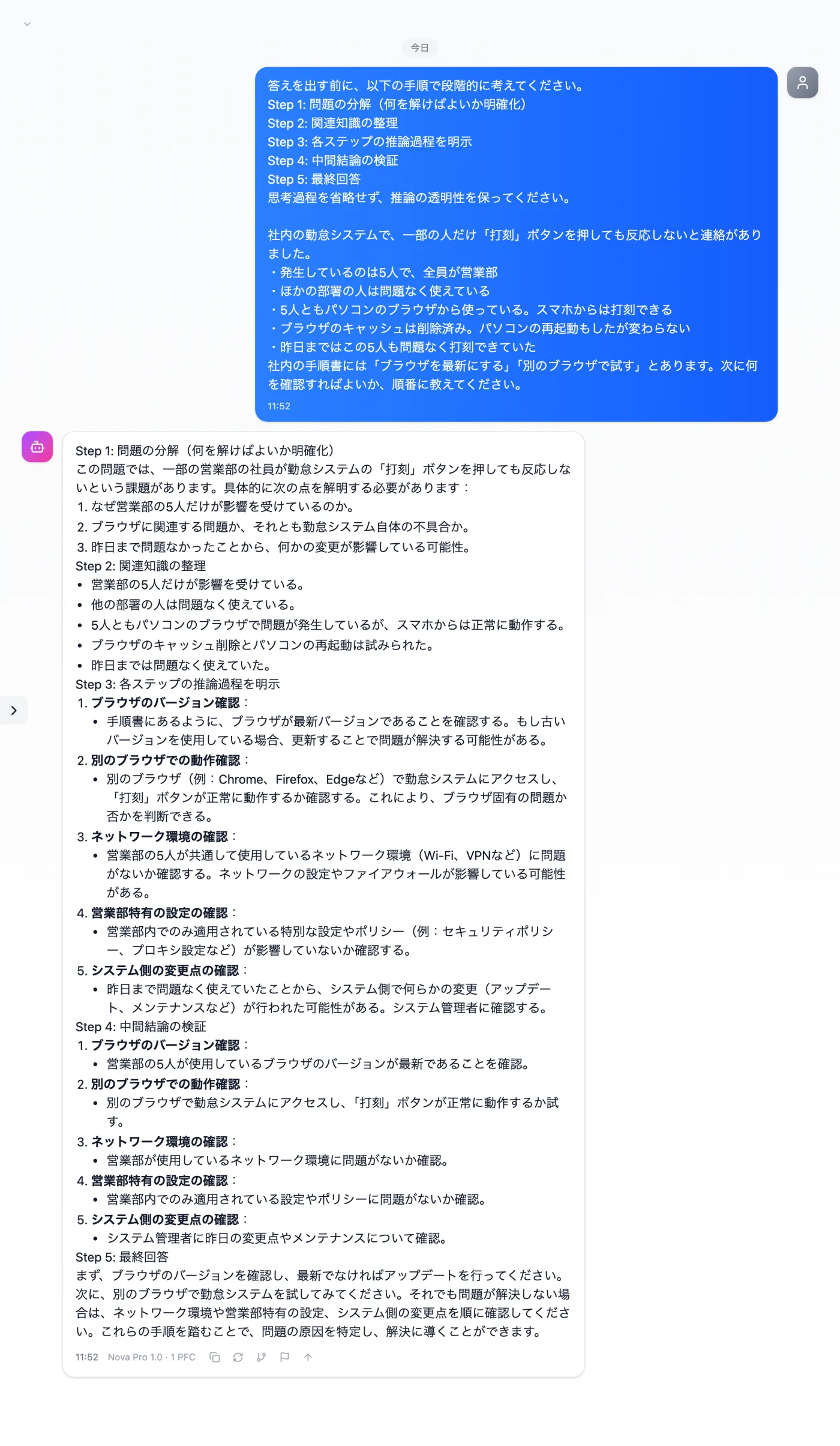
Actual screen (using the "Step-by-step thinking mode" input preset) (an example of use)View larger image
Just 3 steps
Describe the situation
As bullet points: who, since when, and what was tried.
Choose a preset
Apply "Step-by-step thinking mode" in the "Input presets" tab.
Review the order
Rearrange the order of checks to match how the problem occurs.
Other uses work the same way
If you are unsure about the wording, you can also have another AI write it and compare.
Before trying fixes, set the order of checks.
Try it in Prompt Flow Studio