IT & development / Backup and sync
If you sync,
do you not need backups?
Learn the difference by example.
Just write how your workplace uses it and your question. An answer comes back explaining the different roles of the two, step by step, using an accidental deletion as the example.
Try it in Prompt Flow StudioRequest sent
On our department's PCs, the desktop folder is synced with cloud storage. The other day, an employee said, "We sync, so we don't need backups, right?"
What is the difference between backup and sync? Using the case of "accidentally deleting a file" as an example, please explain what happens with each.
Explanation that came back
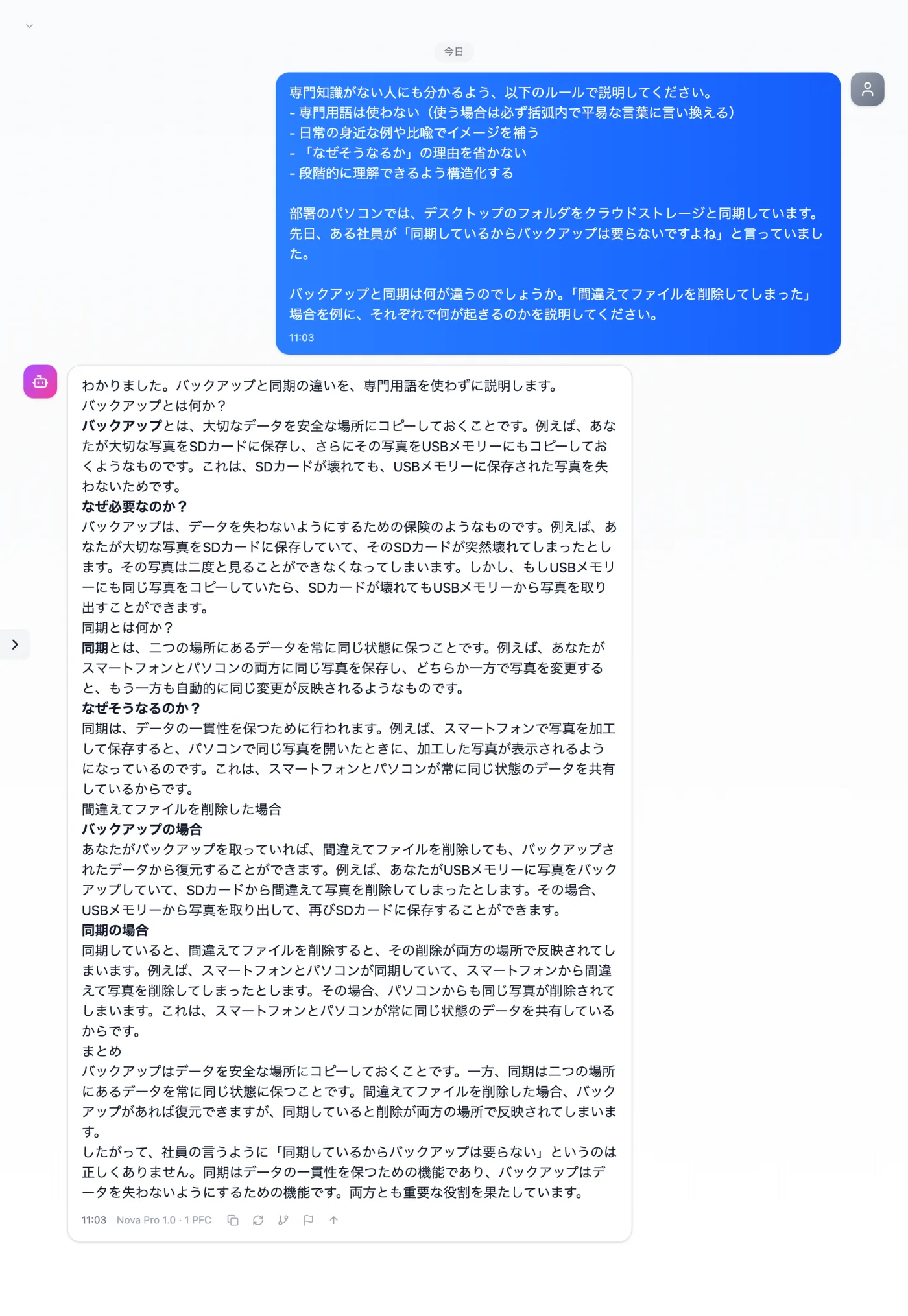
Actual screen (using the "Beginner-friendly explanation mode" input preset) (an example of use)View larger image
Just 3 steps
Write your question
Write how your workplace uses it and the situation you want as the example.
Choose a preset
Apply "Beginner-friendly explanation mode" in the "Input presets" tab.
Check your settings
Check the trash and version history settings of the service you use.
Other uses work the same way
If you are unsure about the wording, you can also have another AI write it and compare.
Put that sense of safety into words once to check it.
Try it in Prompt Flow Studio