Common / Saving images
Save the images you made with AI
and get them as files.
Just reopen the conversation where it was created and press "Save" in the Artifacts panel on the right. You get the generated image as a file.
Try it in Prompt Flow StudioActions taken
No new message sent. The original message is case 02 in 12-image-create-edit/INPUTS.txt.
Actions taken: reopen the conversation → click the image in the chat → "Save" in the Artifacts panel on the right → "Download" in the chat
Save screen
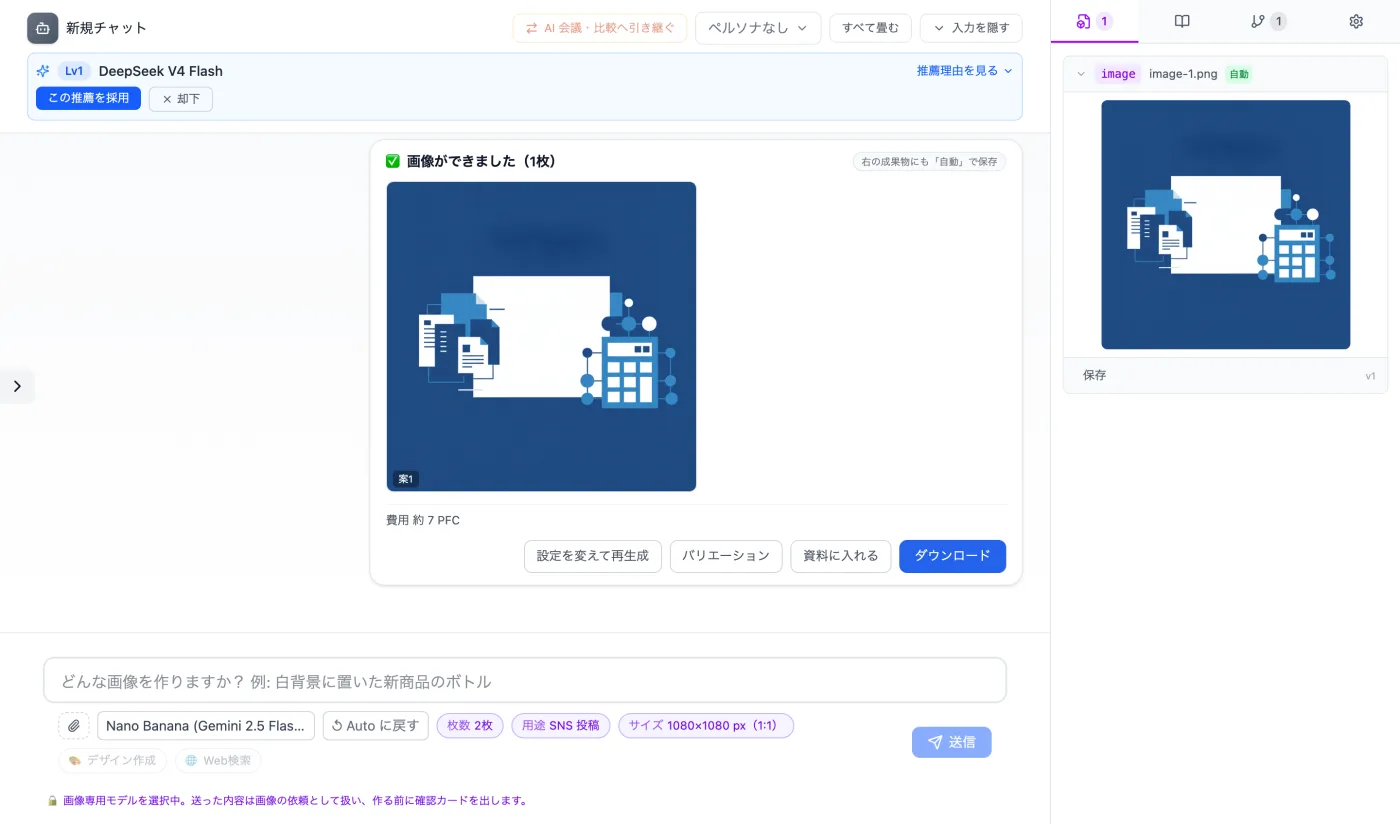
Actual screen (using the Artifacts tab on the right) (an example of use)View larger image
Just 3 steps
Reopen the conversation
Use the request and the completion card to confirm which artifact it is.
Save from the Artifacts panel
Get the file with "Save" in the Artifacts tab on the right.
Check the contents
Check the dimensions and contents of the image you received.
Other uses work the same way
If you are unsure about the wording, you can also have another AI write it and compare.
Save the images you made from the right panel.
Try it in Prompt Flow Studio