General / Getting your video
Open the video you made with AI
later on,
and download it.
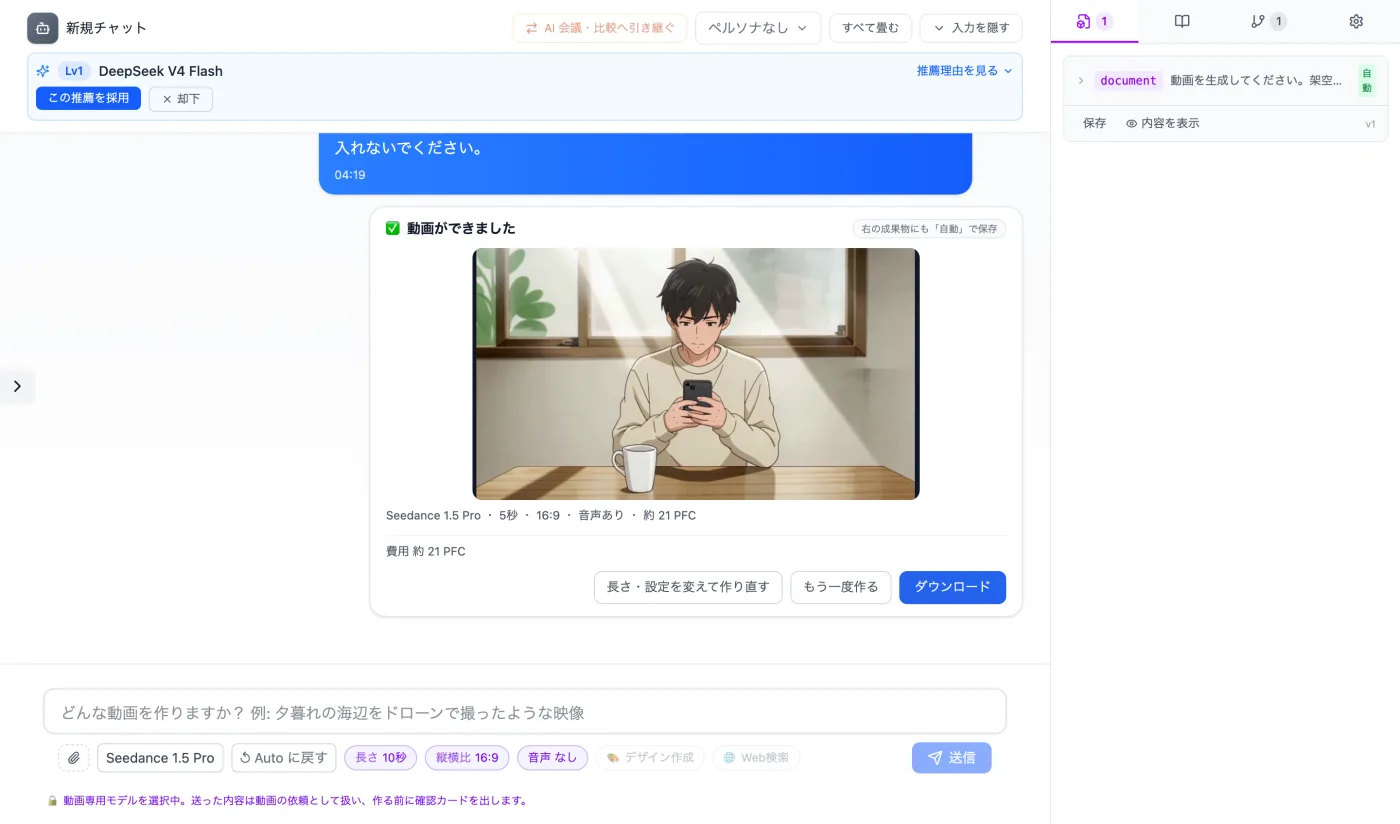
Just reopen the conversation where it was created and press "Save" in the Artifacts panel on the right. You can also play it in the chat to check what's in it.
Try it in Prompt Flow StudioWhat I did
No new message was sent. The original message is case 01 in 13-video/INPUTS.txt.
What I did: Reopen the conversation → Play it in the chat → "View content" and "Save" in the Artifacts panel on the right → "Download" in the chat
Just 3 steps
Reopen the conversation
Use the request and the completion card to confirm which artifact it is.
Save from the Artifacts panel
Get the file with "Save" in the Artifacts tab on the right.
Check the content
Play it to the end and check the motion and audio.
Other uses work the same way
If you are unsure about the wording, you can also have another AI write it and compare.
Play the videos you make to check them.
Try it in Prompt Flow Studio