Business improvement / Reviewing a process
Where does it stall?
Review your workflow
with AI.
Just write the steps along with volumes and time required, and send. You get back the spots prone to waiting and rework, with reasons.
Try it in Prompt Flow StudioWorkflow provided
These are the steps up to issuing a quote. Tell me where waiting and rework are likely to occur.
1. Sales emails the request details to the operations section (5 per day on average)
2. Operations checks the details and asks sales if anything is missing (happens about 30% of the time; 1 day on average to get a reply)
3. Operations creates the quote in a spreadsheet (20 minutes each)
4. The section manager checks it on paper and stamps it (passed to the manager's desk only twice a day, morning and evening)
5. If corrections are needed, go back to step 3 (about 20%)
6. Sales sends it to the customer
Analysis returned
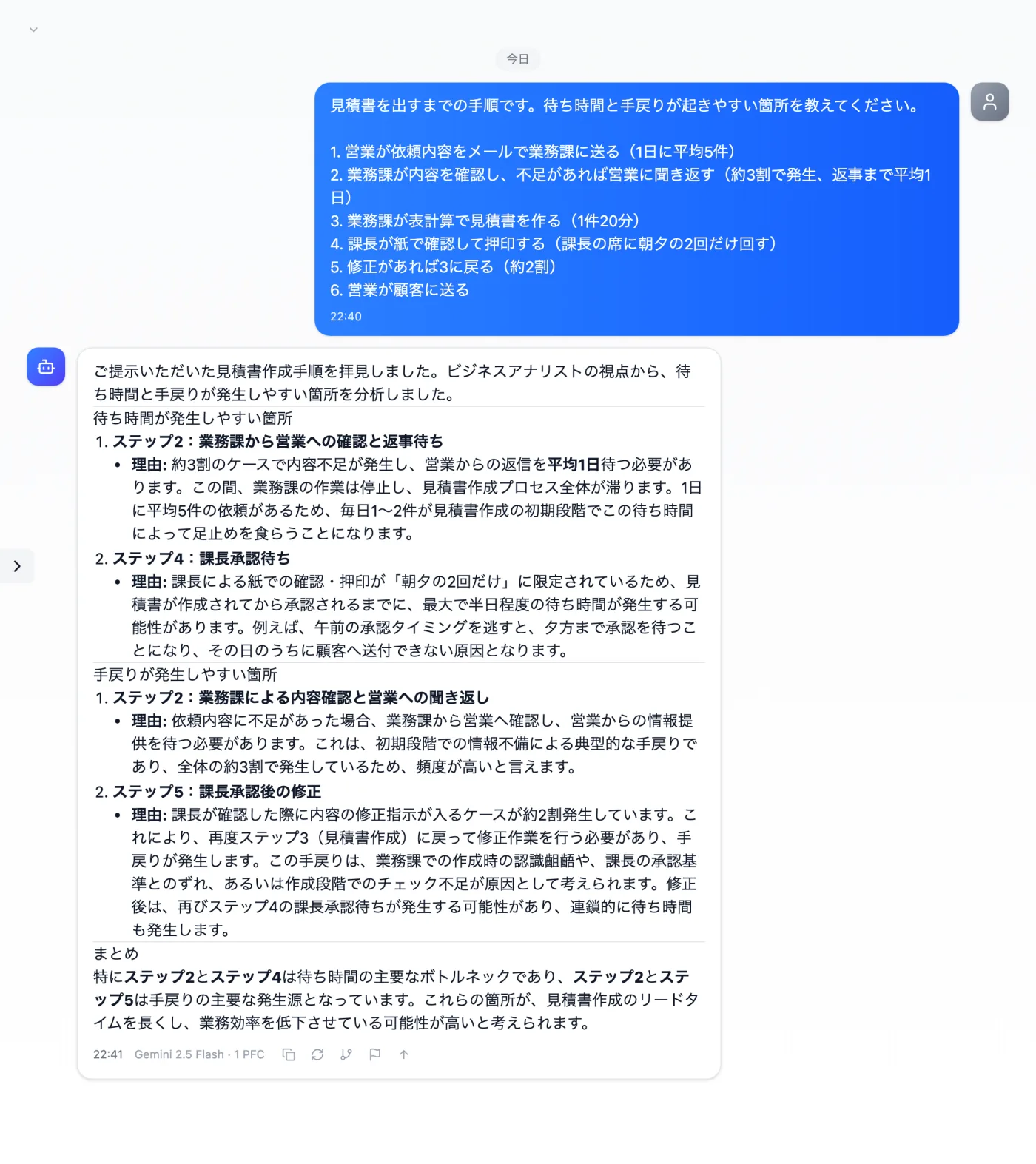
Actual screen (using the "Business analyst" persona) (an example of use)View larger image
Just 3 steps
Open personas
Open the persona selector at the top of regular chat.
Pick a role
Choose "Business analyst" from the list.
Send the material
Write the steps with volumes and times, numbered, and send.
Other uses work the same way
If you are unsure about the wording, you can also have another AI write it and compare.
Your next improvement starts with writing out the steps.
Try it in Prompt Flow Studio