Sales / Delivery notice email
Delivery is done.
How to receive it and what to check,
in a notice email.
Just write the deliverables, how to receive them and what you'd like checked. A delivery completion notice email comes back, with a subject line.
Try it in Prompt Flow StudioNotes provided
[Delivery notes]
- To: Sato, HR Dept., Company H
- From: Yamamoto, Production Dept., our company
- Deliverables: 5 training videos for new employees (10–15 minutes each) and 5 subtitle text files
- Delivery date: Friday, March 5
- How to receive: placed on our shared storage. The download link and password will be sent in a separate email
- Link expiry: until Friday, March 19
- Please check: video playback, typos in subtitles, how company and department names are written
- Revision requests accepted until Friday, March 12 (up to 2 rounds free of charge)
Could you write an email to Sato at Company H informing them that delivery is complete, and explaining how to receive the files and what to check?
Email returned
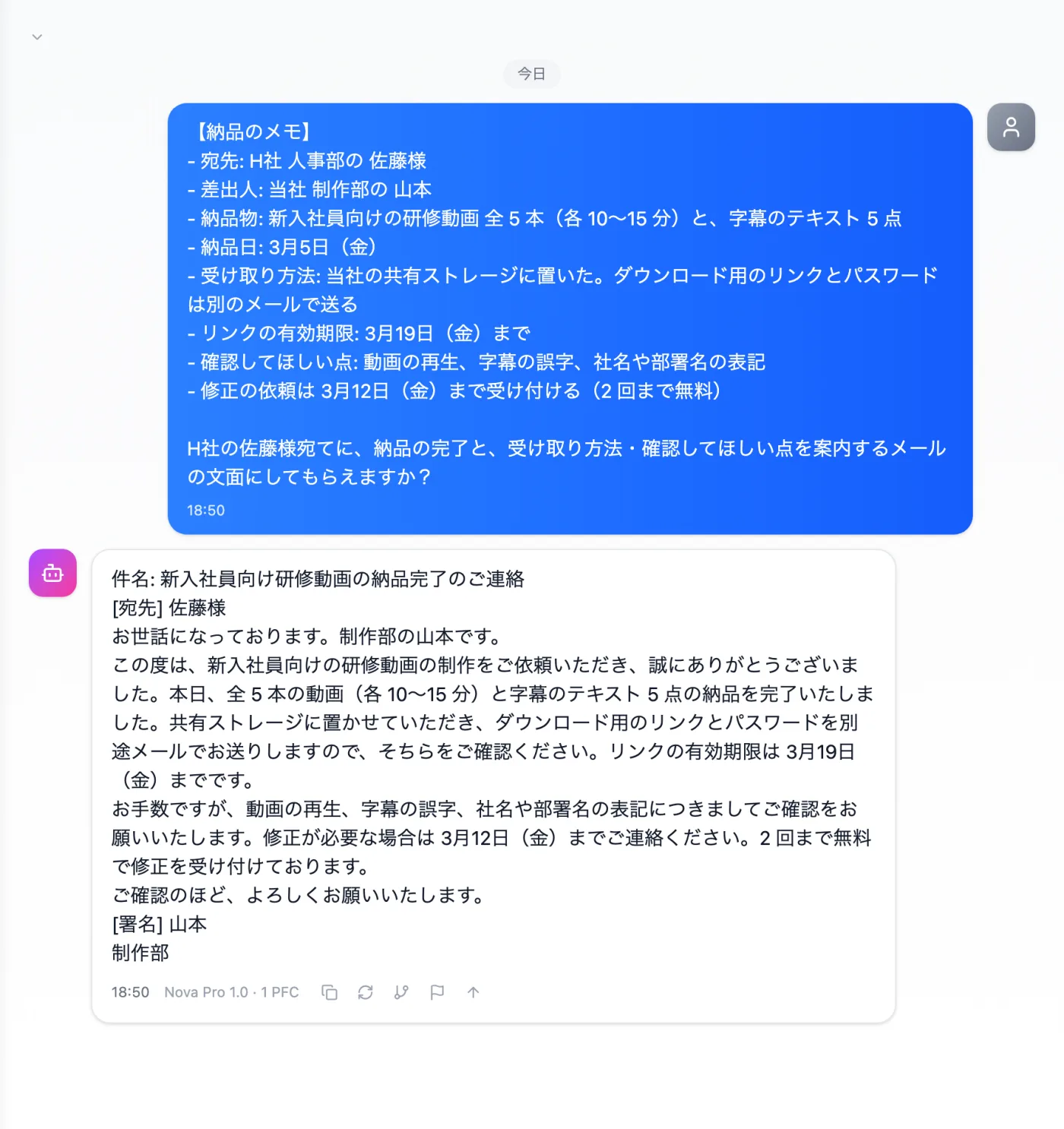
Actual screen (using the "Email text" output style) (an example of use)View larger image
Just 3 steps
Write your notes
Write the deliverables, how to receive, deadlines, check points and revision acceptance.
Choose a style
From "Presets" in the input box, choose "Email text".
Review and send
Fill in any blank names or signatures, and check how dates are written.
Other uses work the same way
If you are unsure about the wording, you can also have another AI write it and compare.
Your next delivery notice starts from notes.
Try it in Prompt Flow Studio