Event operations / Webinar operating steps
Turn running a webinar
into steps you can
hand to someone else.
Just paste your operations notes and ask for numbered steps. You get back a manual covering everything from setup to post-event follow-up.
Try it in Prompt Flow StudioOperations notes provided
[Webinar operations notes]
- 1 week before: Create the meeting in the streaming tool and send the URL to participants. Get the materials from the speaker by the day before
- Day before: 15-minute connection test with the speaker (audio, screen sharing, camera)
- 30 minutes before: The operator joins the streaming tool and checks the recording settings
- 10 minutes before: The speaker joins. Admit participants from the waiting room
- Start: The operator gives the opening greeting and notes (questions via chat), then hands over to the speaker
- Q&A: The operator reads out questions from the chat
- After: Send the survey URL the same day. Share the recording with participants within 3 business days
- If audio isn't coming through, have the speaker leave once and rejoin
So that someone else can run it from next time, could you turn these notes into numbered steps covering setup, connection check, starting the stream, and post-event follow-up?
Steps returned
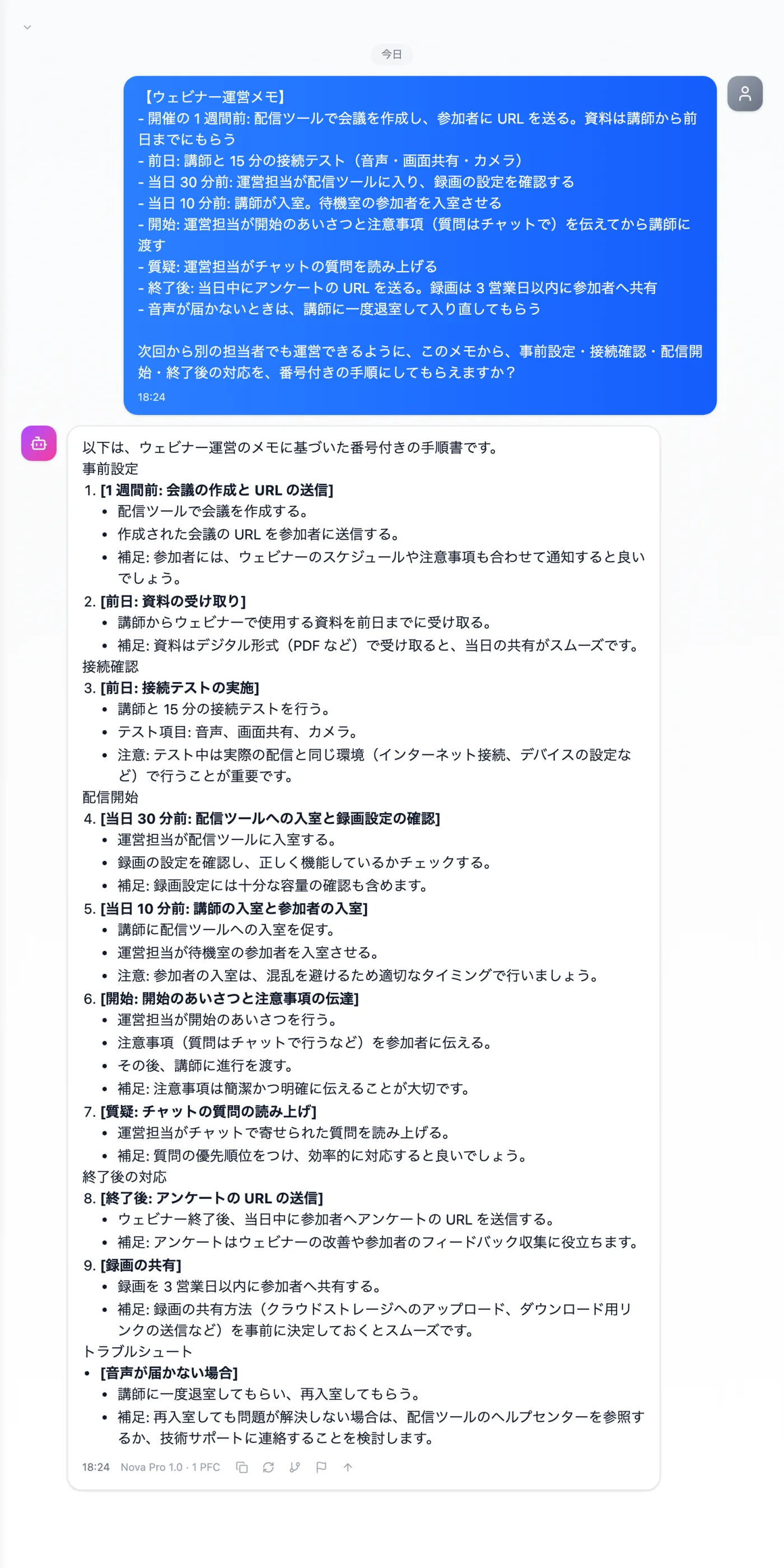
Actual screen (using the "Numbered steps" output style) (an example of use)View larger image
Just 3 steps
Write the flow
Note the tasks for 1 week before, the day before, the day itself, and afterward, in order.
Choose a style
Choose "Numbered steps" from "Presets" in the input field.
Check against your rules
Confirm that deadlines and any extra advice match your actual rules.
Other uses work the same way
If you are unsure about the wording, you can also have another AI write it and compare.
Your next event starts from a manual.
Try it in Prompt Flow Studio