Marketing and PR / Image to video
From an image you have,
make a video with AI.
Just attach an image and write what should move, how, and what must stay in place. A trial clip of about 5 seconds based on that image comes back.
Try it in Prompt Flow StudioImage attached and request
Please generate a video. It's a trial for introducing a fictional interior shop. Based on the attached picture of a window, make a video where the curtains sway slowly in the breeze and the leaves of the potted plant move a little. Don't change the position of the window or the potted plant, and don't include any text or logos.
Video generated
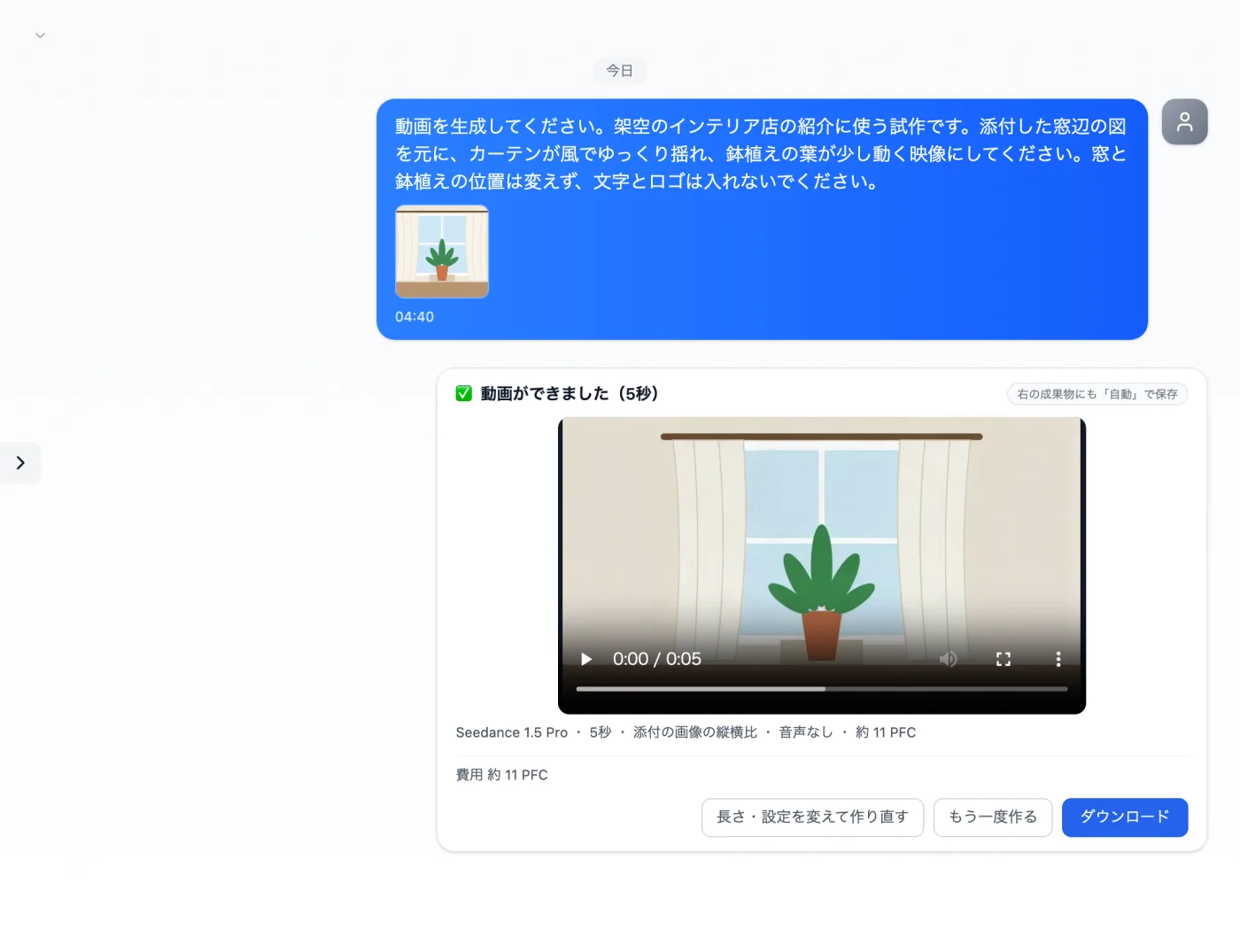
Actual screen (using the Seedance 1.5 Pro video model) (an example of use)View larger image
Just 3 steps
Describe the scene and motion
Attach the image and write what moves and what stays the same.
Check the creation card
Check the length, aspect ratio and audio for the video model.
Play it to the end
Check that the order of motion and the positions of objects match your request.
Other uses work the same way
If you are unsure about the wording, you can also have another AI write it and compare.
Ideas for motion, for a still image.
Try it in Prompt Flow Studio