Marketing & PR / Intro video
The opening of your intro video,
as a 5-second AI draft.
Just describe the place, the person's movements, the mood and what to leave out. A trial clip of about 5 seconds comes back for checking the opening scene.
Try it in Prompt Flow StudioRequest sent
Please generate a video. It is a short clip for the opening of the service introduction for "Mamecho," a fictional household budgeting app. Create a scene at a breakfast table in the morning where a person puts down a coffee and picks up a smartphone, focused on the hands, with a bright and calm mood. Do not show what is on the screen, and do not include any text or logos.
Generated clip
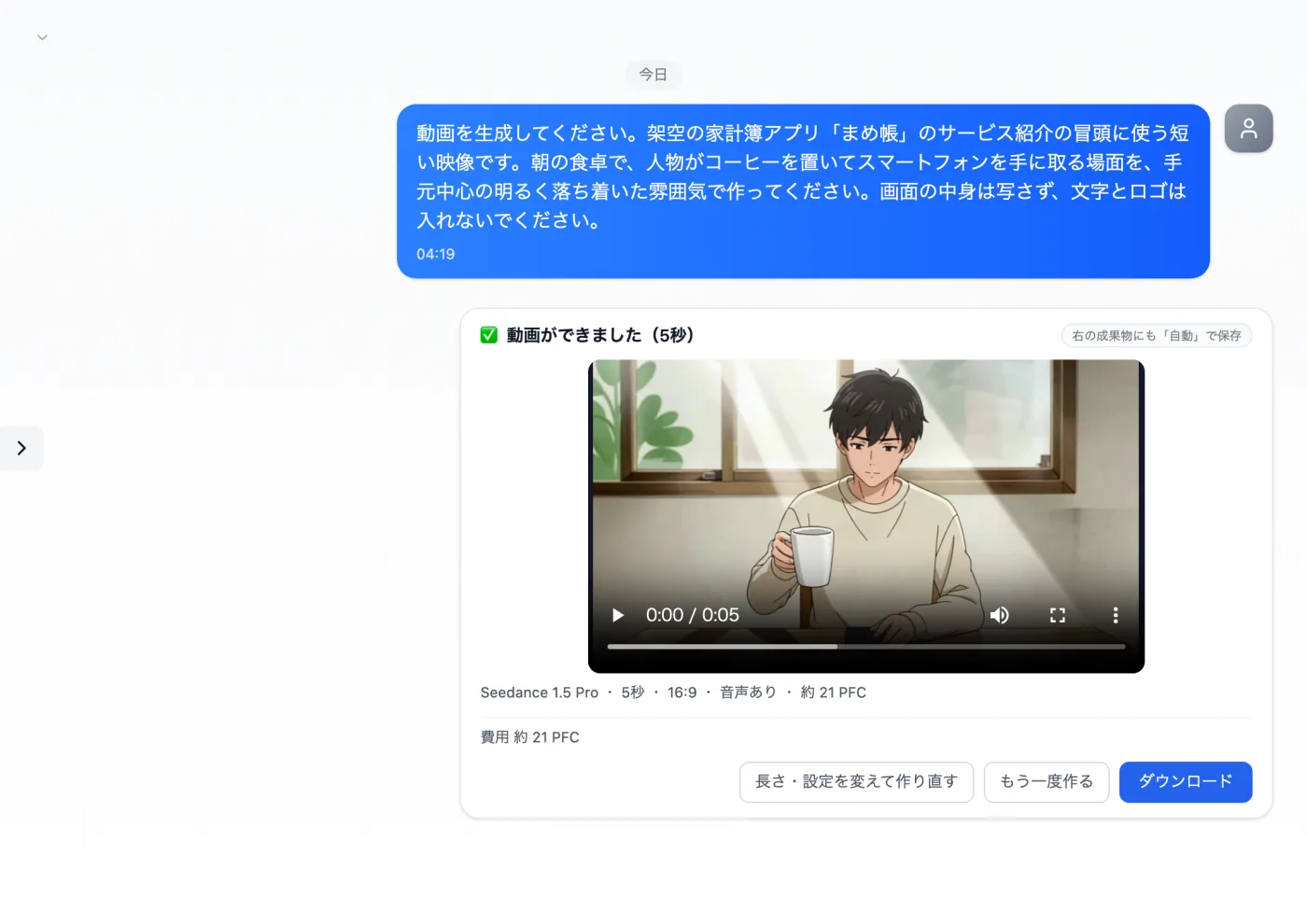
Actual screen (using the video model Seedance 1.5 Pro) (an example of use)View larger image
Just 3 steps
Describe the scene and motion
Write the place, motion and mood, and that no text should be included.
Check the creation card
With the video model, check the length, aspect ratio and audio.
Play it to the end
Check that the order of movements and the positions of objects match the request.
Other uses work the same way
If you are unsure about the wording, you can also have another AI write it and compare.
Start the opening scene from a 5-second draft.
Try it in Prompt Flow Studio