Planning & management / Survey report
The numbers are in.
Turn them into a survey report
in Word with AI.
Just pass in the survey method, the result figures, and what may be said in the discussion. You get a docx divided into method, results, and discussion.
Try it in Prompt Flow StudioSurvey results provided
Please create a Word document (docx). It's a survey report on use of the staff cafeteria, prepared by the general affairs department of a fictional company, "Wakamatsu Kenzai." Divide it into method, results, and discussion.
Method: Web survey of all employees in October 2026. 200 people surveyed, 150 responses (75% response rate).
Results:
- Use it 3 or more times a week: 45 people; 1 to 2 times a week: 60 people; rarely use it: 45 people
- Reasons for not using it (multiple answers allowed; out of the 45 who rarely use it): crowded 25 people, too few menu items 20 people, bring their own lunch 15 people
What may be written in the discussion: The crowding may be a problem of the lunch-hour time slot. However, usage by time slot was not surveyed this time, so do not state it as certain.
Finished Word document
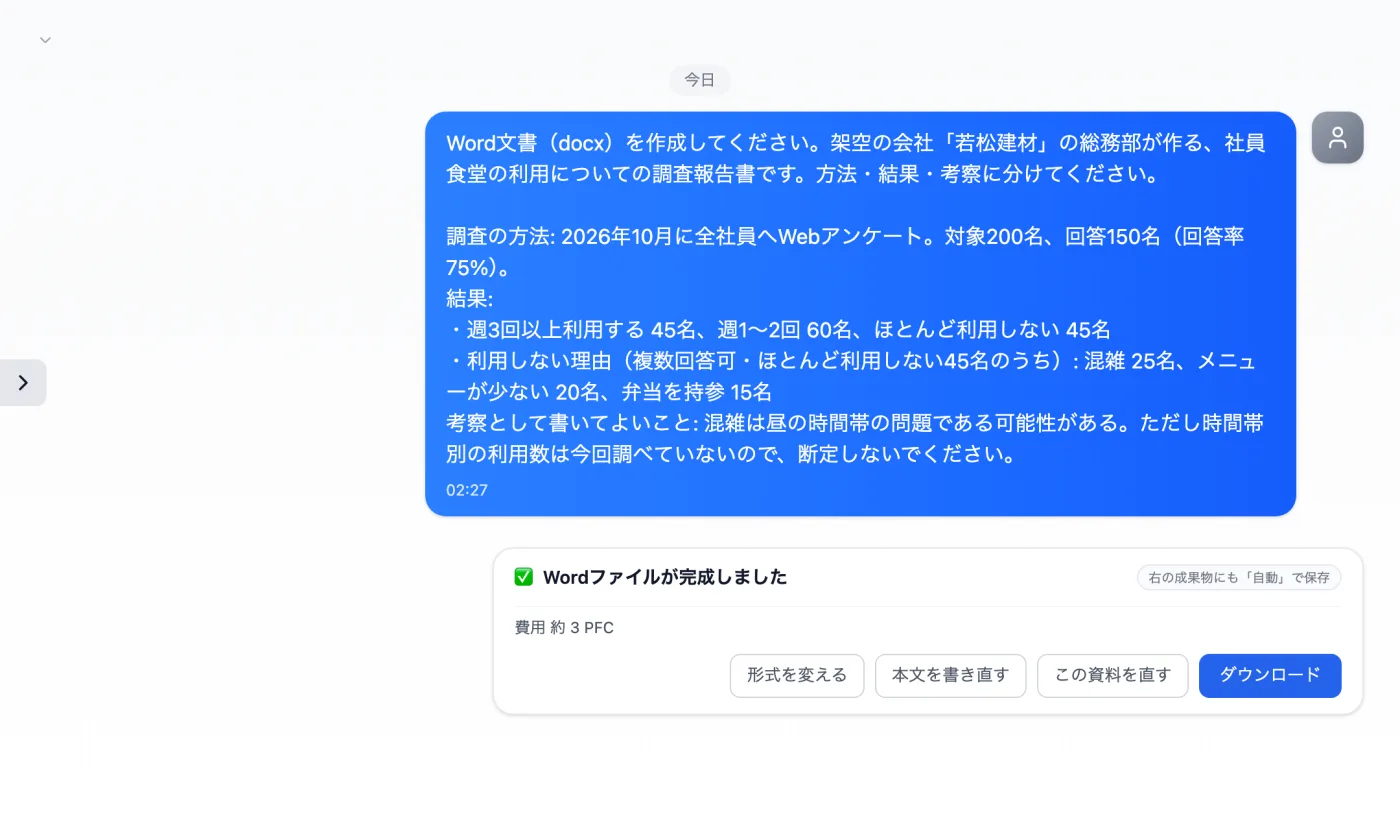
Actual screen (using Word document creation) (an example of use)View larger image
Just 3 steps
Write the material
Write the method, the numbers, and what not to state as certain, separately.
Check the creation card
Check the Word format, page count, and estimate, then create it.
Download and edit
Get the docx, delete any added statements, and finish it.
Other uses work the same way
If you are unsure about the wording, you can also have another AI write it and compare.
Start your next report from the numbers.
Try it in Prompt Flow Studio