Event operations / Role assignment table
Prep all over the place?
Put the event's role assignments
in one table.
Just hand over notes on the prep tasks, owners, and deadlines. You get back a role assignment table with columns for owner, deadline, and cautions.
Try it in Prompt Flow StudioPrep notes provided
[Prep notes for the autumn customer appreciation event (11/22, head office meeting room)]
- Venue booking and table layout: Nakamura (General Affairs). Booking done. Layout plan by 11/15
- Sending invitations: Kobayashi (Sales). By email by 11/1. RSVP deadline 11/12
- Day-of reception and name tags: Kato (Sales). Prepare name tags based on RSVPs by 11/19
- Refreshments and drinks: Nakamura (General Affairs). Order by 11/15 once the headcount is set. Don't forget to check for allergies
- Talk preparation: Yoshida (Planning). Finalize the content by 11/18 and rehearse the day before
- Photography: Yoshida (Planning). Ask participants at reception whether it's OK to photograph them
Could you put these prep items into a table with owner, deadline, and cautions?
Assignment table returned
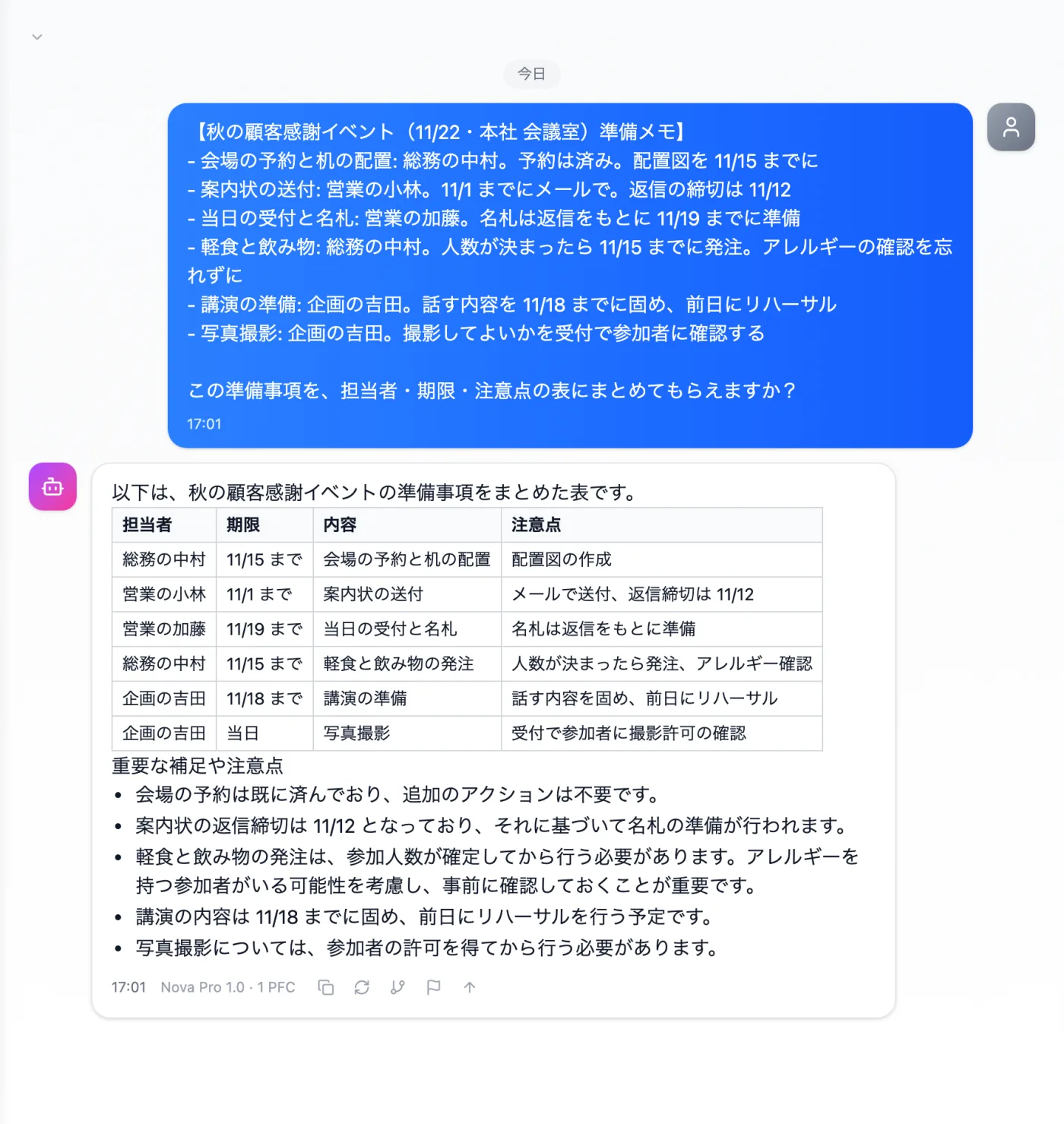
Actual screen (using the "Table format" output style) (an example of use)View larger image
Just 3 steps
Write out the prep
One line per task with owner, deadline, and what to watch out for.
Choose a style
Choose "Table format" from "Presets" in the input field.
Review the deadlines
Check that each task and deadline pairing matches the original notes.
Other uses work the same way
If you are unsure about the wording, you can also have another AI write it and compare.
Your next event starts with an assignment table, too.
Try it in Prompt Flow Studio