Sales / Action items after a sales meeting
Homework from the meeting:
who does it, and by when.
Action items in a table.
Just paste your meeting notes as bullets and ask for a table. A list of homework comes back with columns for task, owner and deadline.
Try it in Prompt Flow StudioMeeting notes provided
From the following meeting notes, put the action items after the meeting into a table. Organize them by task, owner and deadline.
[Meeting notes (10/27, Company C)]
- The client wants to decide whether to adopt it during December
- They want quotes in 2 patterns, annual and monthly payment → Tanaka (Sales) by 10/31
- They want to check whether their current customer data can be migrated → Sato (Engineering) will look into it and answer by 11/5
- Set up a meeting with the client's IT staff → Tanaka will arrange the date, 2nd week of November
- They want case study materials → Yamamoto (Planning) will send them by 11/1
- The next meeting is planned as a demo with executives attending (date undecided)
Table returned
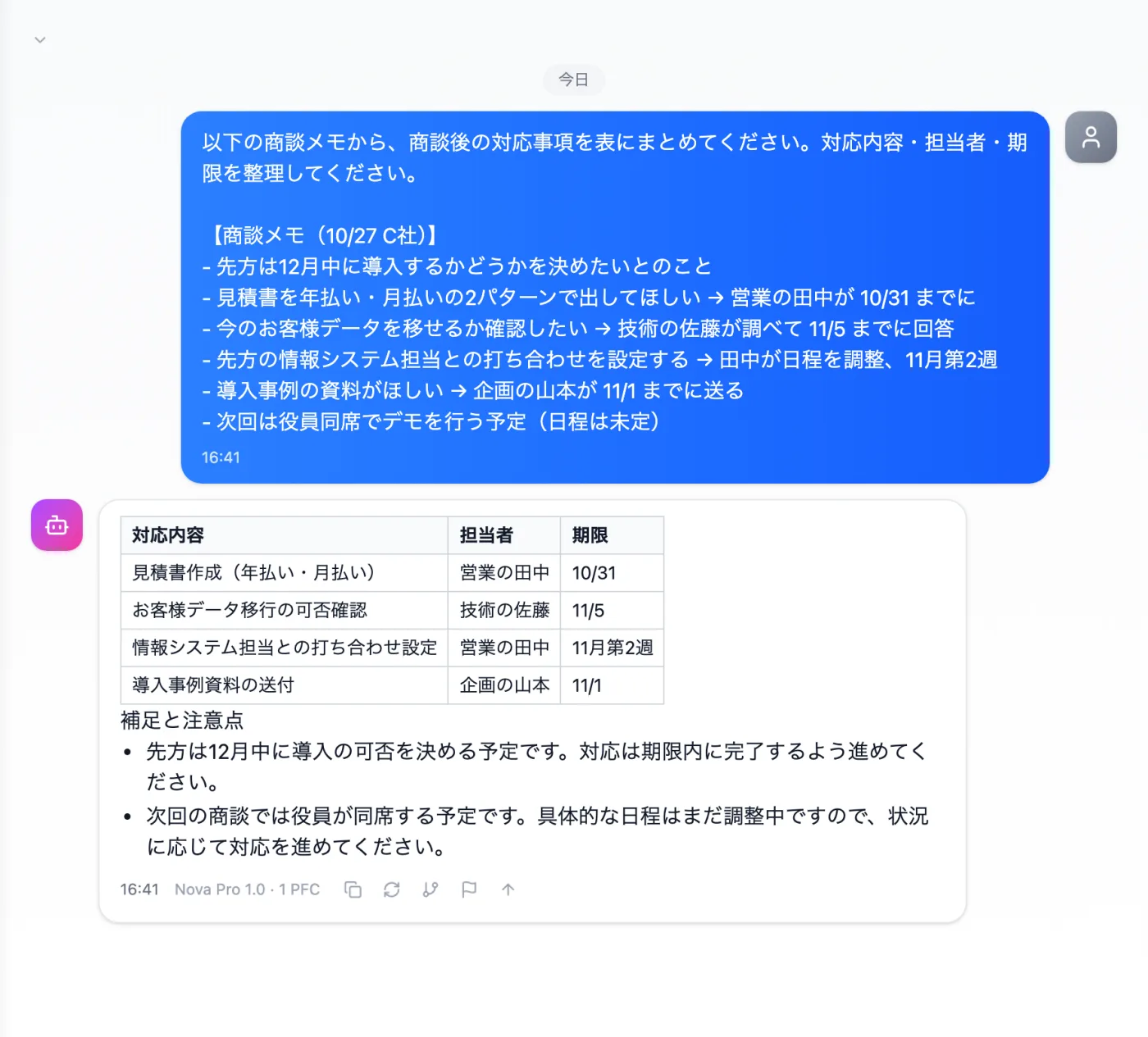
Actual screen (using the "Table format" output style) (an example of use)View larger image
Just 3 steps
Paste your notes
What, who, and by when. Bullet points as they are are enough.
Choose a style
From "Presets" in the input box, choose "Table format".
Check for gaps
Compare with the original notes and add any missing items or deadlines.
Other uses work the same way
If you are unsure about the wording, you can also have another AI write it and compare.
Your next meeting's homework starts from a table too.
Try it in Prompt Flow Studio