IT & development / Translating a feature description
Translate an app's
feature description into English
with matching screen names.
Just write the Japanese description and the English screen names. You get back English help text that includes the restore period and notification conditions.
Try it in Prompt Flow StudioDescription provided (Japanese original, shown here in English)
This is a feature description for the English help. For on-screen names, match the English labels given in parentheses.
To cancel several reservations at once, go to the reservation list screen (Reservations), check the reservations to cancel, and press the bulk cancel button (Bulk Cancel). Canceled reservations move to the canceled tab (Canceled) and can be restored for 30 days. Cancellation notices are sent to customers only if automatic sending is turned on in the notification settings (Notification Settings).
English text returned
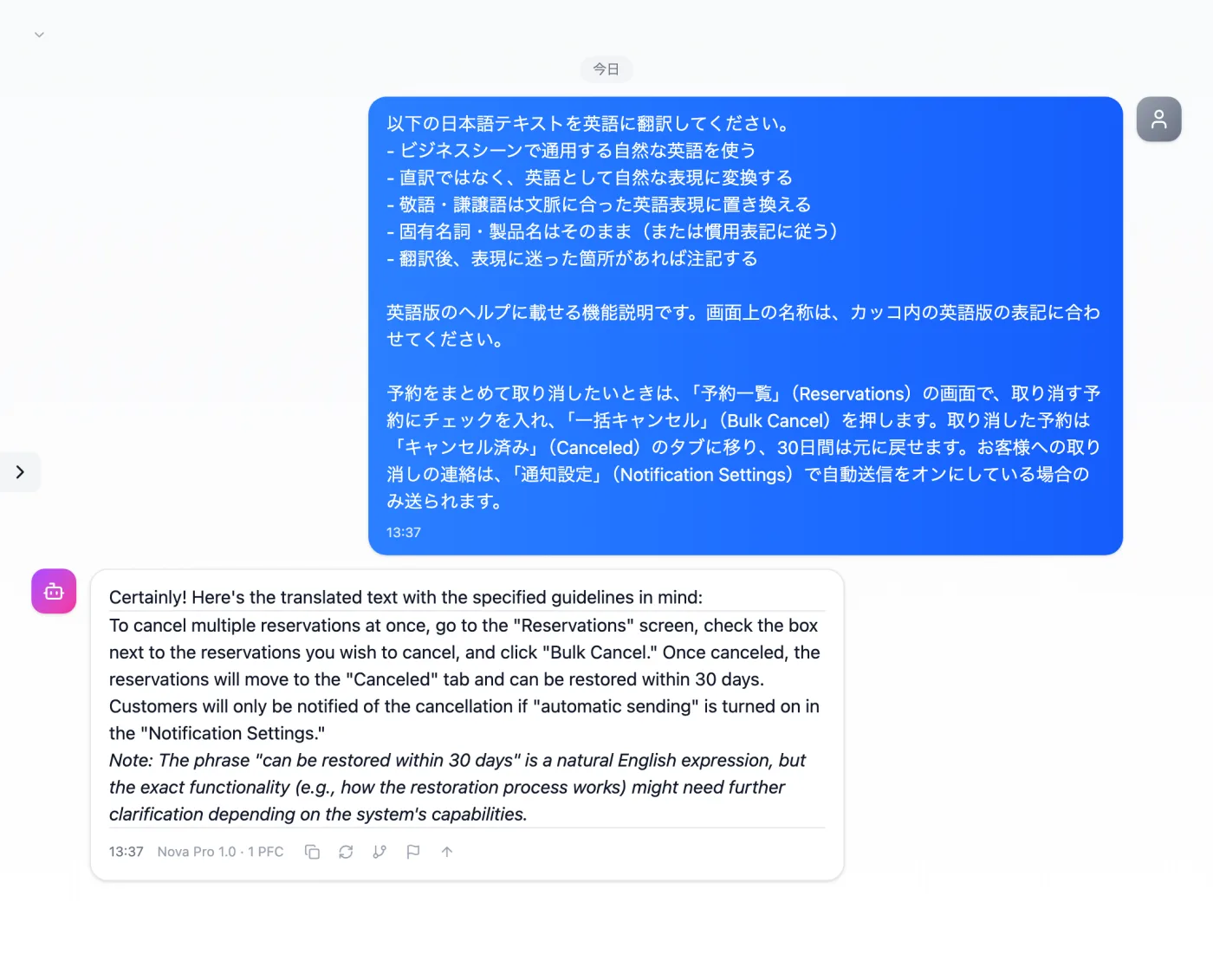
Actual screen (using the "Japanese-to-English translation mode" input preset) (an example of use)View larger image
Just 3 steps
Description and names
Add the English screen names to the Japanese description.
Choose "Japanese-to-English translation mode"
Apply "Japanese-to-English translation mode" in the "Input presets" tab.
Check the names
Compare the terms in the translation with the labels on the actual screens.
Other uses work the same way
If you are unsure about the wording, you can also have another AI write it and compare.
English help, in the same words as the screens.
Try it in Prompt Flow Studio