General affairs & internal / Translating a notice into English
An update notice.
The changes and downtime,
announced in English.
Just paste the Japanese notice. The changes, including dates, times and technical terms, and the downtime come back as an English notice.
Try it in Prompt Flow StudioOriginal text provided (Japanese)
海外の利用者向けに出すアップデートのお知らせです。
11月18日(水)のアップデートで、次の変更を行います。
・請求書のPDFに、発行日と支払期限を表示します。
・CSVの書き出しで、文字コードをUTF-8とShift_JISから選べるようになります。
・Internet Explorerのサポートを終了します。
アップデート中(11月18日 2:00〜4:00、日本時間)は、サービスを利用できません。
(English translation of the request: This is an update notice for overseas users. [the notice text, in Japanese])
English text that came back
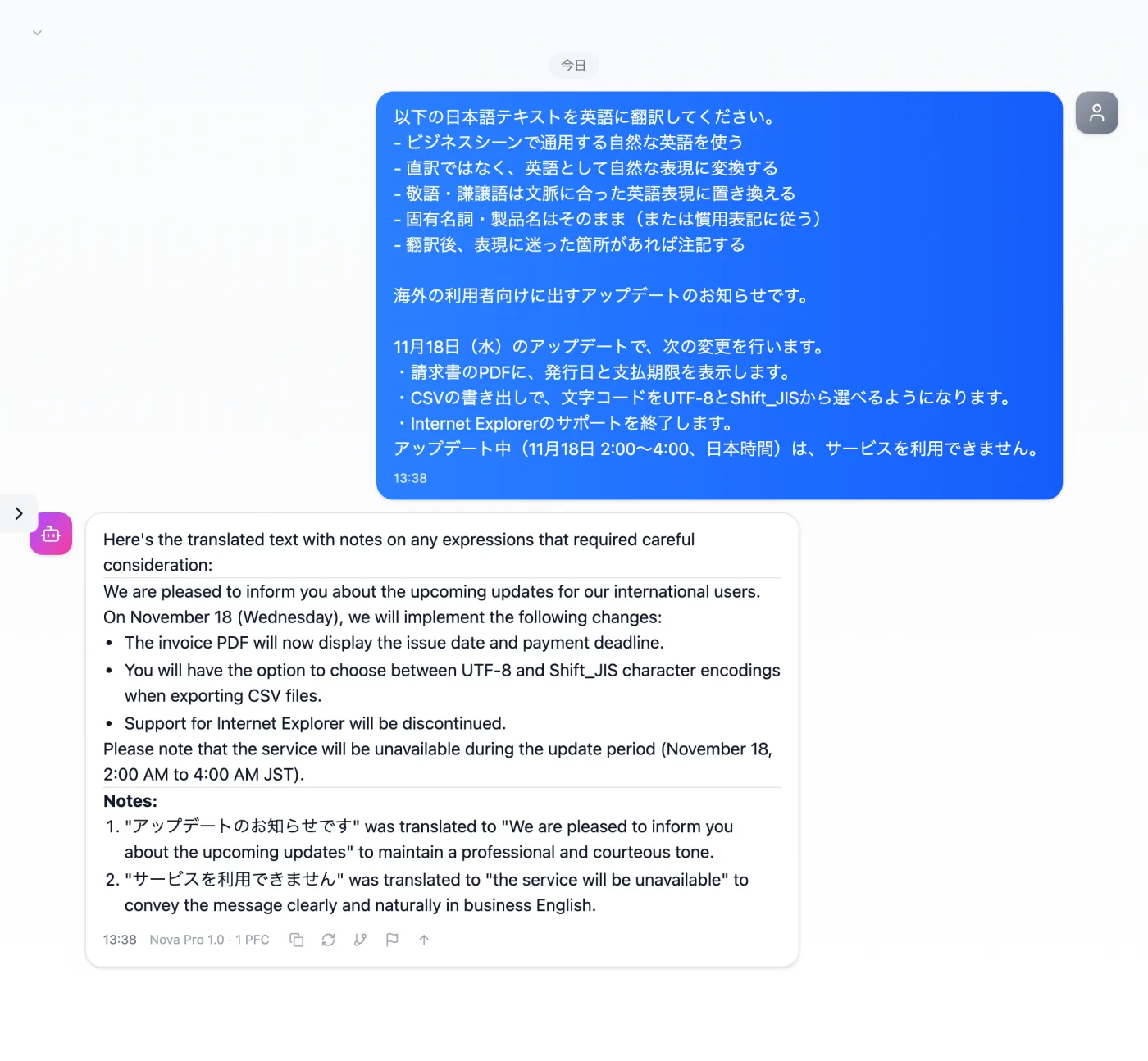
Actual screen (using the "Japanese-to-English translation mode" input preset) (an example of use)View larger image
Just 3 steps
Paste the original
Paste the changes and the downtime date and time as they are.
Choose "Japanese-to-English translation mode"
Apply "Japanese-to-English translation mode" in the "Input presets" tab.
Tidy up the text
Remove the preamble and the Notes, and tidy it up for distribution.
Other uses work the same way
If you are unsure about the wording, you can also have another AI write it and compare.
The same content, in English, for overseas users too.
Try it in Prompt Flow Studio