
Compare how models explain it, keep the clearest one.
Draft materials in Chat, then compare explanations across models in Compare to pick the clearest version. Use Debate to turn a real argument into a discussion exercise.
Sound familiar?
Wondering whether an explanation is clear enough, or how to cover multiple levels.
Not confident an explanation is clear enough
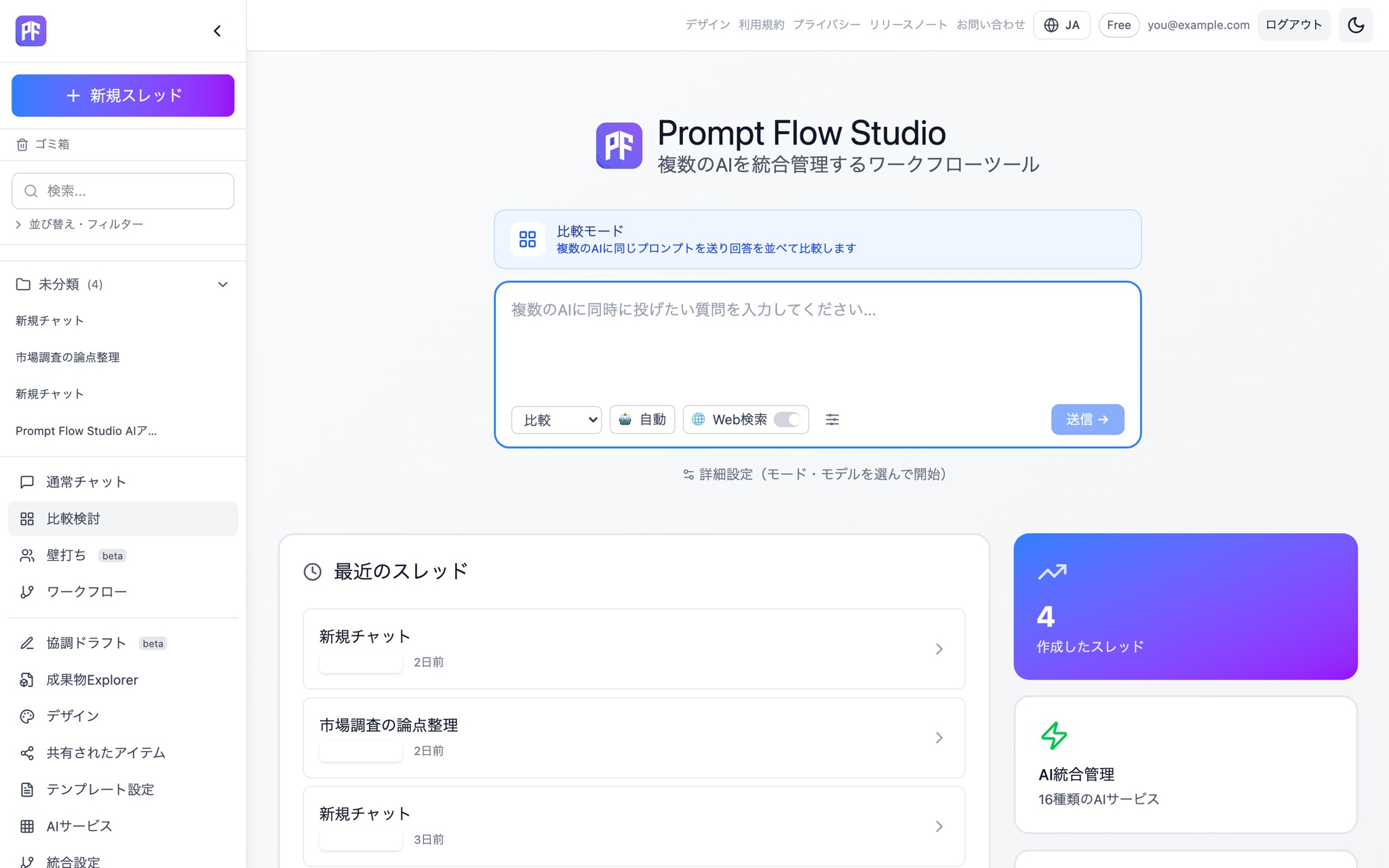
Line up several models' explanations in Compare and pick the clearest one.
Contested topics are hard to turn into material
Debate the two sides of a topic and use the argument itself as teaching material.
Redoing material for each grade level is tedious
Turn the target level into a variable in an input template and generate several levels from one brief.
A model answer reflects only one point of view
Compare answers across models to bring more than one perspective into your material.
A pattern for building materials
Draft the material in Chat
Example: "Explain how photosynthesis works, for a middle-school audience."
Compare how clearly each model explains it
Send the same brief to several models in Compare and judge which explanation is clearest.
Turn a debate into a discussion exercise
Example: debate a contested topic like "the case for and against nuclear power" and use the transcript directly as discussion material.
Scale it across levels with an input template
Example: use an input template with a {{grade level}} variable to generate material at several levels from one brief.
Build a library of materials as artifacts
Save finished material as an artifact so it's searchable across your library.
Features you'll use
Chat
Draft teaching material through a one-on-one conversation.
Compare
Compare explanations across models and pick the clearest one.
Debate
Argue a contested topic and turn the transcript directly into discussion material.
Input templates
Required {{variables}} with validation let you scale material across levels.
Artifact management
Save finished material as an artifact, searchable across the workspace.
Related pages
Try the training and education pattern on the free plan.
Start free